Shoulder Surfing Meaning: How Observers Steal Data in Plain Sight
Physical observation bypasses digital security controls entirely, making your screen and keyboard visible to anyone within a few feet of your device in public spaces.
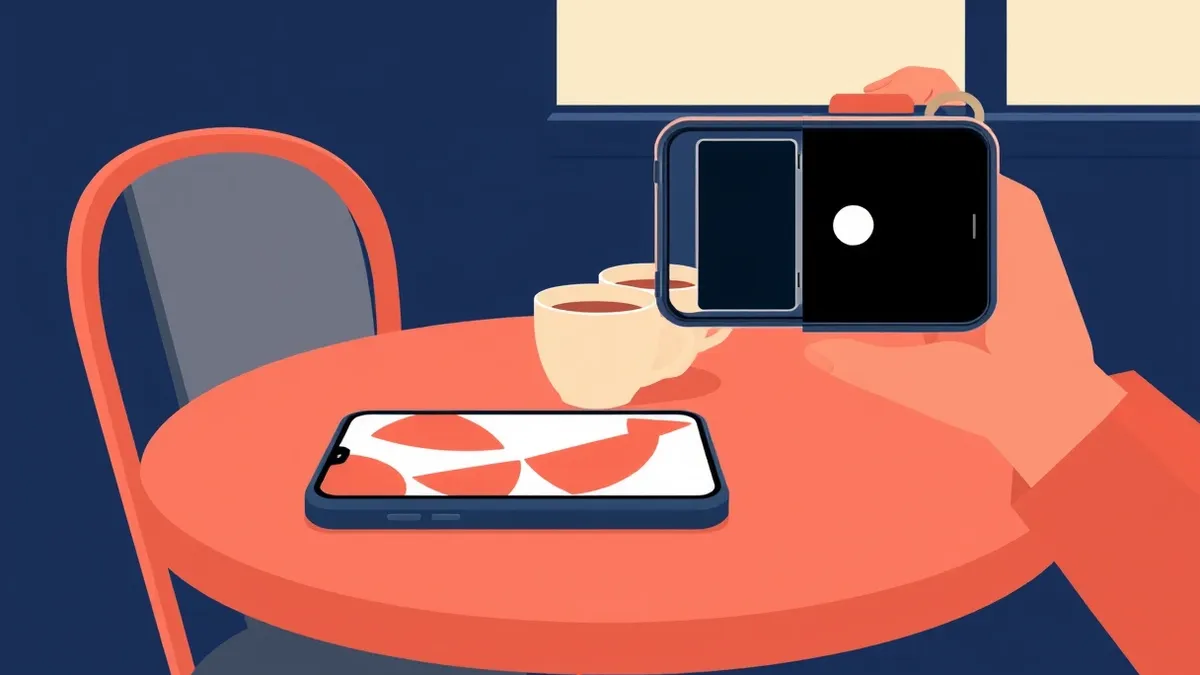
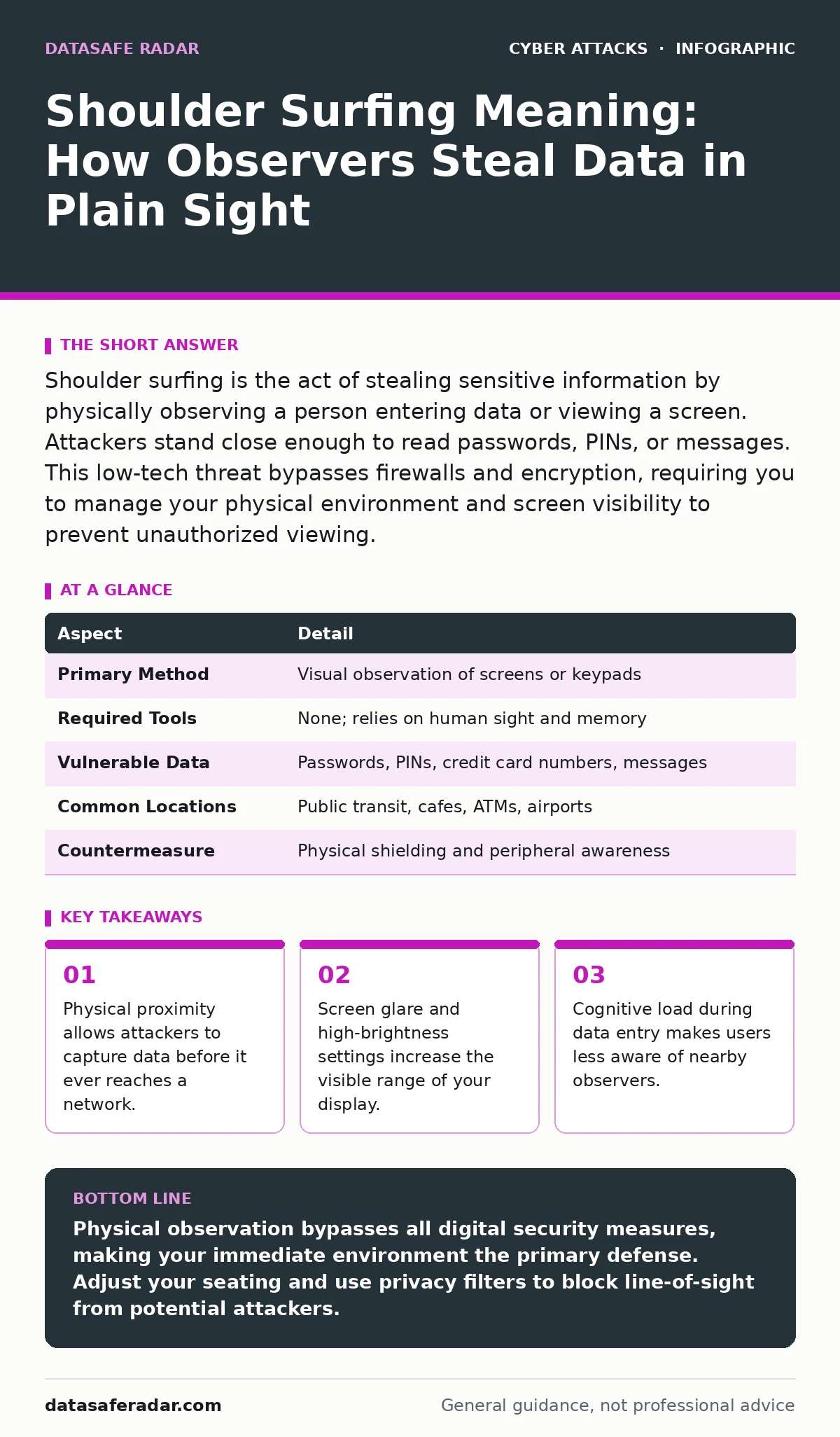
Shoulder surfing is the act of stealing sensitive information by physically observing a person entering data or viewing a screen. Attackers stand close enough to read passwords, PINs, or messages. This low-tech threat bypasses firewalls and encryption, requiring you to manage your physical environment and screen visibility to prevent unauthorized viewing.
Understanding the Shoulder Surfing Meaning
Shoulder surfing is a physical security threat where an attacker observes a victim to capture sensitive information. The term describes the action of looking over someone’s shoulder to see what they are typing or reading. This method does not require hacking tools, malware, or network access. The attacker simply needs line-of-sight to the target’s input method or display.
This technique exploits the gap between digital security and physical awareness. While you may encrypt your hard drive and use two-factor authentication, those protections fail if a stranger reads your password as you type it. The data is compromised at the source, before it travels across any wire. You hand the keys to the attacker directly, bypassing every digital lock you have installed.
| Aspect | Detail |
|---|---|
| Primary Method | Visual observation of screens or keypads |
| Required Tools | None; relies on human sight and memory |
| Vulnerable Data | Passwords, PINs, credit card numbers, messages |
| Common Locations | Public transit, cafes, ATMs, airports |
| Countermeasure | Physical shielding and peripheral awareness |
How Visual Theft Operates
Attackers rely on human habits and environmental distractions to execute this theft. They position themselves at an angle that allows them to see the screen without being obvious. Many people type with their heads down, creating a blind spot. The attacker waits for the victim to glance up or look away, then memorizes the input. Speed is often less important than accuracy for the attacker, who may watch multiple attempts to confirm the sequence.
Peripherals like coffee shops and train cars provide natural cover. The attacker can pretend to be on their own phone while actually watching your screen. Glare from windows or bright overhead lights can wash out part of your screen, forcing you to tilt it. This adjustment often directs the display toward the attacker. High-brightness settings, common in sunny environments, turn your screen into a beacon for anyone standing three feet away.
Who Faces the Greatest Risk
Anyone who uses digital devices in public faces this risk, but certain behaviors increase vulnerability. Remote workers who use cafes as offices are frequent targets. They often stay in the same spot for hours, allowing an attacker to study their routines. Delivery drivers and field technicians who handle customer data on tablets are also exposed. Their devices often auto-login, displaying sensitive records to anyone walking by.
Financial transactions attract the most attention. People standing in line at ticket counters or ATMs reveal more than they realize. The physical act of typing a PIN is slow and deliberate. This gives an observer ample time to record the sequence. Even experienced security professionals fall victim when they are tired or distracted. The cognitive load of remembering a complex password makes you focus on the task, not your surroundings.
What People Usually Get Wrong
Many users believe that digital security tools protect them from physical observation. They assume that because their connection is encrypted, their data is safe. This is a fundamental misunderstanding of the threat model. Encryption protects data in transit and at rest. It does not hide the plaintext characters on your screen from human eyes. If an attacker sees the password, they can use it to bypass encryption entirely.
Another common error is assuming that only obvious staring is dangerous. Subtle observation is harder to detect. An attacker does not need to look directly at you. They can use the reflection in their glasses, their phone screen, or a nearby monitor. You might not feel watched, but your data is still visible. This misconception leads users to lower their physical defenses in moderately crowded spaces.
Practical Defenses and Trade-offs
Physical shielding is the most effective defense against shoulder surfing. Privacy filters, which are thin sheets placed over your screen, restrict the viewing angle. Only the person directly in front of the display can see the content. From the side, the screen appears black or dim. This forces attackers to stand directly behind you, which is more noticeable and socially awkward. However, these filters reduce screen brightness and clarity, which can be a trade-off for outdoor use.
Adjusting your seating position is a free and immediate control. Sit with your back to a wall or face away from high-traffic areas. Position your device so the screen faces away from passersby. Use your hand or body to block the view when typing sensitive information. This physical barrier breaks the line-of-sight required for the attack. It is a simple habit that adds a layer of security without any cost or technical setup.
When Standard Advice Fails
Standard advice often suggests using complex, long passwords. While this is good for thwarting brute-force attacks, it increases the risk of shoulder surfing. Longer passwords take more time to type. This extends the window of opportunity for an observer. You are exposed for longer, giving the attacker more time to memorize or record the input. This is a hidden cost of high-complexity requirements.
Biometric authentication, such as fingerprint or facial recognition, reduces this exposure. You do not type anything. The attacker cannot read a physical action from a distance. However, biometrics are not foolproof. Some systems allow fallback to PIN entry. If you are forced to enter a PIN, you are back to the physical observation risk. Always be aware of which authentication method you are using and the environment you are in.
Connecting to Related Threats
Shoulder surfing often works in tandem with other attack vectors. An attacker might use the stolen credentials to perform session hijacking. Once they have your password, they can log in from another device and take over your active session. This combines physical theft with digital exploitation. The initial compromise is physical, but the damage occurs online.
This method also complements evil twin Wi-Fi attacks. An attacker sets up a fake wireless network with the same name as a legitimate one. When you connect, they may prompt you for credentials. If they are standing nearby, they can watch you type the password into the fake login page. This dual approach ensures they capture the data even if your device does not auto-send it. Understanding these links helps you see the full picture of public risk.
Key takeaways
- Physical proximity allows attackers to capture data before it ever reaches a network.
- Screen glare and high-brightness settings increase the visible range of your display.
- Cognitive load during data entry makes users less aware of nearby observers.
Physical observation bypasses all digital security measures, making your immediate environment the primary defense. Adjust your seating and use privacy filters to block line-of-sight from potential attackers.
Frequently asked questions
Can shoulder surfing happen on mobile phones?
Yes, mobile phones are highly vulnerable due to their small screens and frequent use in public. The close proximity required makes it easy for an attacker to stand near you without detection.
Does turning off notifications help prevent this?
Yes, disabling lock-screen notifications prevents sensitive data from being visible when your device is idle. This reduces the amount of information available to someone glancing at your unattended device.
Are privacy filters effective for all screen sizes?
Privacy filters are effective for laptops and tablets, but they can be difficult to find for very large monitors or very small phones. Ensure the filter fits your device properly to avoid gaps in coverage.
What should I do if I suspect someone is watching me?
Immediately stop typing and look around. Move your device to block the view or change your location. If you were entering a password, change it as soon as you are in a secure, private environment.
How this guide was produced: written by the DataSafe Radar editorial team with AI assistance, checked against the public references listed below, and reviewed when the facts change. See our editorial policy or report an error.