DLL Sideloading Explained: How Software Tricks Your Computer
Legitimate programs can load malicious code from the same folder without checking digital signatures or verifying the source origin.
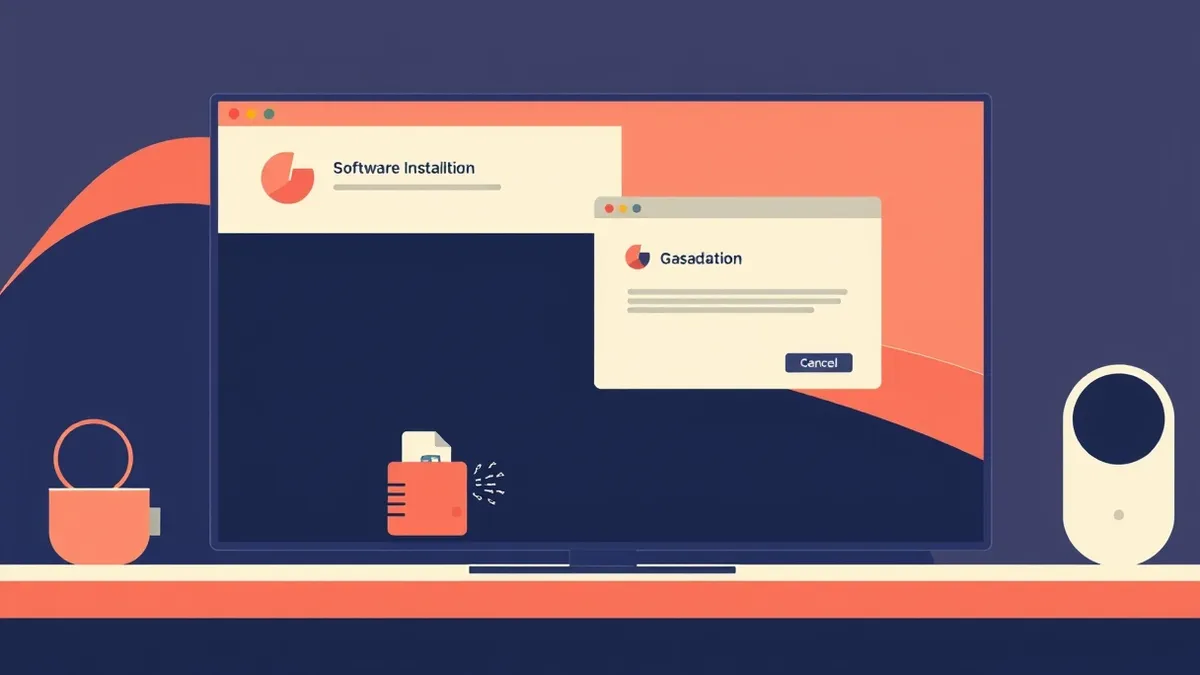
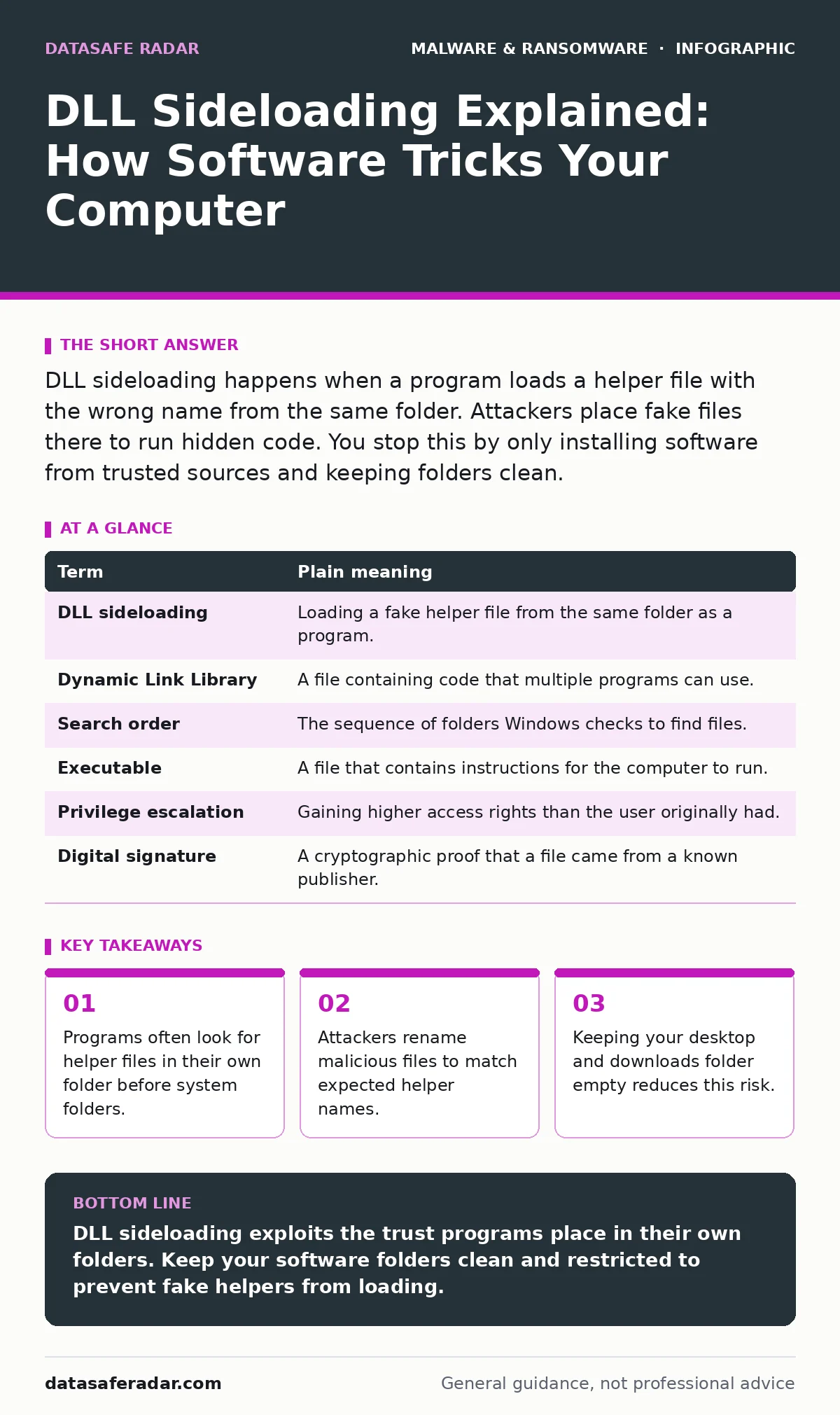
DLL sideloading happens when a program loads a helper file with the wrong name from the same folder. Attackers place fake files there to run hidden code. You stop this by only installing software from trusted sources and keeping folders clean.
The Delivery Truck Analogy
Imagine you order furniture from a reputable manufacturer. You expect a delivery truck to arrive with your sofa. You do not inspect the driver’s license or the truck’s registration. You simply open the door and accept the package because it came from the address you trusted.
Now imagine a thief knows your delivery schedule. They park a similar-looking truck nearby. When the delivery driver is delayed, the thief hands you a box labeled "Sofa." You open it, but inside is a bomb. You did not check the box closely because you trusted the delivery process.
This is how DLL sideloading works in computing. Your computer trusts the main program you installed. It does not always check the smaller helper files that program needs to run. If a bad actor places a fake helper file in the same folder, your computer loads it automatically.
How the Mechanism Works
Most software does not do everything itself. It relies on helper files called dynamic link libraries or DLLs. These files contain code for common tasks like drawing buttons or playing audio. When you launch a program, it searches for these libraries to complete its functions.
The operating system has a specific order for finding these files. It often checks the folder where the main program lives first. This is called the search order. If the folder contains a file with the expected name, the program loads it. It rarely checks if that file actually came from the original manufacturer.
Attackers exploit this trust. They create a malicious DLL and give it the same name as a helper file the program expects. They place this fake file in the same folder as the legitimate program. When you run the program, it loads the fake file first. The malware then executes silently in the background.
| Term | Plain meaning |
|---|---|
| DLL sideloading | Loading a fake helper file from the same folder as a program. |
| Dynamic Link Library | A file containing code that multiple programs can use. |
| Search order | The sequence of folders Windows checks to find files. |
| Executable | A file that contains instructions for the computer to run. |
| Privilege escalation | Gaining higher access rights than the user originally had. |
| Digital signature | A cryptographic proof that a file came from a known publisher. |
Why It Matters to You
You might think only hackers care about technical file names. But this technique allows malware to hide in plain sight. Because the main program is legitimate, security tools might not flag the activity. The behavior looks like normal software operation.
This method is often used to install keyloggers or spyware. These tools record your keystrokes to steal passwords. Since the code runs from a trusted location, it can bypass some basic security checks. You see the program working normally, but data is leaking out.
The danger is subtle. You did not click a suspicious link. You ran a program you trust, like a video editor or a game. The problem was not the program itself, but the folder where it lived. This makes detection difficult for users who only check the main application name.
The Hidden Cost of Convenience
Software developers use DLLs to save space and speed up updates. If every program included all its own code, updates would be massive. Sharing libraries is efficient. But this efficiency creates a blind spot.
These folders are often accessible to other programs and users. If you leave a zip file open, or a program installed in these areas, an attacker with access to your account can drop a fake DLL there. The next time you run the software, the fake file loads.
This is why fileless malware strategies often combine with sideloading. The attacker does not need to install a permanent virus. They just need to place a file in a watched folder. The damage happens only when you run the associated program.
Simple Safety Habits
You can reduce your risk by changing how you manage software folders. The goal is to make it harder for attackers to place files where they will be found. You do not need advanced technical skills to do this.
- Install software only from official websites or trusted app stores. Avoid third-party download sites that bundle extra tools.
- Keep your Desktop and Downloads folders empty. Move files to proper folders after downloading. This limits where programs look for helpers.
- Enable real-time protection in your security software. Modern tools can detect unusual loading behavior, even if the file name looks correct.
This ensures the folder is protected by system permissions. Other programs cannot easily write files there. It adds a layer of friction for attackers trying to place fake DLLs.
Checking Your Environment
You can verify if your system is vulnerable by looking at file permissions. If any user can write to a folder where a program lives, that folder is at risk. This is a common issue with portable apps or software installed in user directories.
Regular updates help too. Developers sometimes fix search order vulnerabilities. They might change how their programs look for DLLs to be safer. Keeping your software current ensures you have these fixes.
Beyond Basic Protection
Sideloading is just one method attackers use. It often works in tandem with malware obfuscation, where the code is hidden to avoid detection. Understanding this helps you appreciate why simple antivirus scans are not enough. You need a layered approach.
This technique is different from firmware malware, which hides in the hardware itself. Sideloading lives in the software layer. It is easier to remove, but also easier to ignore. You must actively manage your file locations.
If you suspect an infection, check for unfamiliar files in program folders. Look for DLLs you do not recognize. Removing them may break the program, but it stops the malware. You can then reinstall the software from a clean source.
Key takeaways
- Programs often look for helper files in their own folder before system folders.
- Attackers rename malicious files to match expected helper names.
- Keeping your desktop and downloads folder empty reduces this risk.
- Legitimate software can still execute code if the folder is compromised.
DLL sideloading exploits the trust programs place in their own folders. Keep your software folders clean and restricted to prevent fake helpers from loading.
Frequently asked questions
Can DLL sideloading happen on Mac or Linux?
Yes, similar techniques exist on all major operating systems, though the file names and search orders differ.
Does antivirus software stop DLL sideloading?
Modern security tools can detect suspicious loading patterns, but no tool catches every attempt.
Is it safe to use portable apps?
Portable apps are safer if kept in isolated folders, but they often lack the security protections of installed software.
How do I know if a DLL is fake?
Check for digital signatures. If a file lacks a signature from the known publisher, treat it with caution.
How this guide was produced: written by the DataSafe Radar editorial team with AI assistance, checked against the public references listed below, and reviewed when the facts change. See our editorial policy or report an error.