Firmware Malware Myths: Why Your Antivirus Won't Save You
Firmware malware survives disk wipes and OS reinstalls because it runs before the operating system loads, making standard security tools blind to its presence.

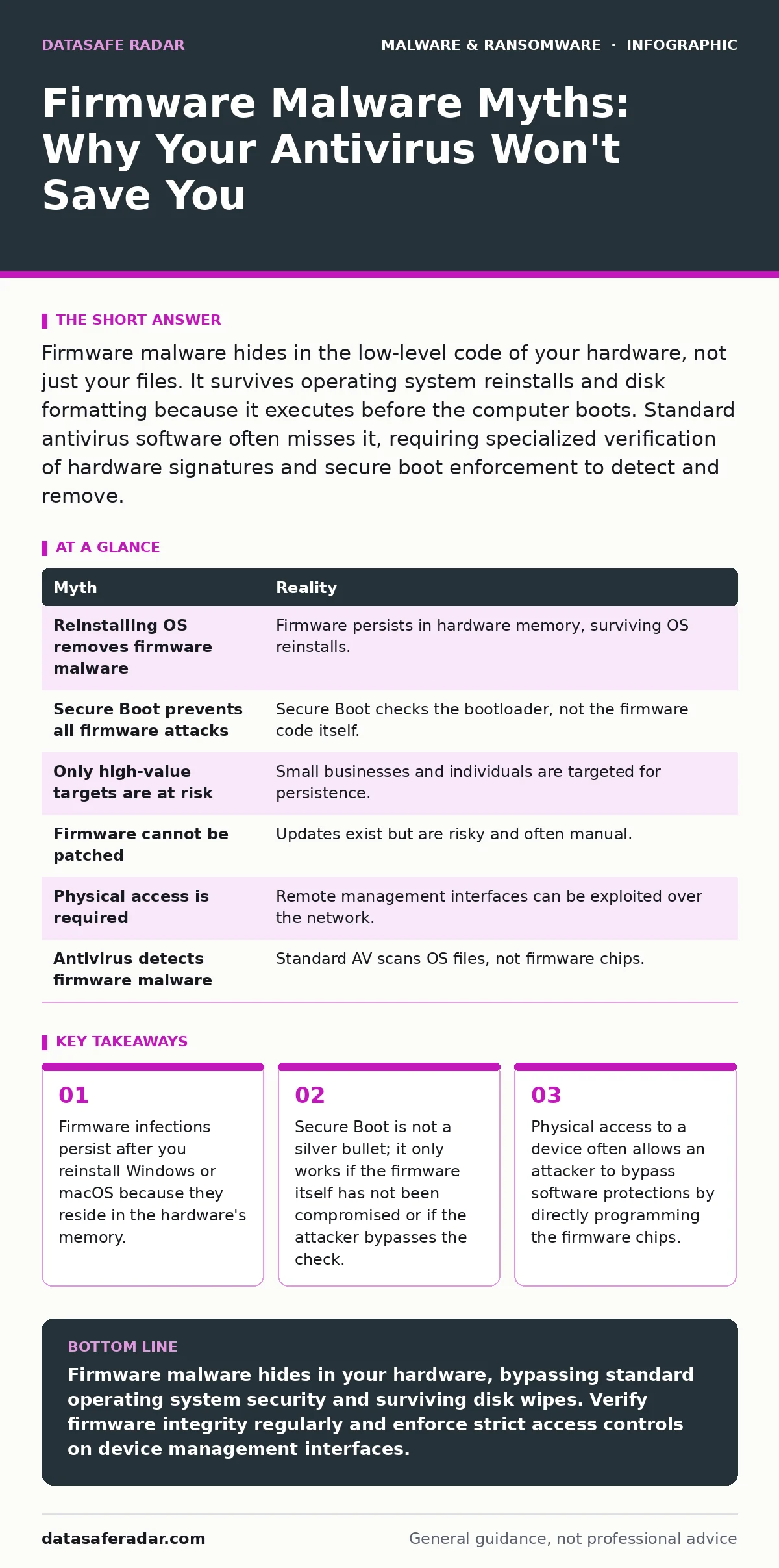
Firmware malware hides in the low-level code of your hardware, not just your files. It survives operating system reinstalls and disk formatting because it executes before the computer boots. Standard antivirus software often misses it, requiring specialized verification of hardware signatures and secure boot enforcement to detect and remove.
Myth: Reinstalling the Operating System Removes Firmware Malware
Reality: A fresh install of the operating system does not touch the firmware layer. When you format your drive and reinstall Windows or macOS, you are only wiping the storage medium where user files and system applications live. The firmware, which sits on separate chips on the motherboard, remains untouched.
Imagine you clean the house by throwing out all the furniture and painting the walls. If someone had replaced the foundation with hollow blocks, your cleaning efforts would miss the problem entirely. Firmware acts as the foundation. It initializes the hardware before the operating system even loads. If malware resides there, it loads every time the machine powers on, often before any security software can start.
This persistence is why fileless malware techniques are so dangerous. The attacker does not need to leave a file on your hard drive. They embed instructions in the firmware code. When the computer boots, those instructions execute in memory, hiding from traditional file-scanning tools. You might see a clean system, but the infection is already active.
Myth: Secure Boot Completely Prevents Firmware Attacks
Reality: Secure Boot verifies the digital signature of the bootloader to ensure it has not been tampered with. It does not verify the firmware code that runs before the bootloader. If an attacker compromises the firmware itself, Secure Boot may never get the chance to run.
Secure Boot relies on a chain of trust. It checks the operating system loader against a list of allowed keys. If the firmware is already infected, the attacker can modify the firmware to sign malicious code with a valid key or bypass the check entirely. This is a case where the usual advice fails. Many users believe enabling Secure Boot makes their hardware invulnerable. It does not. It only protects the specific transition from firmware to the operating system.
Myth: Firmware Malware Only Targets High-Value Government Targets
Reality: Firmware attacks are not limited to nation-states or large corporations. Attackers targeting small businesses or individuals also use these methods because they are harder to detect and harder to remove. The barrier to entry has lowered as tools for flashing firmware become more accessible.
The misconception that only spies care about firmware stems from the complexity of the attack. It requires deep technical knowledge and often physical access. However, the payoff for a ransomware operator is high. If they infect your network switch or router firmware, they can maintain access even if you wipe every computer in the office. This persistence allows them to re-infect systems that you thought were clean.
This is why USB device control policies matter. A malicious USB drive can trigger a firmware update exploit on a connected computer. This is not theoretical. Attackers use "bad USB" devices that emulate a keyboard or storage device to flash malicious firmware onto the host machine. The target does not need to be a government agency. It just needs to be valuable enough to warrant the effort.
Myth: Firmware Cannot Be Updated or Patched Effectively
Reality: Firmware updates are possible, but they are risky and often incomplete. Vendors release patches for known vulnerabilities, but applying them requires a stable connection and a correct sequence of steps. If the update fails, the device can become "bricked," meaning it no longer functions at all.
Unlike operating system updates, firmware updates are not always automatic. Many devices require manual intervention. This creates a gap where vulnerabilities remain open for months or years. Attackers exploit these windows. They look for devices with known firmware flaws that have not been patched.
Myth: Physical Access Is Required to Install Firmware Malware
Reality: While physical access makes firmware attacks easier, it is not strictly required. Remote firmware exploitation is possible if the device has network-connected management interfaces. Many enterprise routers, switches, and servers allow remote configuration. If an attacker gains credentials to these interfaces, they can push malicious firmware updates over the network.
Imagine a server in a data center that you cannot touch. If the management port is exposed to the internet and has a weak password, an attacker can log in and flash new firmware. This bypasses the need for physical proximity. It also means that real-time protection on the endpoint does not help. The malware is not running on the endpoint yet; it is waiting in the device's firmware to execute next time it reboots.
This remote capability is why network segmentation is critical. Isolate management interfaces from the general network. Do not allow direct internet access to device configuration portals. Even if an attacker breaches your perimeter, they should not be able to reach the firmware update mechanisms of your critical infrastructure.
Myth: Firmware Malware Is Always Detectable by Antivirus
Reality: Most antivirus software scans files on the operating system. It does not scan the firmware chips. Some advanced security solutions include firmware scanning, but they are not standard on consumer devices. Even if they are present, they may miss sophisticated obfuscation techniques.
Malware obfuscation makes detection difficult. Attackers hide malicious code within legitimate firmware functions. They use encryption or packing to disguise the payload. Standard signature-based detection fails because the signature changes with each infection. Behavioral analysis helps, but firmware runs in a privileged mode that restricts what monitoring tools can see.
This is why DLL sideloading is a related concern. Attackers may use legitimate system processes to load malicious code into memory. If the firmware is compromised, it can facilitate this loading process before the operating system even starts. The antivirus sees a legitimate system process, not an infection. You need specialized tools that verify the integrity of the firmware image itself, comparing it to a known good baseline.
| Myth | Reality |
|---|---|
| Reinstalling OS removes firmware malware | Firmware persists in hardware memory, surviving OS reinstalls. |
| Secure Boot prevents all firmware attacks | Secure Boot checks the bootloader, not the firmware code itself. |
| Only high-value targets are at risk | Small businesses and individuals are targeted for persistence. |
| Firmware cannot be patched | Updates exist but are risky and often manual. |
| Physical access is required | Remote management interfaces can be exploited over the network. |
| Antivirus detects firmware malware | Standard AV scans OS files, not firmware chips. |
Key takeaways
- Firmware infections persist after you reinstall Windows or macOS because they reside in the hardware's memory.
- Secure Boot is not a silver bullet; it only works if the firmware itself has not been compromised or if the attacker bypasses the check.
- Physical access to a device often allows an attacker to bypass software protections by directly programming the firmware chips.
Firmware malware hides in your hardware, bypassing standard operating system security and surviving disk wipes. Verify firmware integrity regularly and enforce strict access controls on device management interfaces.
Frequently asked questions
How do I know if my firmware is infected?
Look for unusual network traffic from devices that should not be communicating, unexpected reboots, or failure of security software to start. Specialized forensic tools are often required for confirmation.
Is firmware malware common on consumer devices?
It is less common than standard malware but increasingly prevalent. Attackers are moving to firmware to ensure persistence and evade detection.
How this guide was produced: written by the DataSafe Radar editorial team with AI assistance, checked against the public references listed below, and reviewed when the facts change. See our editorial policy or report an error.