How to Stop Ransomware: 3 Layers That Actually Work
Ransomware fails when it cannot find writable files or execute code, so you stop it by removing permissions and isolating backups rather than relying on signature detection alone.

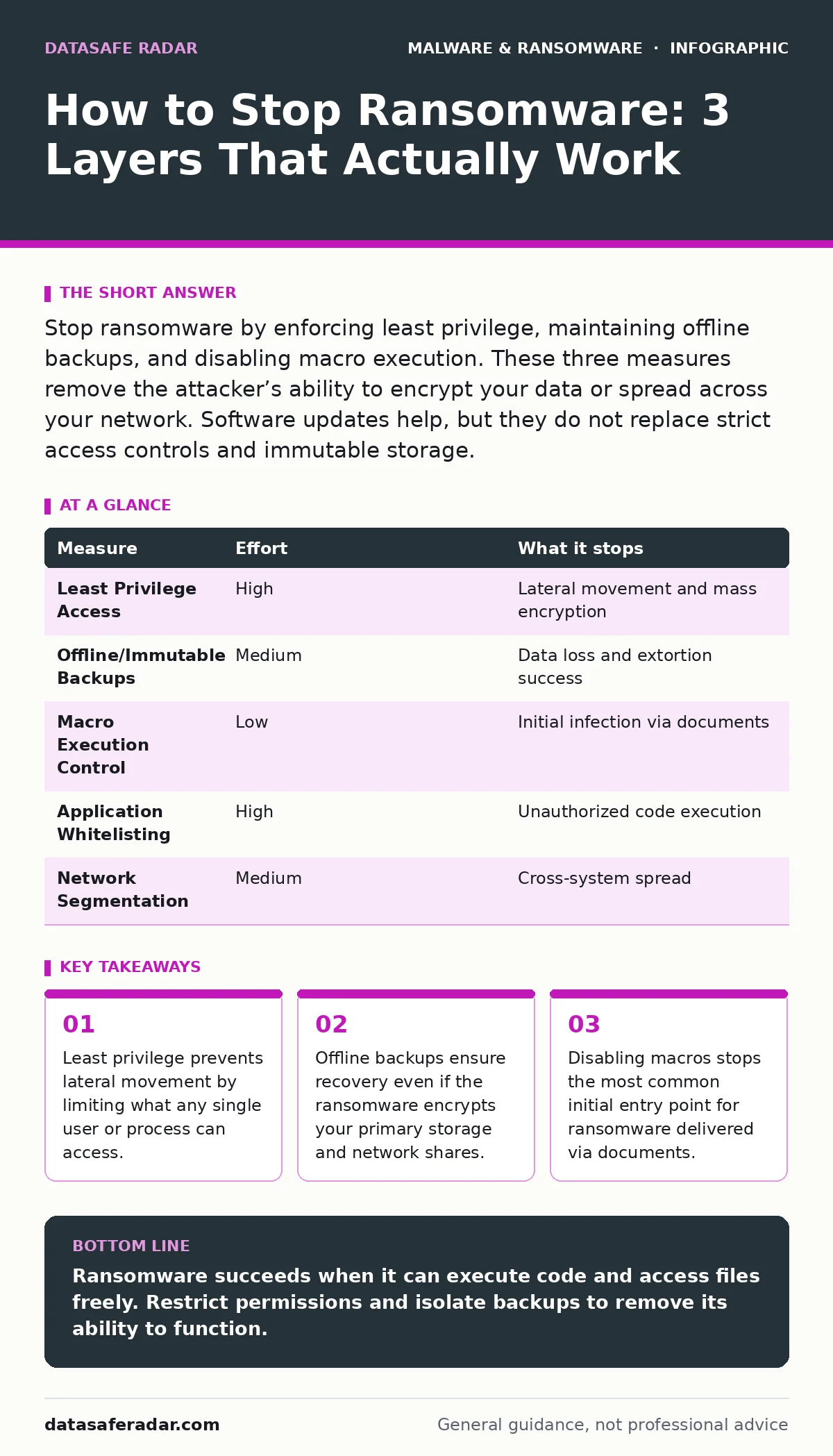
Stop ransomware by enforcing least privilege, maintaining offline backups, and disabling macro execution. These three measures remove the attacker’s ability to encrypt your data or spread across your network. Software updates help, but they do not replace strict access controls and immutable storage.
How to stop ransomware effectively
Ransomware is malicious software that encrypts your files and demands payment for the decryption key. You stop ransomware by making your environment hostile to its operation. The goal is not just to detect the malware, but to prevent it from executing or spreading. This requires a shift from passive defense to active restriction. You must assume that some malware will bypass your perimeter. Your internal controls must limit the damage.
The most effective measures remove the attacker’s ability to write to disks or move between systems. These controls work regardless of the specific ransomware variant. They rely on system architecture and policy rather than pattern matching. Pattern matching fails against new or modified code. Structural controls remain effective as long as they are enforced.
Priority measures ranked by risk reduction
| Measure | Effort | What it stops |
|---|---|---|
| Least Privilege Access | High | Lateral movement and mass encryption |
| Offline/Immutable Backups | Medium | Data loss and extortion success |
| Macro Execution Control | Low | Initial infection via documents |
| Application Whitelisting | High | Unauthorized code execution |
| Network Segmentation | Medium | Cross-system spread |
Least privilege access provides the highest risk reduction. It ensures that a compromised account cannot access critical servers or other user data. If an attacker gains a foothold, they remain trapped in a small area. This containment prevents the ransomware from finding the high-value targets it needs to justify the attack.
Offline backups provide the ultimate safety net. If the ransomware encrypts your primary data, you can restore from a copy that the malware cannot reach. This removes the attacker’s leverage. You do not need to pay because you do not need the decryption key. This measure stops the financial impact even if the technical breach succeeds.
The hidden cost of real-time protection
Real-time protection monitors file activity and blocks known malicious patterns. It is a necessary layer, but it is not sufficient. Attackers use techniques like malware obfuscation to hide their code from scanners. They also use legitimate tools to perform malicious actions, which real-time protection may allow because the tool itself is trusted.
You cannot rely on real-time protection alone. It generates false positives and misses novel attacks. It also consumes system resources. You must combine it with behavioral controls that look for suspicious activity, such as rapid file renaming or mass encryption. These controls detect the action, not just the signature.
What does not work on its own
Many users believe that keeping their software updated is enough. Updates patch known vulnerabilities, but they do not fix poor configuration. If you run your daily tasks as an administrator, an update cannot protect you from a malicious script you execute yourself. The vulnerability is your behavior, not the software code.
Firewalls also do not stop ransomware that enters through allowed channels. If you open a malicious document, the firewall does not block the resulting encryption. The threat comes from inside the network, not from outside. You must control what happens after the connection is established.
Stopping the initial entry point
Most ransomware enters through malicious documents. These files contain macros that execute code when you enable content. You can stop this by disabling macro execution for all users. This breaks the chain of infection before the ransomware payload downloads.
Suppose you receive an invoice with a .docm extension. The file appears legitimate, but it contains hidden code. If macros are disabled, the code never runs. The file remains inert. This simple control stops the majority of initial infections. You do not need to inspect every file; you simply remove the execution capability.
You should also restrict the execution of scripts from unknown sources. Many ransomware variants use PowerShell or Python to encrypt files. If you limit which users can run these scripts, you reduce the attack surface. This is part of the broader least privilege strategy.
Protecting your data with backup hygiene
Backups are useless if the ransomware can encrypt them. Attackers often scan for network shares and cloud storage credentials. If your backups are connected to the same network, they are at risk. You must store backups offline or in an immutable storage solution.
Immutable storage prevents modification or deletion for a set period. Even if an attacker gains access, they cannot alter the backup. This ensures you always have a clean copy to restore. You must test your backups regularly to ensure they are not corrupted. A backup you cannot restore is worse than no backup.
Consider the concept of air-gapping. This means physically disconnecting the backup media from the network. You plug it in only to perform backups and then unplug it. This provides the highest level of protection against ransomware. It requires manual effort, but it eliminates remote access risks.
The role of firmware malware
You must update your firmware regularly. Manufacturers release patches for vulnerabilities in these low-level components. If you ignore firmware updates, you leave a backdoor that attackers can use to bypass your operating system defenses. This is a critical, often overlooked step in ransomware prevention.
A checklist for immediate action
You can implement three high-impact changes today. These steps require minimal technical expertise but provide significant protection.
- Disable macro execution in your office software. This stops the most common initial infection vector.
- Verify your backups are offline or immutable. Ensure you can restore data without network access.
- Audit user permissions. Remove administrator rights from daily-use accounts. This limits the damage of a compromised account.
These actions address the core mechanics of ransomware: execution, spread, and encryption. By focusing on these areas, you reduce your risk more effectively than by adding more scanning tools.
Key takeaways
- Least privilege prevents lateral movement by limiting what any single user or process can access.
- Offline backups ensure recovery even if the ransomware encrypts your primary storage and network shares.
- Disabling macros stops the most common initial entry point for ransomware delivered via documents.
Ransomware succeeds when it can execute code and access files freely. Restrict permissions and isolate backups to remove its ability to function.
Frequently asked questions
Does a firewall stop ransomware?
A firewall blocks unauthorized network connections, but it cannot stop ransomware that enters through allowed traffic or user action. It is a perimeter control, not an internal defense.
Can ransomware hide in USB devices?
Yes, ransomware can infect USB drives and spread when you plug them into a computer. You need USB device control policies to restrict which drives can execute code.
Is cloud storage safe from ransomware?
Cloud storage is safer if you enable versioning and immutable retention. If the ransomware encrypts the files in the cloud, you can restore previous versions that the malware cannot alter.
How do I know if I have ransomware?
Look for sudden file renaming, locked files, and ransom notes. Your system may also slow down significantly as the encryption process consumes resources.
How this guide was produced: written by the DataSafe Radar editorial team with AI assistance, checked against the public references listed below, and reviewed when the facts change. See our editorial policy or report an error.