Screen Locker Ransomware Explained: How It Works and How to Escape
Screen locker ransomware blocks your desktop access entirely, forcing you to pay for a simple unlock code that you can often bypass with basic system tools.
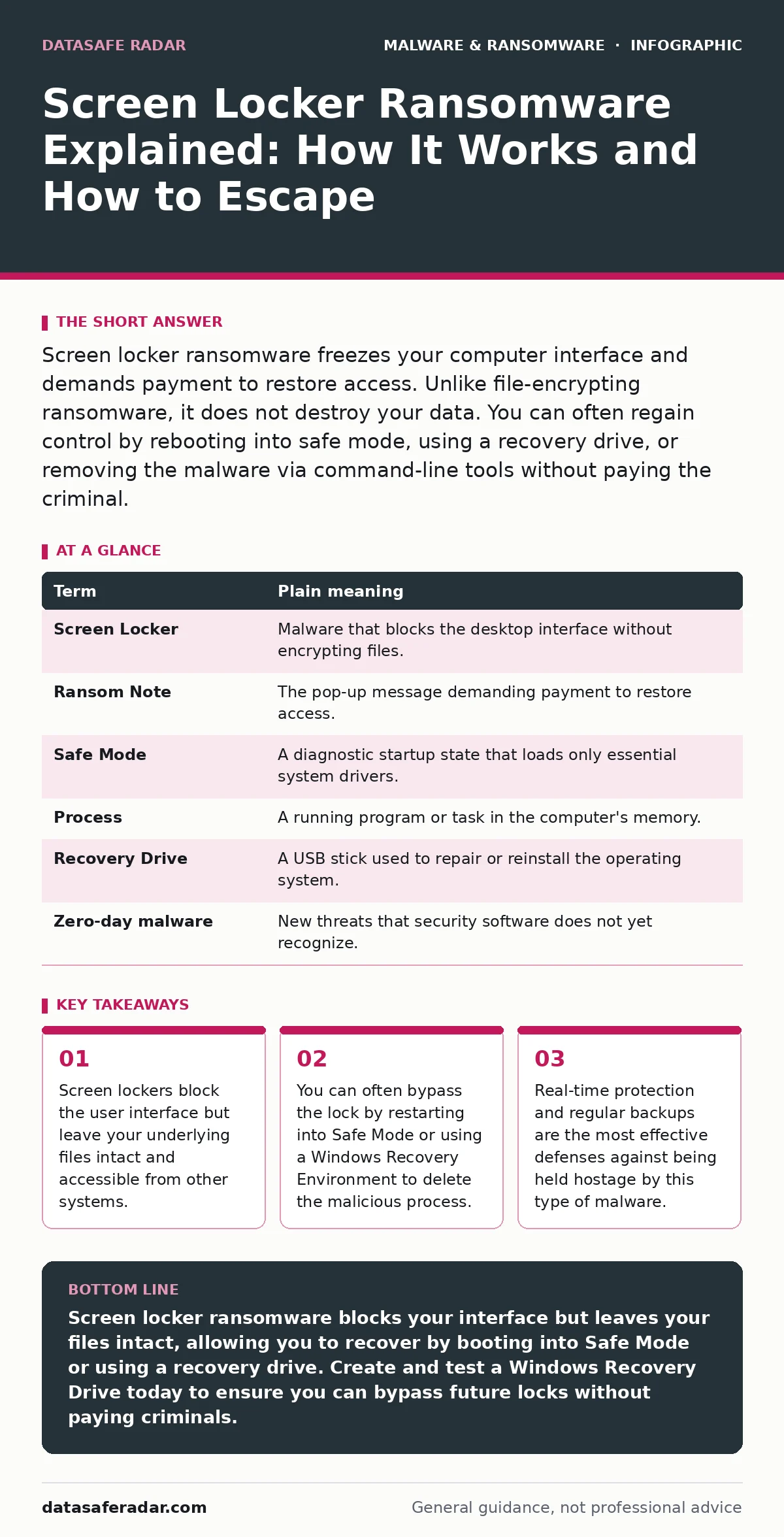
Screen locker ransomware freezes your computer interface and demands payment to restore access. Unlike file-encrypting ransomware, it does not destroy your data. You can often regain control by rebooting into safe mode, using a recovery drive, or removing the malware via command-line tools without paying the criminal.
The Locked House Analogy
Imagine you arrive home to find your front door jammed shut. A stranger has wedged a piece of wood inside the frame. They stand outside, shouting that they will remove the wedge only if you hand them cash. Your furniture, your books, and your kitchen appliances are still inside. Nothing is broken. The stranger is not holding your possessions hostage; they are merely blocking your entry.
Screen locker ransomware operates on this exact principle. It does not encrypt your documents or delete your photos. It simply prevents you from logging into your operating system or using the desktop interface. The malware creates a fake lock screen that covers your entire display. It demands a ransom, usually in cryptocurrency, to provide the "key" that removes the obstruction.
What Screen Lockers Actually Do
The primary goal of this malware is inconvenience and fear. By freezing your screen, it stops you from working, browsing, or accessing files. The malware runs a persistent process that redraws the lock screen every time you try to close it. It may disable the Task Manager or prevent you from opening new command windows.
This behavior differs significantly from standard ransomware, which encrypts your hard drive data. File-encrypting ransomware turns your files into unreadable gibberish. Screen lockers leave your data untouched. This distinction is vital for your recovery strategy. Because your files are safe, you have more options to defeat the malware than you would with an encryption attack.
Key Terms You Need to Know
| Term | Plain meaning |
|---|---|
| Screen Locker | Malware that blocks the desktop interface without encrypting files. |
| Ransom Note | The pop-up message demanding payment to restore access. |
| Safe Mode | A diagnostic startup state that loads only essential system drivers. |
| Process | A running program or task in the computer's memory. |
| Recovery Drive | A USB stick used to repair or reinstall the operating system. |
| Zero-day malware | New threats that security software does not yet recognize. |
Why This Matters for You
If you encounter a screen locker, your first instinct might be to panic and pay. Do not do this. Paying does not guarantee you will get the unlock code. Criminals often take the money and disappear. More importantly, paying funds further development of these tools.
The good news is that screen lockers are technically weaker than other threats. They rely on your operating system running normally to maintain the lock. If you can stop the operating system from loading the malware, the lock disappears. This is why understanding how your computer starts up is your best defense. Unlike malware obfuscation techniques that hide code deep in system files, screen lockers usually run as visible, high-priority processes that block the GUI.
Simple Safety Habits
Prevention is always easier than recovery. Keep your operating system and applications updated. Updates patch the security holes that malware uses to install itself. Enable real-time protection in your security software. This feature scans files as they open or download, stopping threats before they can execute.
Be cautious with email attachments and links. Many screen lockers arrive as disguised files in phishing emails. If an email seems suspicious, do not click. Use strong, unique passwords for your accounts. This limits the damage if a credential is stolen. Consider using Microsoft Defender Antivirus or another reputable security solution that includes behavioral analysis to detect suspicious activity patterns.
How to Escape the Lock
Imagine your computer is locked. You see the ransom note. Do not pay. Instead, force the computer to restart. Hold the power button until it shuts down, then turn it back on. During startup, interrupt the process to enter Safe Mode. The exact key varies by manufacturer, but F8, F4, or Shift+Restart are common triggers.
In Safe Mode, the screen locker often fails to load because it relies on standard graphical drivers. You can now open Task Manager and end the malicious process. You can also use a command prompt to delete the malware files. If Safe Mode does not work, use a Windows Recovery Drive to boot your computer. This environment runs independently of your installed operating system, allowing you to delete the malware from the hard drive without the lock interfering.
When Basic Steps Fail
If you cannot remove the malware manually, you may need to reinstall your operating system. This erases the infected system but preserves your data if you store files on a separate partition or external drive. This is why regular backups are critical. Backups ensure that even if you lose access to your system, you do not lose your work.
Remember that screen lockers are a nuisance, not a catastrophe. They exploit fear rather than technical superiority. By staying calm and using system recovery tools, you can defeat them. Avoid clicking on links in the ransom note. Do not download "unlocker" tools from untrusted websites, as these may contain additional malware.
Key takeaways
- Screen lockers block the user interface but leave your underlying files intact and accessible from other systems.
- You can often bypass the lock by restarting into Safe Mode or using a Windows Recovery Environment to delete the malicious process.
- Real-time protection and regular backups are the most effective defenses against being held hostage by this type of malware.
Screen locker ransomware blocks your interface but leaves your files intact, allowing you to recover by booting into Safe Mode or using a recovery drive. Create and test a Windows Recovery Drive today to ensure you can bypass future locks without paying criminals.
Frequently asked questions
Can I recover my files if I pay the ransom?
You likely already have access to your files because screen lockers do not encrypt data. Paying only removes the fake lock screen, so you gain nothing new by paying.
Is Safe Mode always effective against screen lockers?
Most screen lockers fail to load in Safe Mode because they depend on standard graphical drivers. However, some advanced variants may still run, requiring a Recovery Drive or clean reinstall.
How do I know if I have a screen locker or file-encrypting ransomware?
Try to open a text file from a USB drive or network share. If you can open it, you likely have a screen locker. If the file is unreadable or renamed with a strange extension, you have file-encrypting ransomware.
Can antivirus software remove a screen locker?
Standard antivirus scans often fail because the malware blocks access to the desktop. You usually need to boot into Safe Mode or use a recovery environment to allow the antivirus to scan and remove the threat.
How this guide was produced: written by the DataSafe Radar editorial team with AI assistance, checked against the public references listed below, and reviewed when the facts change. See our editorial policy or report an error.