Database Activity Monitoring: Benefits, Limits, and When It Pays Off
Database activity monitoring reveals hidden data theft that network tools miss, but it cannot stop attacks that happen before queries reach the server.

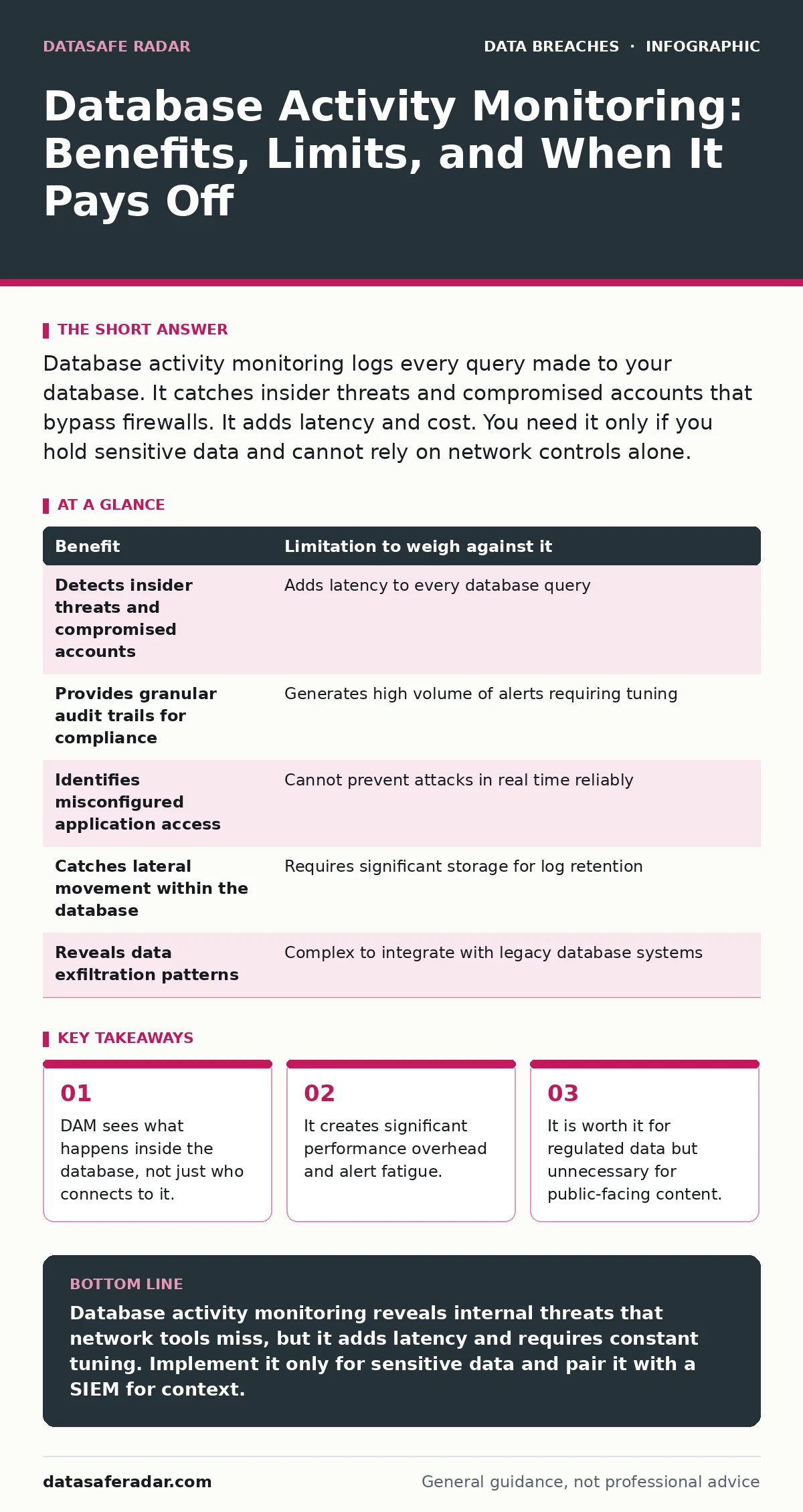
Database activity monitoring logs every query made to your database. It catches insider threats and compromised accounts that bypass firewalls. It adds latency and cost. You need it only if you hold sensitive data and cannot rely on network controls alone.
What Database Activity Monitoring Actually Does
Database activity monitoring (DAM) records every command sent to a database engine. While firewalls track who enters your network, DAM tracks what they do once inside. It captures the SQL statements, the user accounts executing them, and the data returned. This visibility matters because an attacker with valid credentials looks like a legitimate user to network tools. DAM identifies abnormal behavior patterns within the database layer itself. It does not replace perimeter security. It adds a layer of inspection where data actually lives. You gain insight into data access that other tools simply cannot see. This is the core mechanism behind detecting subtle data exfiltration attempts.
The Concrete Benefits of Internal Visibility
The primary benefit is seeing unauthorized data access. An attacker may use a stolen admin account to export customer records. Network logs show a connection from an IP address you trust. DAM shows that account pulling gigabytes of data it never needed. This detection capability is unique to the database layer. You catch insider threats who have legitimate access but malicious intent.
You also identify misconfigured applications that read more data than necessary. This helps you tighten least-privilege policies. DAM provides an audit trail for compliance requirements. It proves who accessed what and when. This evidence is critical for forensic investigations after a breach. You can reconstruct the exact sequence of queries that led to data loss.
The Honest Limitations of Query Logging
DAM introduces latency to every database transaction. Every query must be intercepted, logged, and analyzed before the database processes it. This adds milliseconds to response times. In high-throughput systems, this overhead can degrade user experience. You also face alert fatigue. Databases generate thousands of queries per minute.
Distinguishing normal business logic from malicious activity requires tuning. Poorly tuned rules generate noise that security teams ignore. DAM cannot stop an attack in real time in most deployments. It is primarily a detection and logging tool. If you rely on it for prevention, you will be disappointed. It tells you what happened, not necessarily how to stop it instantly.
Weighing Benefits Against Operational Costs
| Benefit | Limitation to weigh against it |
|---|---|
| Detects insider threats and compromised accounts | Adds latency to every database query |
| Provides granular audit trails for compliance | Generates high volume of alerts requiring tuning |
| Identifies misconfigured application access | Cannot prevent attacks in real time reliably |
| Catches lateral movement within the database | Requires significant storage for log retention |
| Reveals data exfiltration patterns | Complex to integrate with legacy database systems |
When It Is Worth Implementing DAM
You should implement DAM if you store regulated data. Financial records, health information, and payment card data require strict access controls. DAM provides the proof you need for audits. It is also worth it if you have a large number of internal users. The more people with database access, the harder it is to monitor manually. DAM automates this visibility. Consider DAM if your applications are complex. Many services interact with the same database. Tracking which application accesses which data becomes impossible without DAM. It helps you map data dependencies. This mapping is vital for risk management. You can see exactly where your most sensitive data resides and who touches it.
When It Is Not Worth Implementing DAM
You do not need DAM if your database only serves public content. If your site displays static pages or public news, the risk is low. The cost of DAM outweighs the benefit. You also skip it if you use serverless databases with managed security. Some cloud providers offer built-in audit logs that are sufficient for basic needs. Adding a separate DAM solution creates redundancy. It is not worth it if you lack the staff to analyze logs. DAM generates data. If you cannot act on that data, it is a liability. Do not implement DAM just because it is a compliance checkbox. You must have a process to review alerts. Without a response plan, DAM is just a expensive paper trail.
The Hidden Cost of Alert Fatigue
Imagine you deploy DAM without tuning the detection rules. The system flags every large SELECT statement. Your database runs nightly backups that pull millions of rows. DAM alerts on every backup job. Your security team receives hundreds of alerts daily. They start ignoring them. Then a real attack occurs. The alert gets buried in the noise.
This is the hidden cost of DAM. It requires continuous tuning. You must whitelist known good patterns. This takes time and expertise. If you outsource the tuning, you lose control. You must understand your own database workload. Otherwise, you pay for visibility you cannot use. This connects to broader issues of credential leaks where valid accounts are misused.
Integration With Your Security Stack
DAM does not work in isolation. It feeds into your Security Information and Event Management (SIEM) system. The SIEM correlates DAM logs with network and endpoint data. This correlation reduces false positives. A large data pull from a known admin account is suspicious. The same pull from a service account at 3 AM is critical. Context matters. You must integrate DAM with your identity management system. This allows you to link database actions to human users. It also helps with employee offboarding security. When an employee leaves, you can verify their access was revoked. DAM confirms no residual sessions remain active. This verification is often missed in manual offboarding processes.
The Edge Case of Encrypted Queries
DAM struggles with encrypted connections. If your database uses encryption in transit, the DAM tool cannot see the query content. It only sees encrypted blobs. You must decrypt the traffic for inspection. This creates a single point of failure. If the decryption key is compromised, all data is exposed. You must balance visibility with security. Some DAM tools integrate at the database driver level. They see queries before encryption. This avoids the decryption risk. However, it requires installing agents on every server. This adds complexity and maintenance burden. You must decide where to place the monitoring point. Each choice has trade-offs.
Making the Final Decision
Decide based on your data sensitivity. If you hold sensitive data, DAM is likely necessary. If you hold public data, it is likely waste. Evaluate your ability to manage the tool. Do you have staff to tune alerts? Do you have a SIEM to correlate logs? If the answer is no, delay implementation. Focus on basic controls first. Ensure strong authentication and least-privilege access. These foundational steps reduce the need for advanced monitoring. DAM is a maturity tool. It helps you refine your security posture. It is not a starting point. Build your base first. Then add DAM for deeper visibility.
Key takeaways
- DAM sees what happens inside the database, not just who connects to it.
- It creates significant performance overhead and alert fatigue.
- It is worth it for regulated data but unnecessary for public-facing content.
Database activity monitoring reveals internal threats that network tools miss, but it adds latency and requires constant tuning. Implement it only for sensitive data and pair it with a SIEM for context.
Frequently asked questions
Does database activity monitoring stop hackers?
No, it primarily detects and logs suspicious activity. It does not block attacks in real time unless integrated with a prevention system.
How much latency does DAM add?
It adds milliseconds per query. The total impact depends on your database load and the DAM configuration. High-throughput systems
How this guide was produced: written by the DataSafe Radar editorial team with AI assistance, checked against the public references listed below, and reviewed when the facts change. See our editorial policy or report an error.