Employee Offboarding Security: The Silent Leak You Must Plug
Most data leaks occur after someone leaves because access rights linger on dormant accounts that attackers find easy to exploit.

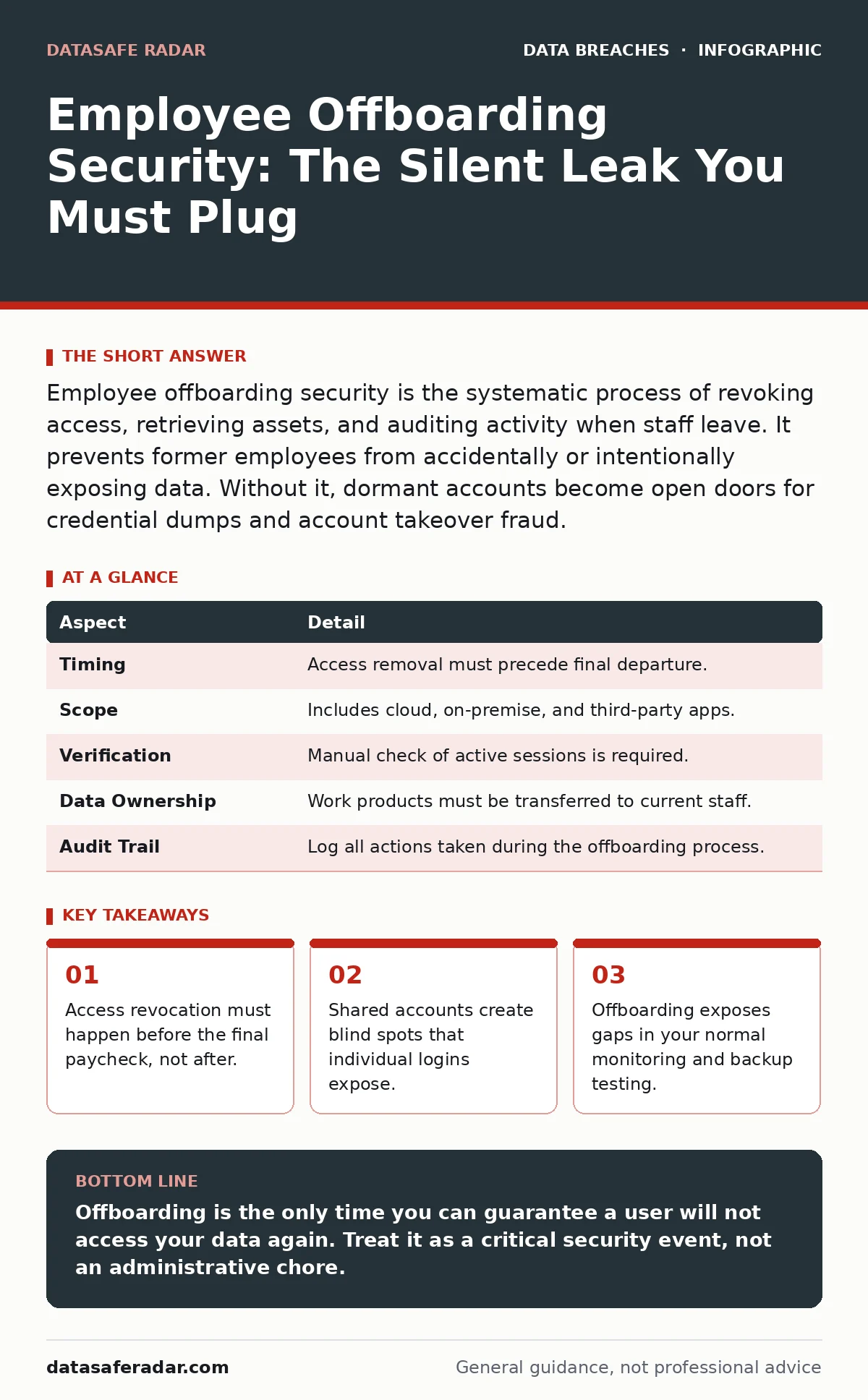
Employee offboarding security is the systematic process of revoking access, retrieving assets, and auditing activity when staff leave. It prevents former employees from accidentally or intentionally exposing data. Without it, dormant accounts become open doors for credential dumps and account takeover fraud.
The Leaky Bucket Analogy
Imagine you own a building with ten secure doors. Every morning, you hand keys to the staff members on duty. When their shift ends, you take the keys back. Now imagine one staff member quits. You forget to take their key. They keep it in their pocket. Months later, they drop it in a park. A stranger finds it, copies it, and walks into your building.
This is how most organizations handle digital access. The employee leaves. The human resource file closes. But the digital key—their login credentials—remains active on the server. The door stays open.
Defining the Security Boundary
Employee offboarding security is the set of technical and administrative controls that remove a person’s ability to interact with your systems after their employment ends. It is not just deleting an email account. It is the complete severing of trust relationships between that user and your infrastructure.
The purpose is to reduce the attack surface. A former employee has no business reason to access your data. Yet their account often retains the same permissions they had on day one. If that account is compromised, the attacker inherits those privileges. This turns a simple personnel change into a major security risk.
The Hidden Cost of Dormant Accounts
The main problem offboarding solves is the persistence of access. Attackers do not always break in from the outside. They often look for accounts that are already inside the network. These are called dormant accounts. They are active but unused.
Defenders often assume that if no one is logging in, no one is watching. This is false. Attackers scan for these quiet accounts because they lack the monitoring attention of active users. Once they take control, they can move laterally. They can exfiltrate data without triggering alerts that would catch a busy user.
This connects directly to the threat of credential dumps. When attackers steal database credentials, they test them against active directories. A dormant account that was never disabled is a valid target. It allows them to bypass initial defenses.
The Three Pillars of Removal
Effective offboarding rests on three technical pillars. You must execute all three. Missing one leaves a gap.
- Identity Revocation: This is the immediate disabling of all user accounts. This includes email, internal tools, cloud services, and administrative consoles. It must happen at the moment the employment ends.
- Asset Retrieval: This involves collecting physical devices like laptops and phones. It also means wiping remote data from personal devices if corporate data was stored there. You must verify the wipe, not just trust the process.
- Audit and Transition: You must review the user’s recent activity for signs of malicious intent before disabling the account. Then, you must reassign their work to active employees. This ensures that shared responsibilities do not become orphaned tasks.
| Aspect | Detail |
|---|---|
| Timing | Access removal must precede final departure. |
| Scope | Includes cloud, on-premise, and third-party apps. |
| Verification | Manual check of active sessions is required. |
| Data Ownership | Work products must be transferred to current staff. |
| Audit Trail | Log all actions taken during the offboarding process. |
Where It Fits in Your Defense
Offboarding is not a standalone task. It is the final step in the lifecycle of user identity. It connects to your broader strategy for managing account takeover fraud. If an attacker steals a former employee’s credentials, they can impersonate that person. If you have weak multi-factor authentication, this impersonation becomes trivial.
It also relates to exposed API keys. Employees often create service accounts or API keys for their projects. If these are tied to their personal identity, they may remain active after they leave. These keys can grant full access to critical systems. You must audit service accounts just as you audit human accounts.
Furthermore, offboarding highlights the need for backup testing. If a former employee deletes critical files before leaving, your backups are your only safety net. If you cannot restore those files quickly, the damage is permanent. Regular testing ensures your backups work when you need them most.
See also: Multi-Cloud Security: Seven Practices to Stop Sprawl and Leaks · SaaS Data Exposure Prevention Checklist for Secure Apps
Common Mistakes That Create Risks
Many organizations fail because they treat offboarding as an IT ticket. They assume the system will handle it. This is a dangerous assumption. Systems are only as good as the data entered into them.
Another common error is the "shared account" trap. Teams often share a single login for software like social media or project management tools. When one person leaves, you cannot disable that account without locking out everyone else. This forces the team to keep the credentials active. This is a major vulnerability.
You also often forget about external dependencies. Vendors may have access to your systems through former employees’ accounts. If you do not communicate with these vendors, their access remains. This creates a backdoor that is hard to detect.
The Human Element of Security
Technology can disable accounts. It cannot judge intent. A departing employee might be angry. They might want to sabotage your systems. Or they might simply be careless. You must assess this risk.
Review the user’s activity in the days before they leave. Look for unusual downloads. Look for access to sensitive files they did not need for their daily work. This is not about spying. It is about establishing a baseline. If you see anomalies, you may need to preserve evidence before disabling the account.
This process also affects morale. Current employees watch how you treat former ones. If you are too aggressive, you create fear. If you are too lax, you create risk. The balance is consistency. Apply the same rules to everyone. This reduces bias and ensures that no one is left behind with dangerous access.
Integrating with Broader Monitoring
Offboarding does not end when the account is disabled. You must continue to monitor for signs of compromise. Attackers may have already placed backdoors on the user’s devices. They may have created new accounts using the former employee’s credentials.
This is where dark web monitoring becomes useful. You can check if the former employee’s credentials appear in leaked databases. If they do, you know the account was compromised. This allows you to take further action, such as changing related passwords or alerting other systems.
Finally, remember that email encryption protects your data in transit. It does not protect data at rest on a former employee’s laptop. You must ensure that devices are encrypted and that keys are retrieved. If the device is lost and unencrypted, your data is exposed.
Key takeaways
- Access revocation must happen before the final paycheck, not after.
- Shared accounts create blind spots that individual logins expose.
- Offboarding exposes gaps in your normal monitoring and backup testing.
- A checklist without manual verification is a false sense of security.
Offboarding is the only time you can guarantee a user will not access your data again. Treat it as a critical security event, not an administrative chore.
Frequently asked questions
How long should I keep a disabled account before deleting it?
Keep it disabled for a retention period defined by your legal and compliance needs. This allows you to recover data if needed. After that period, delete it to remove the attack surface.
What if the employee refuses to return their laptop?
Remotely wipe the device immediately. Change all passwords that were used on that device. Treat the device as lost and compromised. Do not delay because you hope to get it back.
Do I need to offboard contractors the same way?
Yes. Contractors often have access to the same systems as full-time employees. Their access should be tied to the contract end date. Revoke it the moment the work ends.
Can automation replace manual checks in offboarding?
No. Automation can disable common accounts, but it misses edge cases. Manual verification is required to catch shared accounts, third-party apps, and unusual activity.
How this guide was produced: written by the DataSafe Radar editorial team with AI assistance, checked against the public references listed below, and reviewed when the facts change. See our editorial policy or report an error.