Multi-Cloud Security: Seven Practices to Stop Sprawl and Leaks
Managing multiple clouds creates hidden complexity where standard tools fail, requiring a unified identity layer and strict data classification to prevent silent breaches.
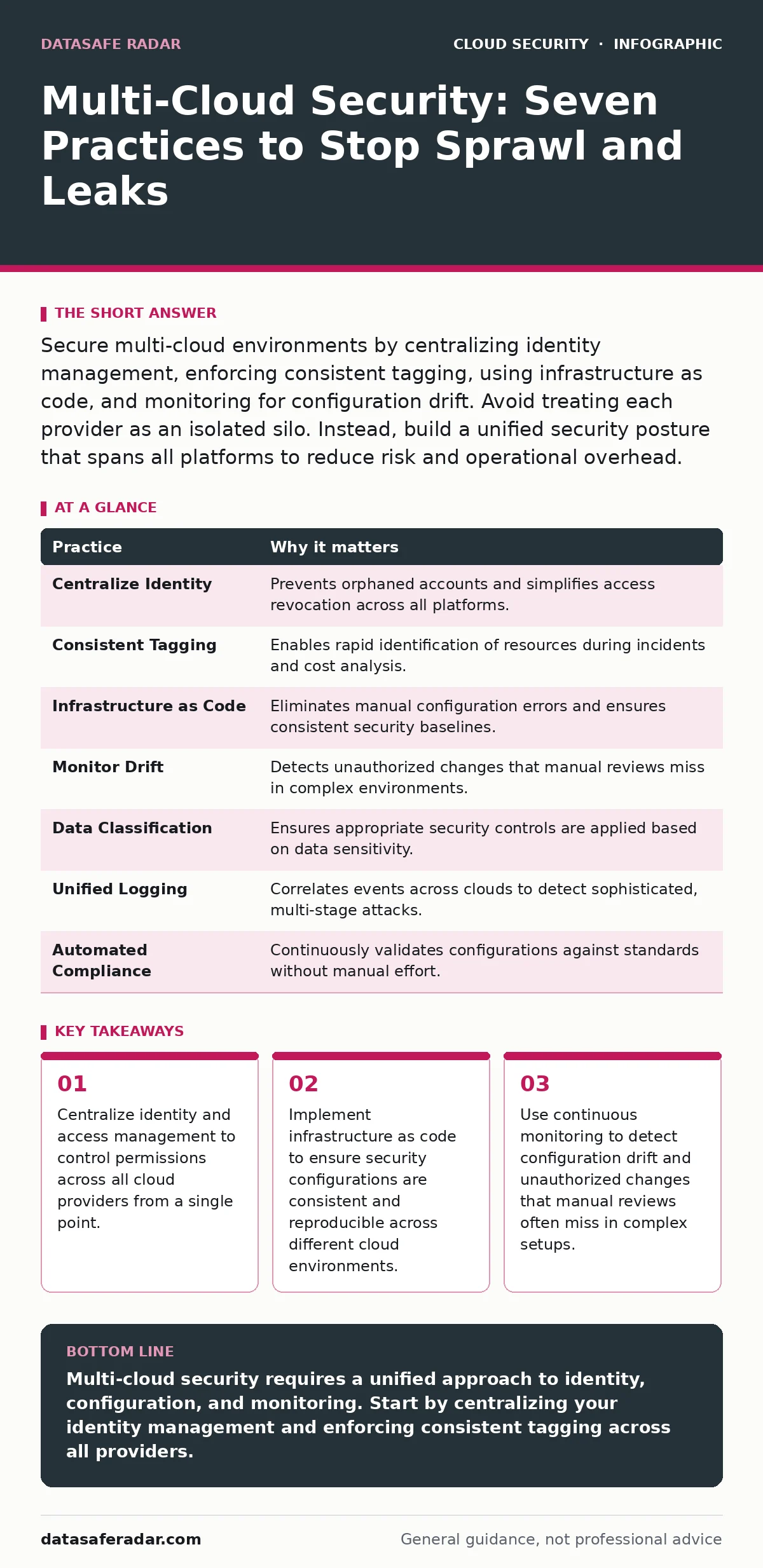
Secure multi-cloud environments by centralizing identity management, enforcing consistent tagging, using infrastructure as code, and monitoring for configuration drift. Avoid treating each provider as an isolated silo. Instead, build a unified security posture that spans all platforms to reduce risk and operational overhead.
Centralize Identity and Access Management
Identity is the new perimeter. In a multi-cloud setup, you manage users across several providers, each with its own console and permission model. If you create local accounts in every cloud, you lose visibility. You cannot easily revoke access when an employee leaves, and you cannot audit who did what across the entire environment.
Centralizing identity means using a single identity provider that all cloud platforms trust. This provider authenticates users and services, pushing their roles and permissions to each cloud. This approach ensures that if you disable an account, access stops everywhere immediately. It also simplifies auditing because all login attempts are recorded in one place.
A common pitfall is relying on cloud-native roles for everything. These roles are easy to create but hard to track at scale. Instead, map your organizational structure to groups in your identity provider. Assign permissions to groups, not individuals. This reduces administrative overhead and ensures that people with similar jobs have similar access levels.
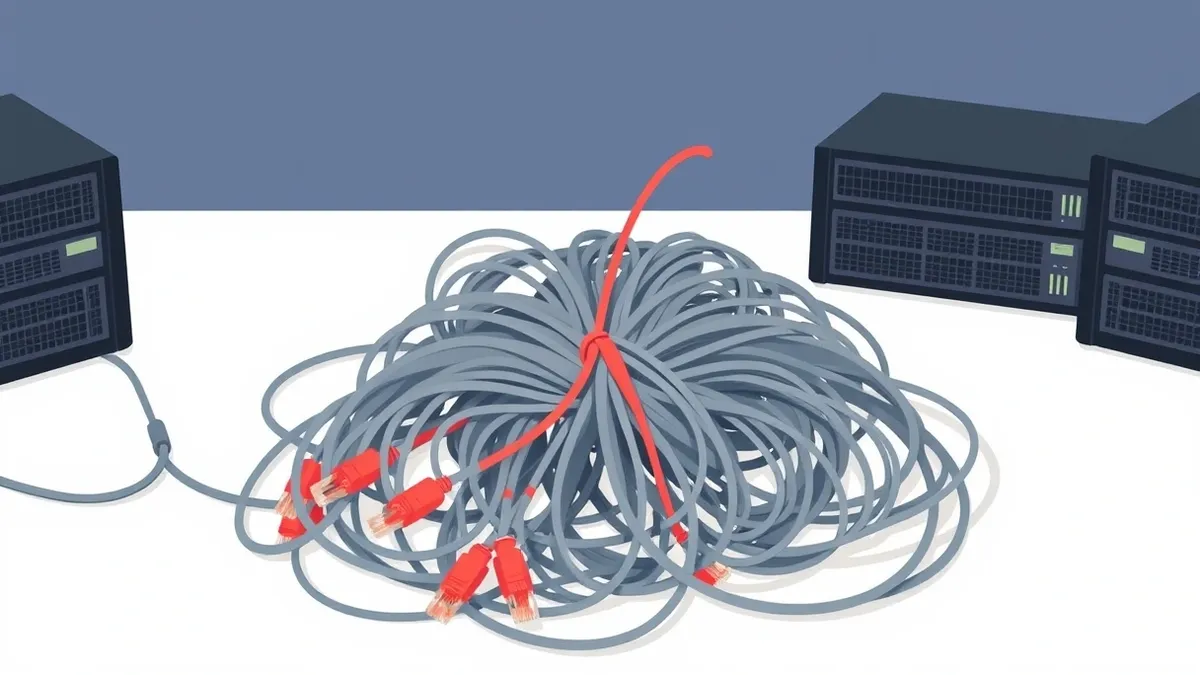
Enforce Consistent Tagging Strategies
Tags are metadata labels you attach to cloud resources. They help you organize, track, and manage assets. In a single cloud, tagging is useful. In a multi-cloud environment, it is mandatory for security and cost control. Without consistent tags, you cannot quickly identify which resources belong to which team or project.
Imagine a developer creates a storage bucket in one cloud and a database in another. If neither has a tag indicating the project name, you cannot link them during an incident. You might spend hours trying to determine if the data is related or if the breach is isolated. Consistent tagging allows you to filter resources by owner, environment, or sensitivity.
Define a strict tagging policy before any resource is created. Require tags for owner, project, and environment. Use automated tools to enforce this policy. If a resource is created without the required tags, the system should reject it or flag it for review. This ensures that every asset is accounted for and can be managed securely.
Adopt Infrastructure as Code
Infrastructure as code treats cloud configurations as software. You write scripts or templates that define your servers, networks, and security settings. Then, you run these scripts to create the infrastructure. This method eliminates manual configuration errors, which are a leading cause of security breaches.
In a multi-cloud context, you might have similar workloads running on different providers. If you configure them manually, small differences will creep in. One server might have a firewall rule that is too open, while another is secure. These inconsistencies create blind spots. Infrastructure as code ensures that every instance is created with the same security baseline.
Use version control to manage your infrastructure code. This allows you to track changes, review them, and roll back if something goes wrong. It also enables peer review, where other engineers can check your security settings before they are applied. This collaborative approach catches mistakes early and promotes a culture of shared responsibility.
Monitor for Configuration Drift
Configuration drift occurs when live systems deviate from their intended state. This happens when administrators make manual changes to fix urgent issues. These changes are often undocumented and not replicated across other environments. Over time, the actual configuration becomes a secret, undocumented mess.
In multi-cloud environments, drift is harder to detect because you are looking at multiple consoles. A change in one cloud might not be visible in your monitoring tools for the other clouds. This creates a false sense of security. You think everything is compliant, but a single misconfigured resource could expose sensitive data.
Implement continuous monitoring tools that scan your environments regularly. These tools compare the live configuration against your desired state, defined in your infrastructure as code. If they find a difference, they alert you immediately. This allows you to correct drift before it leads to a breach. Regular scans are not enough; you need real-time visibility.
Implement Data Classification and Encryption
Not all data is equally sensitive. Treating all data the same way wastes resources and complicates security. Data classification involves labeling data based on its sensitivity and regulatory requirements. This allows you to apply appropriate security controls to each type of data.
In a multi-cloud setup, data moves between providers. You need to know where sensitive data lives and how it is protected. Encryption is the primary defense for data at rest and in transit. However, managing encryption keys across multiple clouds is complex. If you lose a key, you lose the data. If a key is compromised, your data is exposed.
Use a centralized key management service to handle encryption keys. This service generates, stores, and rotates keys for all your cloud providers. It ensures that you have a single source of truth for key management. This simplifies compliance and reduces the risk of key loss. For more details on key strategies, see our guide on cloud key management services.
See also: Encrypted Cloud Storage Best Practices for Real Security · Cloud Workload Protection: Real Benefits vs. Hidden Costs
Unify Logging and Monitoring
Logs are records of events in your cloud environment. They show who did what, when, and where. In a multi-cloud setup, logs are scattered across different providers. Each provider has its own format and retention policy. This makes it difficult to get a complete picture of your security posture.
If you wait until an incident occurs to gather logs, you may have lost critical evidence. Logs are often overwritten or deleted after a certain period. You need to centralize logging to ensure that you have a complete history of events. This allows you to correlate events across different clouds and detect sophisticated attacks.
Send all logs to a central security information and event management system. This system aggregates logs from all your cloud providers and normalizes them into a common format. It allows you to search, analyze, and alert on events across the entire environment. This unified view is critical for detecting threats that span multiple clouds.
Automate Compliance Checks
Compliance requirements vary by industry and region. They often mandate specific security controls, such as encryption, access logging, and network segmentation. Manually checking compliance is time-consuming and error-prone. In a multi-cloud environment, it is nearly impossible to keep up with changes.
Automation allows you to continuously check your environment against compliance standards. These tools scan your configurations and report any violations. This ensures that you remain compliant even as your environment changes. It also provides evidence for audits, reducing the workload for your compliance team.
Define your compliance requirements as code. This allows you to integrate compliance checks into your deployment pipeline. If a configuration does not meet the requirements, the deployment fails. This prevents non-compliant resources from being created in the first place. This approach is often part of a broader DevSecOps strategy.
| Practice | Why it matters |
|---|---|
| Centralize Identity | Prevents orphaned accounts and simplifies access revocation across all platforms. |
| Consistent Tagging | Enables rapid identification of resources during incidents and cost analysis. |
| Infrastructure as Code | Eliminates manual configuration errors and ensures consistent security baselines. |
| Monitor Drift | Detects unauthorized changes that manual reviews miss in complex environments. |
| Data Classification | Ensures appropriate security controls are applied based on data sensitivity. |
| Unified Logging | Correlates events across clouds to detect sophisticated, multi-stage attacks. |
| Automated Compliance | Continuously validates configurations against standards without manual effort. |
Secure Network Boundaries
Network segmentation isolates different parts of your environment. It limits the spread of an attack. In a multi-cloud setup, you have multiple networks to manage. Each cloud provider has its own virtual networking model. These models are not identical, which can lead to misconfigurations.
Imagine a service in one cloud needs to talk to a database in another. You must configure secure connections between them. If these connections are too open, an attacker who compromises one service can move laterally to the other. You need to define strict network policies that allow only necessary traffic.
Use virtual private clouds to isolate workloads. Configure security groups and network access lists to restrict traffic. Monitor network traffic for anomalies. For more on network isolation, see our guide on virtual private clouds. Ensure that your network policies are consistent across all providers to prevent gaps in your defense.
Key takeaways
- Centralize identity and access management to control permissions across all cloud providers from a single point.
- Implement infrastructure as code to ensure security configurations are consistent and reproducible across different cloud environments.
- Use continuous monitoring to detect configuration drift and unauthorized changes that manual reviews often miss in complex setups.
Multi-cloud security requires a unified approach to identity, configuration, and monitoring. Start by centralizing your identity management and enforcing consistent tagging across all providers.
Frequently asked questions
How do I handle identity management across different clouds?
Use a single identity provider that integrates with all your cloud platforms. This centralizes authentication and authorization, ensuring consistent access control.
What is configuration drift and why is it dangerous?
Configuration drift is when live systems deviate from their intended state. It is dangerous because it creates undocumented security gaps that are hard to detect and manage.
Do I need separate security teams for each cloud?
No. A centralized security team using unified tools is more effective. This allows for consistent policies and better visibility across the entire environment.
How can I ensure compliance in a multi-cloud environment?
Automate compliance checks using infrastructure as code and continuous monitoring tools. This ensures that your configurations always meet required standards.
How this guide was produced: written by the DataSafe Radar editorial team with AI assistance, checked against the public references listed below, and reviewed when the facts change. See our editorial policy or report an error.