Encrypted Cloud Storage Best Practices for Real Security
Your cloud provider can access your data if you rely solely on their default encryption, making client-side encryption the only true privacy barrier.

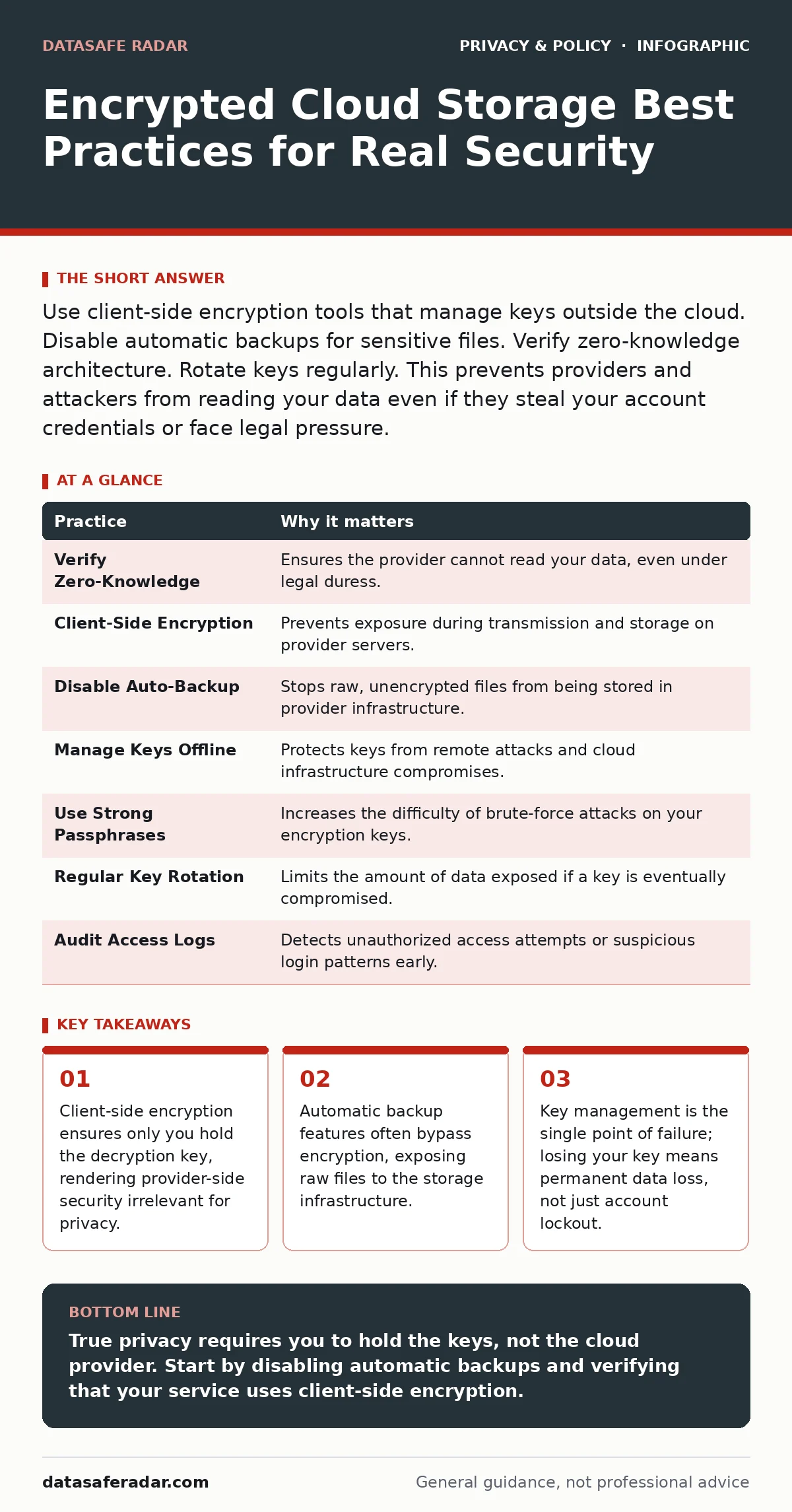
Use client-side encryption tools that manage keys outside the cloud. Disable automatic backups for sensitive files. Verify zero-knowledge architecture. Rotate keys regularly. This prevents providers and attackers from reading your data even if they steal your account credentials or face legal pressure.
The Illusion of Provider-Side Encryption
Most cloud services advertise encryption as a standard feature. This usually means server-side encryption, where the provider holds the keys. They encrypt your files to protect them from physical theft of hard drives. This does not protect you from the provider itself, nor from legal orders compelling them to hand over data. You must distinguish between security against outsiders and privacy against the host.
Server-side encryption treats the cloud provider as a trusted party. Client-side encryption treats them as an adversary. In client-side models, your device encrypts files before they leave your network. The provider stores only ciphertext, which is scrambled data unreadable without the key. This shifts the burden of key management entirely to you.
1. Verify Zero-Knowledge Architecture
Zero-knowledge architecture means the service provider cannot access your plaintext data. They have no way to decrypt your files because they never possess the decryption keys. This is a structural guarantee, not a marketing claim. You must verify this by reading the technical documentation, not the homepage. If the service offers password resets, they likely have a backup key or a way to break encryption, violating the zero-knowledge principle.
Check if the service supports importing your own keys. If you can generate a key on your device and use it to encrypt data before upload, you maintain true control. This prevents the provider from creating backdoors or complying with data requests for your specific content.
| Practice | Why it matters |
|---|---|
| Verify Zero-Knowledge | Ensures the provider cannot read your data, even under legal duress. |
| Client-Side Encryption | Prevents exposure during transmission and storage on provider servers. |
| Disable Auto-Backup | Stops raw, unencrypted files from being stored in provider infrastructure. |
| Manage Keys Offline | Protects keys from remote attacks and cloud infrastructure compromises. |
| Use Strong Passphrases | Increases the difficulty of brute-force attacks on your encryption keys. |
| Regular Key Rotation | Limits the amount of data exposed if a key is eventually compromised. |
| Audit Access Logs | Detects unauthorized access attempts or suspicious login patterns early. |
2. Perform Client-Side Encryption
Relying on the cloud provider’s built-in encryption is insufficient for high-sensitivity data. You should encrypt files on your device before uploading them. This process uses algorithms like AES-256 to scramble data locally. The cloud service then stores only the encrypted blob. Even if the provider’s database is breached, attackers receive only useless ciphertext.
This adds a step to your workflow. You must encrypt files before upload and decrypt them after download. Tools like VeraCrypt or Cryptomator handle this process. They create encrypted containers or encrypt individual files transparently. The trade-off is convenience for security. You lose the ability to search inside files or preview thumbnails in the cloud interface.
3. Disable Automatic Backup Features
Many cloud clients include automatic backup features for photos and documents. These features often upload files before encryption occurs, or they use a separate, less secure encryption scheme. This creates a shadow copy of your data that bypasses your security controls. You may think your data is encrypted, but the auto-backup version is stored in plaintext or with weak keys.
Review your client settings to disable automatic backups for sensitive directories. Manually upload files that require protection. This ensures every byte of data passes through your chosen encryption method. It prevents accidental exposure of raw data through the provider’s standard storage pipeline.
4. Manage Keys Offline
Your encryption key is the master switch to your data. If you store this key in the same cloud environment as your encrypted files, you have created a single point of failure. A breach of your cloud account exposes both the lock and the key. You must store keys offline, on a device that never connects to the internet, or in a hardware security module.
Use a dedicated USB drive or a paper wallet for key storage. This isolates the key from network-based attacks. The downside is accessibility. If you lose the offline key, you cannot recover your data. Cloud providers cannot help you. This is the hidden cost of true privacy: total responsibility for your own access.
See also: Cloud Workload Protection: Real Benefits vs. Hidden Costs · Cloud Workload Protection Mistakes and How to Fix Them
5. Use Strong Passphrases for Key Derivation
If you use a password to protect your encryption key, the strength of that password determines your security. Short passwords are vulnerable to brute-force attacks, where computers try millions of combinations per second. You need a passphrase that is long and complex. Aim for at least twenty characters with mixed case, numbers, and symbols.
This passphrase is used to derive the actual encryption key. Strong passphrases make derivation computationally expensive for attackers. Do not reuse passwords across services. A breach of another site could expose your passphrase, giving attackers access to your cloud data.
6. Rotate Keys Periodically
Keys can be compromised over time. Software vulnerabilities, insider threats, or weak random number generators can expose keys. Rotating keys limits the damage of a single compromise. If a key is stolen, only the data encrypted with that key is at risk. Older data remains protected by previous keys.
Create a new key every six to twelve months. Re-encrypt your data with the new key and securely delete the old one. This process is resource-intensive and time-consuming. It requires downloading, decrypting, re-encrypting, and uploading all your data. Plan for downtime during key rotation.
7. Audit Access Logs Regularly
Encryption protects data at rest, but it does not stop unauthorized access to your account. Attackers may steal your credentials and access your encrypted files. They may also attempt to brute-force your password. Regularly reviewing access logs helps you detect suspicious activity early. Look for logins from unfamiliar locations or devices.
Set up alerts for unusual login patterns. This adds a layer of detection to your prevention strategy. If you see unexpected activity, revoke access immediately and rotate your keys. This limits the window of opportunity for an attacker to exploit a stolen session.
8. Isolate Sensitive Data
Not all data requires the same level of protection. Mixing sensitive files with casual documents complicates your security workflow. You may apply weaker security to casual files, risking accidental exposure of sensitive data. Create separate storage spaces for different security levels. Use a dedicated encrypted container for high-sensitivity files.
This isolation simplifies key management. You can use different keys for different containers. If one key is compromised, the others remain safe. It also allows you to apply stricter access controls to sensitive data. This reduces the attack surface and limits the impact of a breach.
9. Verify File Integrity
Encryption ensures confidentiality, but it does not guarantee integrity. Files can be tampered with during storage or transmission. You need a way to verify that your files have not been altered. Use hash functions to generate a unique fingerprint for each file. Store these hashes offline.
When you download a file, recalculate its hash and compare it to the stored value. If they match, the file is unchanged. If they differ, the file has been tampered with or corrupted. This verification step is critical for legal documents, financial records, and other critical data. It ensures that what you see is what you stored.
Key takeaways
- Client-side encryption ensures only you hold the decryption key, rendering provider-side security irrelevant for privacy.
- Automatic backup features often bypass encryption, exposing raw files to the storage infrastructure.
- Key management is the single point of failure; losing your key means permanent data loss, not just account lockout.
True privacy requires you to hold the keys, not the cloud provider. Start by disabling automatic backups and verifying that your service uses client-side encryption.
Frequently asked questions
Can I recover my data if I lose my encryption key?
No. If you use true client-side encryption, the provider cannot decrypt your data. Losing your key means permanent data loss.
Is two-factor authentication enough for cloud security?
No. Two-factor authentication protects account access, but it does not encrypt your data. You still need encryption to protect against provider-side breaches.
Does using a VPN protect my cloud storage?
No. A VPN protects data in transit, but it does not encrypt data at rest. Your cloud provider can still access your files if they hold the encryption keys.
How often should I rotate my encryption keys?
Every six to twelve months is a reasonable interval. This limits the exposure window if a key is compromised without creating excessive administrative burden.
How this guide was produced: written by the DataSafe Radar editorial team with AI assistance, checked against the public references listed below, and reviewed when the facts change. See our editorial policy or report an error.