Cloud Workload Protection Mistakes and How to Fix Them
Most cloud workload breaches stem from misconfigured access controls rather than external hacking, meaning your internal setup is the primary vector for compromise.

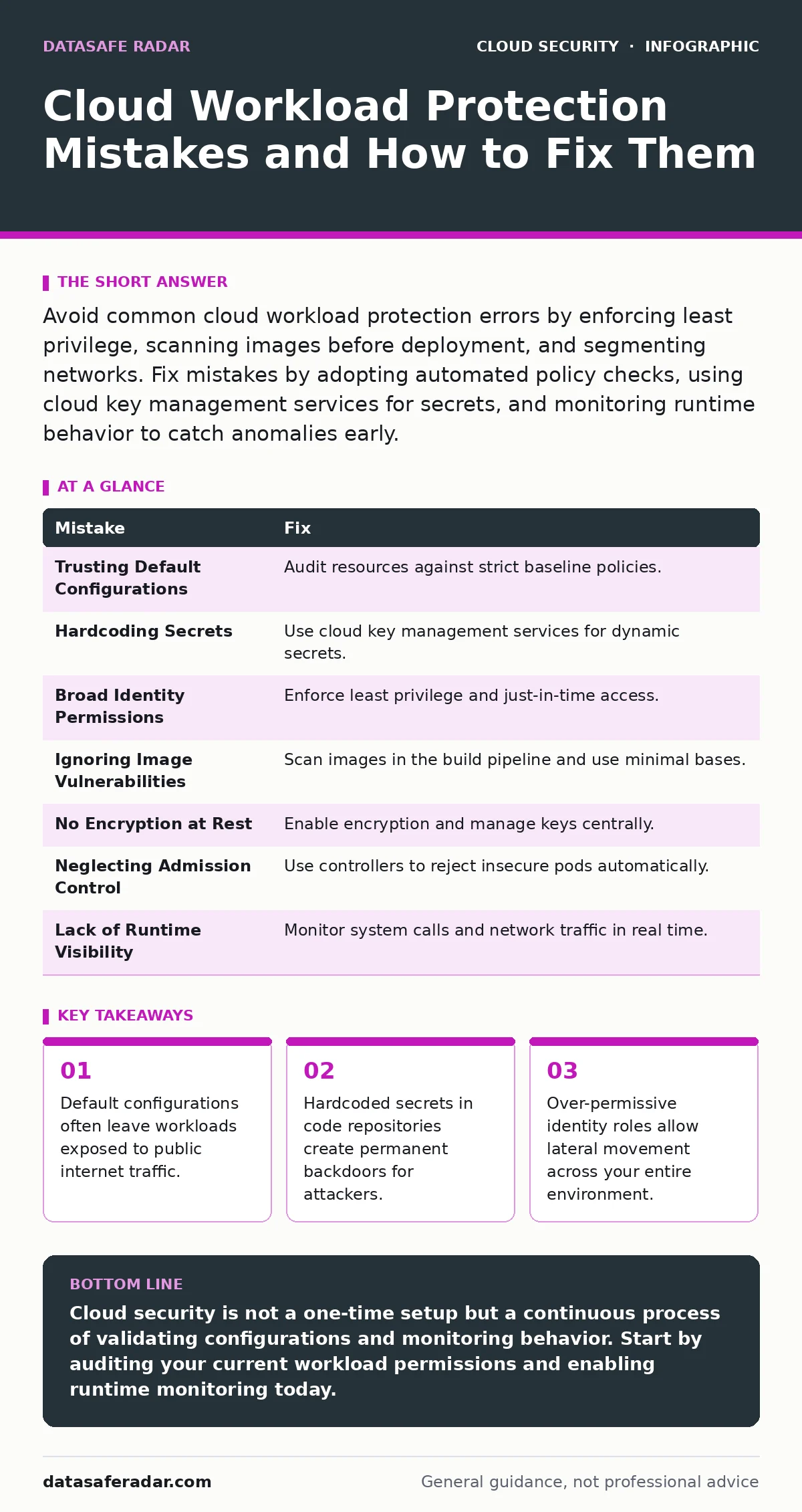
Avoid common cloud workload protection errors by enforcing least privilege, scanning images before deployment, and segmenting networks. Fix mistakes by adopting automated policy checks, using cloud key management services for secrets, and monitoring runtime behavior to catch anomalies early.
Mistake 1: Trusting Default Cloud Configurations
Cloud providers offer default settings that prioritize ease of deployment over security. These defaults often leave storage buckets, databases, and compute instances accessible to the public internet by default. You might assume that a new resource is private until you explicitly open it, but the opposite is frequently true.
Why it hurts: Attackers use automated scanners to find publicly exposed resources. If your workload sits behind an open firewall rule or an unencrypted database endpoint, it becomes an easy target for data exfiltration or ransomware. The consequence is immediate exposure of sensitive data or system control.
The fix: Audit every new resource against a strict baseline policy. Use infrastructure-as-code templates that enforce private networking and encryption by default. Refer to your guide on virtual private clouds to understand how to isolate traffic before it reaches your workloads.
Mistake 2: Hardcoding Secrets in Source Code
Developers often embed API keys, passwords, or connection strings directly into application code to speed up testing. These secrets then travel with the code into version control systems and production environments. Once a secret is in a public or shared repository, it is effectively lost forever.
Why it hurts: If an attacker gains read access to your code repository, they inherit all the credentials embedded within it. This grants them immediate access to your databases, third-party services, and internal systems. The breach is not just about the code; it is about every system that code can touch.
The fix: Use dedicated cloud key management services to store and rotate secrets dynamically. Configure your applications to retrieve these secrets at runtime from the secure vault rather than reading them from static files. This ensures that even if the code is stolen, the keys are not.
Mistake 3: Granting Overly Broad Identity Permissions
Many teams assign broad administrative roles to service accounts or human users to avoid permission errors during development. This violates the principle of least privilege, which dictates that an entity should only have the minimum access necessary to perform its function.
Why it hurts: If a single service account with broad permissions is compromised, the attacker can pivot across your entire environment. They can modify security groups, delete logs, or exfiltrate data from unrelated projects. The blast radius of a compromised identity is proportional to its permissions.
The fix: Implement just-in-time access for administrative tasks and restrict service accounts to specific resource paths. Regularly review and prune unused permissions. Check your cloud vulnerability management practices to ensure that identity misconfigurations are flagged alongside software flaws.
Mistake 4: Ignoring Container Image Vulnerabilities
Teams often build container images without scanning for known vulnerabilities in the base operating system or dependencies. They assume that because the container is isolated, the underlying flaws do not matter. This ignores the reality that many vulnerabilities allow privilege escalation or escape from the container.
Why it hurts: An attacker can exploit a known flaw in a library within your container to execute arbitrary code. If the container runs with elevated privileges, this can lead to a full host compromise. The container boundary is not a magic shield against poorly maintained software.
The fix: Integrate automated scanning into your build pipeline to block images with critical vulnerabilities. Use minimal base images that contain only the necessary components. For deeper protection, explore container runtime security measures that monitor for suspicious behavior after the container starts.
Mistake 5: Failing to Encrypt Data at Rest
Many workloads store data in databases or object storage without enabling encryption. Teams often rely on network encryption in transit, forgetting that data sitting on disk is vulnerable if the underlying hardware is compromised or stolen.
Why it hurts: If an attacker gains physical or logical access to the storage layer, they can read the raw data. Without encryption, this data is immediately usable. This is particularly dangerous for compliance requirements and sensitive customer information.
The fix: Enable encryption at rest for all storage services. Manage the encryption keys using a centralized service rather than default provider-managed keys, giving you control over rotation and access. This adds a layer of security that persists even if the network is breached.
See also: Encrypted Cloud Storage Best Practices for Real Security · 7 Encrypted Cloud Storage Mistakes That Expose Your Data
Mistake 6: Neglecting Kubernetes Admission Control
In Kubernetes environments, teams often allow any pod to deploy without validating its security context. They trust the developer to set the right security flags, which is a risky assumption in large organizations.
Why it hurts: Malicious or misconfigured pods can run as root, access the host filesystem, or share network namespaces with other pods. This breaks the isolation model of the cluster and allows lateral movement. A single bad pod can compromise the entire node.
The fix: Implement Kubernetes admission controllers to enforce security policies automatically. These controllers can reject pods that request privileged access or violate network policies. This ensures that insecure workloads never reach the production environment.
Mistake 7: Lack of Runtime Visibility
Teams often focus on securing the deployment pipeline but neglect monitoring the workload after it is running. They assume that if the image was clean, the runtime will be safe. This ignores the threat of zero-day exploits or supply chain attacks that manifest only during execution.
Why it hurts: Without visibility into runtime behavior, you cannot detect anomalies such as unexpected network connections or process executions. An attacker can operate silently within your environment for weeks before you notice the breach. This delay increases the damage and the cost of remediation.
The fix: Deploy agents that monitor system calls, file integrity, and network traffic in real time. Set alerts for deviations from expected behavior. For complex incidents, refer to your cloud incident response plan to ensure you have a clear path for containment and recovery.
| Mistake | Fix |
|---|---|
| Trusting Default Configurations | Audit resources against strict baseline policies. |
| Hardcoding Secrets | Use cloud key management services for dynamic secrets. |
| Broad Identity Permissions | Enforce least privilege and just-in-time access. |
| Ignoring Image Vulnerabilities | Scan images in the build pipeline and use minimal bases. |
| No Encryption at Rest | Enable encryption and manage keys centrally. |
| Neglecting Admission Control | Use controllers to reject insecure pods automatically. |
| Lack of Runtime Visibility | Monitor system calls and network traffic in real time. |
Key takeaways
- Default configurations often leave workloads exposed to public internet traffic.
- Hardcoded secrets in code repositories create permanent backdoors for attackers.
- Over-permissive identity roles allow lateral movement across your entire environment.
Cloud security is not a one-time setup but a continuous process of validating configurations and monitoring behavior. Start by auditing your current workload permissions and enabling runtime monitoring today.
Frequently asked questions
How do I know if my cloud workloads are properly segmented?
Review your network security groups and firewall rules to ensure that traffic between different workloads is explicitly allowed rather than permitted by default.
What is the difference between static and dynamic analysis in cloud security?
Static analysis checks code and configurations before deployment, while dynamic analysis monitors behavior and traffic during runtime.
Can I use the same security policies for on-premise and cloud workloads?
While the principles are similar, cloud environments require specific policies for identity management and API-based access controls that do not exist in traditional data centers.
How often should I rotate my cloud access keys?
Rotate keys regularly, ideally using automated tools that handle the process without disrupting application availability.
How this guide was produced: written by the DataSafe Radar editorial team with AI assistance, checked against the public references listed below, and reviewed when the facts change. See our editorial policy or report an error.