How to Implement Cloud Vulnerability Management Step by Step
Most cloud vulnerability programs fail because they scan for missing patches instead of tracking misconfigured permissions and exposed data stores.
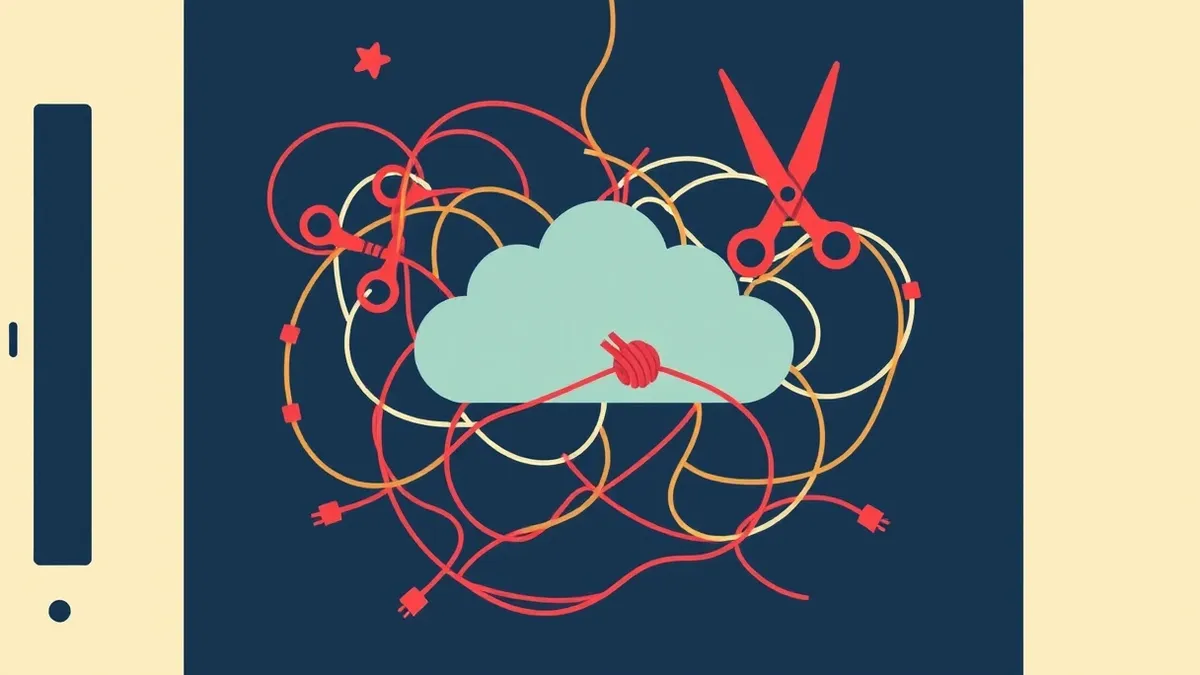
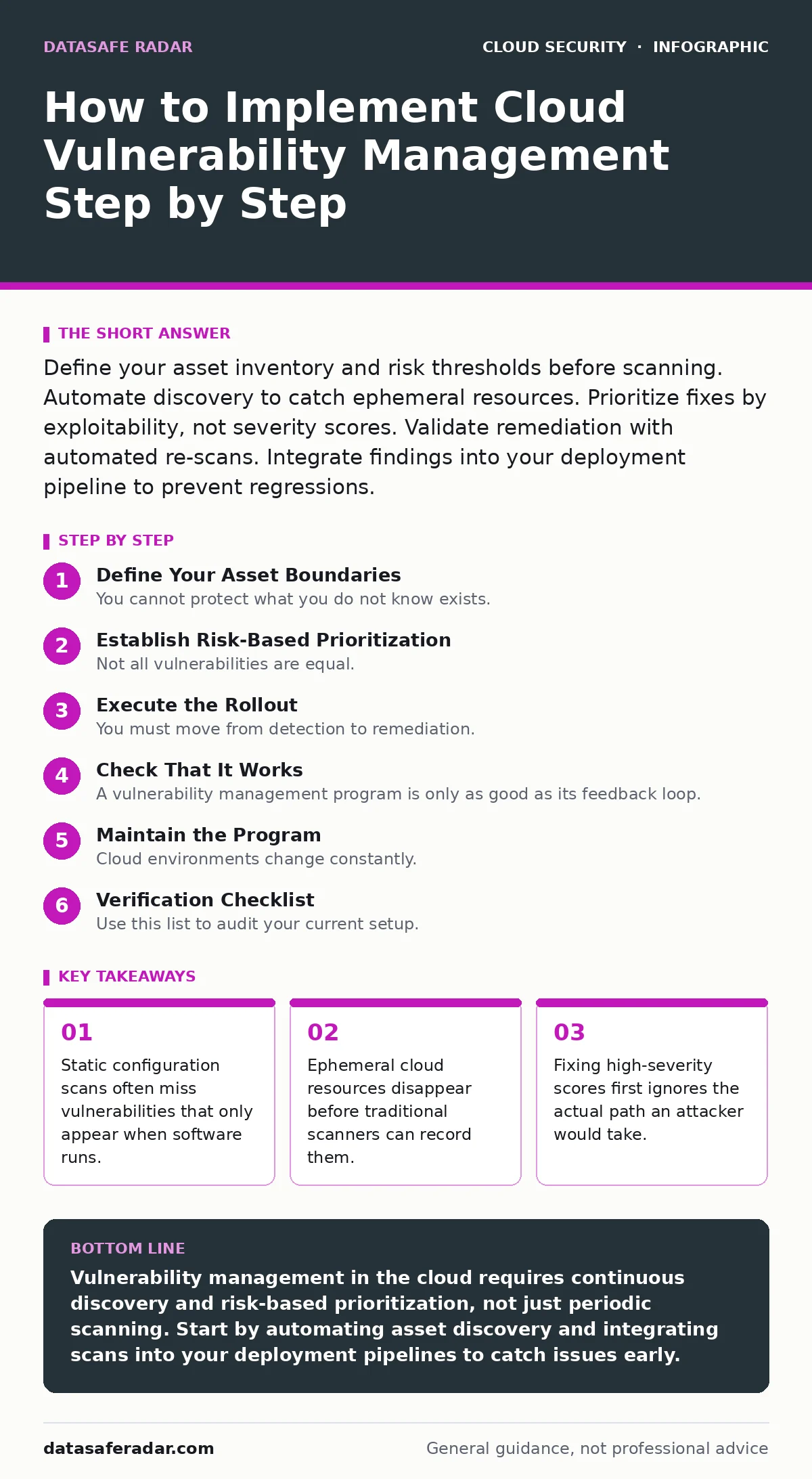
Define your asset inventory and risk thresholds before scanning. Automate discovery to catch ephemeral resources. Prioritize fixes by exploitability, not severity scores. Validate remediation with automated re-scans. Integrate findings into your deployment pipeline to prevent regressions.
Define Your Asset Boundaries
You cannot protect what you do not know exists. In cloud environments, assets are not just servers. They include storage buckets, database instances, serverless functions, and network endpoints. Many organizations start by importing a list of servers from their on-premises inventory. This approach fails because cloud workloads are dynamic.
Suppose you spin up a temporary server to process a data batch. If your inventory tool does not automatically discover this resource, it remains invisible to your security controls. You must use automated discovery tools that query the cloud provider’s API continuously. These tools record every resource that exists, even if it runs for only five minutes.
Check that your inventory includes both compute and storage resources. Verify that the tool logs metadata for each asset, such as its region, owner, and purpose. Without this context, you will waste time trying to patch resources that serve no business function.
Step 1: Automate Continuous Discovery
Configure your vulnerability management platform to poll your cloud accounts at regular intervals. The frequency depends on how often your team deploys new resources. For teams that deploy daily, hourly scans are necessary. For slower-moving environments, daily scans may suffice.
Tell it worked when the tool generates an alert for a newly created resource within minutes of its creation. If you create a test storage bucket and the tool lists it in its dashboard shortly after, the discovery mechanism is functioning. Do not rely on manual updates to your asset list. Human error will eventually cause a gap.
Establish Risk-Based Prioritization
Not all vulnerabilities are equal. A missing patch on an internal logging server poses less risk than a misconfigured public storage bucket. Traditional scanners assign a severity score based on the theoretical impact of a flaw. This score ignores your specific environment.
Imagine you have two servers. One has a critical flaw but sits behind a firewall with strict access rules. The other has a moderate flaw but is publicly accessible on the internet. The public server is the greater threat. You must adjust your prioritization logic to account for exposure and connectivity.
Use your network map to determine which assets are reachable from the internet. Tag these assets as high priority. Then, look at data sensitivity. A database containing customer records requires faster remediation than a server hosting static images.
Step 2: Map Vulnerabilities to Business Context
Integrate your vulnerability scanner with your configuration management database. This database holds information about asset owners and business criticality. When a scan finds a flaw, the system should attach the owner’s contact information and the asset’s risk level.
Tell it worked when your alerting system sends notifications to the correct team members. If the web development team receives alerts for web servers and the database team receives alerts for databases, the mapping is correct. Avoid sending all alerts to a generic security inbox. This creates noise and delays response times.
Execute the Rollout
You must move from detection to remediation. This requires clear processes for each finding. Define which vulnerabilities must be fixed immediately and which can wait for the next maintenance window. Set these thresholds based on your risk appetite, not industry averages.
Step 3: Integrate Scans into Deployment Pipelines
Shift your checks left in the development process. Configure your continuous integration and continuous delivery pipelines to block deployments that introduce known vulnerabilities. If a developer pushes code that uses a library with a known flaw, the build fails.
Tell it worked when a developer receives immediate feedback about a security issue before the code reaches production. This prevents the flaw from becoming an operational burden. You may need to adjust your thresholds to avoid blocking minor issues that require longer-term fixes.
Step 4: Remediate and Verify
Assign ownership for each finding. The person who owns the asset must fix the issue or document an acceptance of risk. Track the time it takes to close each ticket. If remediation times are growing, your process is broken.
Tell it worked when your scanner confirms the fix during the next scan cycle. Do not trust manual confirmation. Run the scan again to ensure the vulnerability is gone and that the fix did not break any functionality.
Check That It Works
A vulnerability management program is only as good as its feedback loop. You must validate that your controls are detecting real issues and that your fixes are holding.
Tell it worked when your test environment triggers alerts that match the known vulnerabilities. If the scanner misses a known flaw, your coverage is insufficient. Adjust your scan configurations or update your tooling until the test passes consistently.
Maintain the Program
Cloud environments change constantly. New services launch, old ones decommission, and configurations drift. Your vulnerability management process must adapt to these changes.
Review your asset inventory quarterly. Remove decommissioned assets to keep your data clean. Update your risk models as your business priorities shift. If a new service becomes critical to your revenue, adjust its remediation SLAs accordingly.
Step 5: Monitor for Configuration Drift
Cloud resources often change after initial deployment. A storage bucket might be made public by mistake. A firewall rule might be loosened to allow access. These changes introduce new vulnerabilities that static scans might miss if they do not run frequently enough.
Tell it worked when your system alerts you to configuration changes that increase risk. If you change a setting and receive an alert within minutes, your monitoring is effective. Integrate these alerts into your cloud incident response plan to ensure rapid reaction.
See also: Cloud Workload Protection: Real Benefits vs. Hidden Costs · 7 Encrypted Cloud Storage Mistakes That Expose Your Data
Verification Checklist
Use this list to audit your current setup.
- Automated discovery runs at a frequency that matches your deployment speed.
- All assets are tagged with an owner and business criticality level.
- Vulnerabilities are prioritized based on exposure and data sensitivity, not just severity scores.
- Deployment pipelines block code with known high-risk vulnerabilities.
- Remediation times are tracked and reported to leadership.
- Test environments with known flaws are scanned regularly to validate detection capabilities.
- Configuration drift is monitored and alerts are sent for risky changes.
Long-Term Upkeep
Keep your tools updated. Cloud providers release new services and update existing ones regularly. Your scanning tools must keep pace with these changes.
Review your risk thresholds annually. What was acceptable risk last year may not be acceptable today. Align your security metrics with your business goals. If your business expands into new regions, ensure your vulnerability management covers those new jurisdictions.
Integrate your findings with other security controls. For example, if you use cloud key management services, ensure that key rotation policies are part of your vulnerability checks. If you rely on virtual private clouds, verify that network segmentation rules are enforced and monitored.
Consider how your cloud vulnerability management fits into your broader security strategy. It works best when combined with container runtime security for dynamic workloads and SaaS data exposure controls for application-level risks. These layers protect different parts of your stack.
Key takeaways
- Static configuration scans often miss vulnerabilities that only appear when software runs.
- Ephemeral cloud resources disappear before traditional scanners can record them.
- Fixing high-severity scores first ignores the actual path an attacker would take.
Vulnerability management in the cloud requires continuous discovery and risk-based prioritization, not just periodic scanning. Start by automating asset discovery and integrating scans into your deployment pipelines to catch issues early.
Frequently asked questions
How often should I scan my cloud environment?
Scan at least daily for general coverage. If you deploy new resources frequently, scan hourly to catch ephemeral assets before they are exploited.
Should I patch every vulnerability immediately?
No. Prioritize based on risk. Fix publicly accessible flaws and those affecting sensitive data first. Lower-risk items can be patched during regular maintenance windows.
What if a vulnerability cannot be patched?
Document the risk and implement compensating controls. This might include restricting network access, adding monitoring, or moving the workload to a more secure environment.
How do I handle vulnerabilities in third-party libraries?
Integrate software composition analysis into your build pipeline. Block deployments that introduce libraries with known flaws. Update dependencies regularly to stay current.
How this guide was produced: written by the DataSafe Radar editorial team with AI assistance, checked against the public references listed below, and reviewed when the facts change. See our editorial policy or report an error.