How Intrusion Detection Systems Analyze Network Traffic
Intrusion detection systems do not block threats by default; they rely on external components to enforce policy decisions after identifying suspicious behavior patterns.

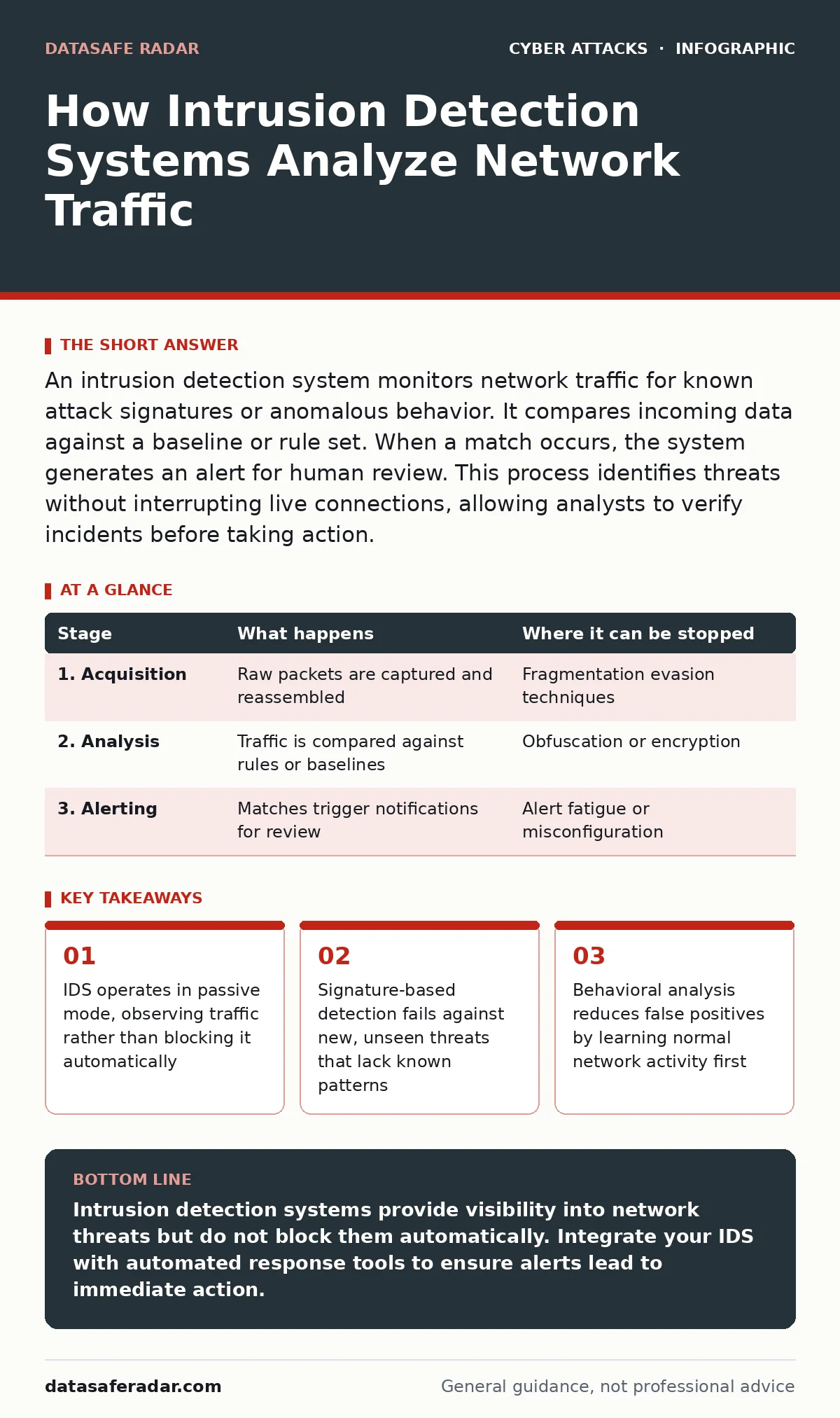
An intrusion detection system monitors network traffic for known attack signatures or anomalous behavior. It compares incoming data against a baseline or rule set. When a match occurs, the system generates an alert for human review. This process identifies threats without interrupting live connections, allowing analysts to verify incidents before taking action.
The Passive Observer Model
An intrusion detection system (IDS) functions as a digital sentry that watches network traffic without participating in it. Unlike a firewall, which actively permits or denies connections based on rules, an IDS sits adjacent to the flow of data. It receives a copy of the packets moving through your network, often via a span port or network tap. This separation ensures that the analysis process does not introduce latency or drop legitimate traffic. The core design principle is observation, not intervention. You gain visibility into what is happening, but you must act on that information separately.
Stage 1: Traffic Acquisition and Normalization
The process begins with the system capturing raw network packets. These packets contain headers and payloads that define the source, destination, and content of the communication. The IDS must first normalize this data. Normalization involves reassembling fragmented packets and decoding protocols so the system can read the traffic uniformly. Without this step, an attacker could split a malicious command across multiple small packets to evade detection. The system reconstructs the full stream of data, treating it as a continuous conversation rather than isolated fragments. This creates a clean dataset for the analysis engine to examine.
| Stage | What happens | Where it can be stopped |
|---|---|---|
| 1. Acquisition | Raw packets are captured and reassembled | Fragmentation evasion techniques |
| 2. Analysis | Traffic is compared against rules or baselines | Obfuscation or encryption |
| 3. Alerting | Matches trigger notifications for review | Alert fatigue or misconfiguration |
Stage 2: Signature Matching Engine
The most common detection method relies on signatures. A signature is a unique pattern of data associated with a known threat, such as a specific sequence of bytes in a virus or a known exploit string. The IDS compares the normalized traffic against a database of these signatures. If the traffic matches a known pattern, the system flags it as a potential intrusion. This method is highly accurate for known threats. However, it has a significant blind spot. It cannot detect new attacks, or zero-day exploits, because no signature exists for them yet. The system only knows what it has been told to look for.
Stage 3: Behavioral Anomaly Detection
To catch unknown threats, many systems use behavioral analysis. Instead of looking for specific patterns, this method establishes a baseline of normal network activity. It learns what typical traffic looks like for each user, device, or application over time. The system then monitors for deviations from this baseline. Suppose a database server suddenly starts sending large volumes of data to an external IP address. Even if the command itself looks valid, the behavior is abnormal. The IDS flags this anomaly for review. This approach detects novel attacks but can generate false positives if the baseline is not properly tuned.
Stage 4: Contextual Correlation
Raw alerts are often noisy. A single anomalous packet might be a glitch, not an attack. Contextual correlation combines multiple alerts to identify a broader pattern of activity. The system looks for relationships between events across different parts of the network. For instance, a failed login attempt followed by a successful one and then unusual data access might indicate a brute-force attack succeeded. By linking these discrete events, the system reduces noise and highlights genuine threats. This stage adds intelligence to the raw data, turning isolated alerts into actionable incidents.
See also: Encryption in Transit Myths: What Data Protection Actually Does · Web Filtering Misconceptions: 6 Errors That Leave Gaps
Stage 5: Alert Generation and Logging
Once a threat is identified, the system generates an alert. This alert includes details such as the source IP address, destination, timestamp, and the specific rule or anomaly that triggered it. The alert is logged in a central database and often sent to a security information and event management (SIEM) system. The IDS does not block the traffic. It simply records the event and notifies the security team. This passive nature means that an active intrusion continues until someone intervenes. The speed of your response determines the damage.
Limits and Operational Blind Spots
Intrusion detection systems have inherent limitations. They cannot inspect encrypted traffic unless you deploy a decryption mechanism, which raises privacy and performance concerns. If the traffic is encrypted end-to-end, the IDS sees only gibberish. Additionally, the system relies on accurate time synchronization and proper placement in the network. If it is placed after a firewall that already blocks malicious traffic, the IDS may never see the attack. Misconfiguration is also a major risk. If the sensitivity is too high, you suffer from alert fatigue. If it is too low, you miss real threats.
Integration with Defensive Layers
An IDS is rarely used in isolation. It works best when paired with other security controls. For example, if an IDS detects signs of zero trust security violations, it can trigger a response in a firewall to block the source. This transforms the passive observer into an active defender, though the decision logic remains separate. You might also integrate it with DDoS protection systems to distinguish between malicious floods and legitimate traffic spikes. The IDS provides the intelligence, while other systems enforce the policy. This layered approach ensures that detection leads to mitigation.
The Human Factor in Detection
Technology alone cannot secure your network. The alerts generated by an IDS require human analysis. Security analysts must investigate each alert to determine if it is a true positive or a false alarm. This process is time-consuming and requires expertise. If your team is overwhelmed by alerts, they may ignore critical warnings. This is known as alert fatigue. To mitigate this, ensure your IDS is properly tuned and integrated with automated response tools. Automation can handle routine alerts, allowing humans to focus on complex incidents. The system is only as good as the team behind it.
Key takeaways
- IDS operates in passive mode, observing traffic rather than blocking it automatically
- Signature-based detection fails against new, unseen threats that lack known patterns
- Behavioral analysis reduces false positives by learning normal network activity first
Intrusion detection systems provide visibility into network threats but do not block them automatically. Integrate your IDS with automated response tools to ensure alerts lead to immediate action.
Frequently asked questions
Does an IDS block malicious traffic automatically?
No, a standard IDS only alerts you to potential threats. It does not block traffic. You need an intrusion prevention system (IPS) or manual intervention to stop the attack.
How does an IDS handle encrypted traffic?
It cannot inspect the contents of encrypted traffic unless you implement a decryption mechanism. Without decryption, the IDS can only analyze metadata, which limits its effectiveness.
What is the difference between signature-based and behavior-based detection?
Signature-based detection looks for known patterns of attacks. Behavior-based detection looks for unusual activity that deviates from a learned baseline. The former catches known threats; the latter catches new ones.
Why do IDS systems generate false positives?
False positives occur when normal activity matches a threat signature or deviates from the baseline. Poor tuning, outdated baselines, or unusual legitimate traffic can trigger these alerts.
How this guide was produced: written by the DataSafe Radar editorial team with AI assistance, checked against the public references listed below, and reviewed when the facts change. See our editorial policy or report an error.