First-Party vs Third-Party Cookies: The Difference and Impact
First-party cookies store your login state on a single site, while third-party cookies follow your browsing habits across the entire web.

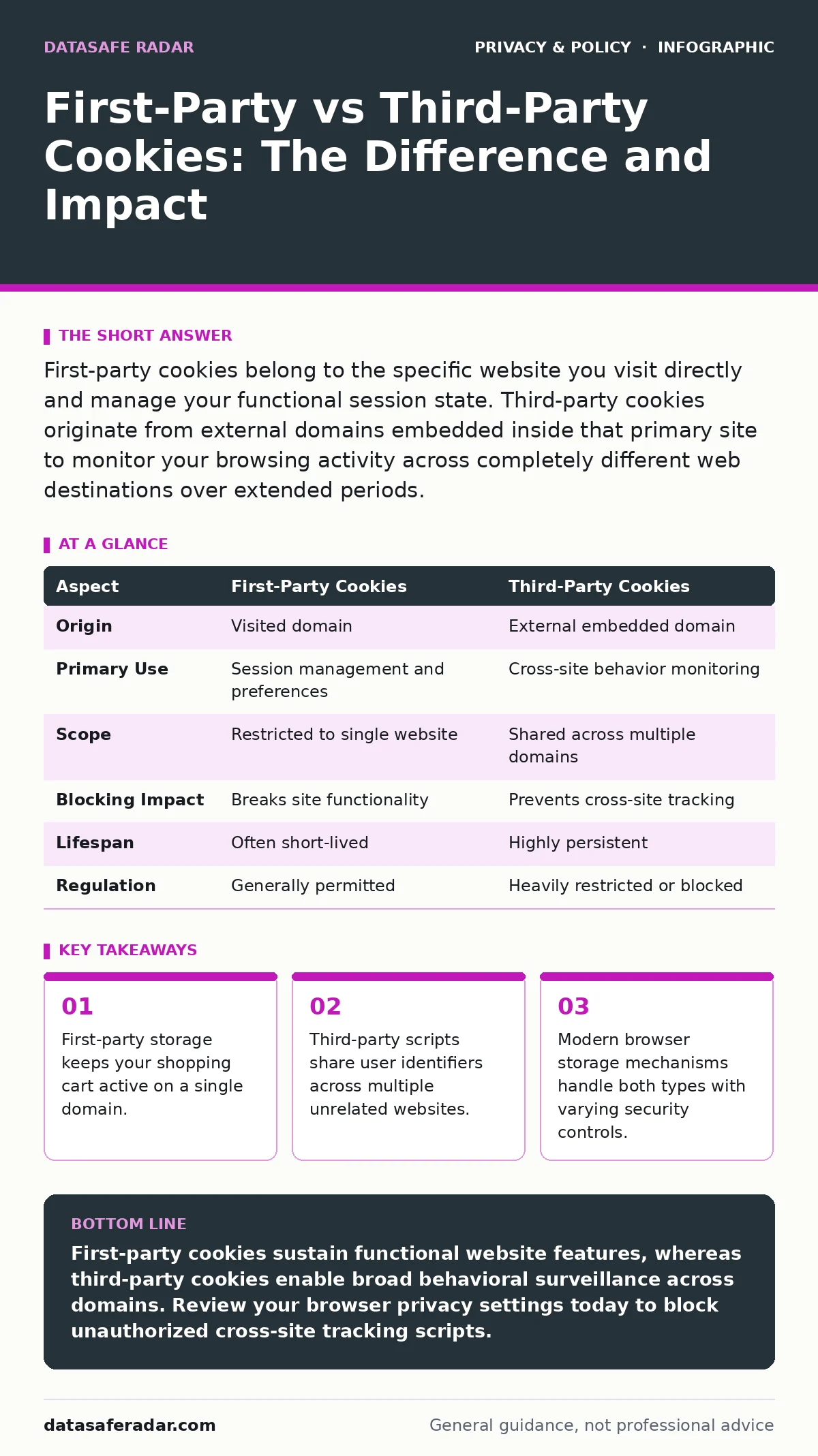
First-party cookies belong to the specific website you visit directly and manage your functional session state. Third-party cookies originate from external domains embedded inside that primary site to monitor your browsing activity across completely different web destinations over extended periods.
Defining First-Party Cookies and Their Purpose
First-party cookies are small text files created directly by the domain you visit in your address bar. Web servers issue these files to remember your preferences, items in a shopping cart, or login credentials between page loads. Domain ownership determines this classification, meaning only the exact site you navigate to can read the data stored inside these files.
Imagine shopping on an online store where you add items to a basket while browsing various product categories. First-party storage ensures those items remain in your basket because the store's server recognizes the unique identifier assigned to your browser session. Authentication tokens also rely on this mechanism to keep you logged into your account securely.
Understanding Third-Party Cookies and Cross-Site Tracking
Third-party cookies originate from domains different from the website address displayed in your browser. Advertisers and analytics providers embed scripts into primary web pages, allowing these external entities to set their own storage items. Cross-site tracking occurs because the same external script loads across hundreds of unrelated websites, linking your unique browser identifier everywhere you go.
Suppose you read a news article containing an embedded widget from a social media platform. That widget drops a tracking file onto your browser from the social media company's domain, not the news publisher's domain. Modern ad tracking platforms use these persistent identifiers to build behavioral profiles without your explicit daily awareness.
Comparing Domain Storage Properties
| Aspect | First-Party Cookies | Third-Party Cookies |
|---|---|---|
| Origin | Visited domain | External embedded domain |
| Primary Use | Session management and preferences | Cross-site behavior monitoring |
| Scope | Restricted to single website | Shared across multiple domains |
| Blocking Impact | Breaks site functionality | Prevents cross-site tracking |
| Lifespan | Often short-lived | Highly persistent |
| Regulation | Generally permitted | Heavily restricted or blocked |
Choosing Storage Types Wisely
Choose the first-party approach when you need to maintain application state for a single domain. Developers require this storage to keep users authenticated and remember localized settings like dark mode preferences. Security controls protect these tokens from unauthorized access by enforcing strict delivery parameters.
Choose the third-party approach when you operate an analytics network that measures user interactions across distinct publisher sites. External analytics providers require cross-domain visibility to calculate aggregate metrics for marketing campaigns. Consent management platforms often attempt to regulate these external requests before the browser executes them.
Where Domain Boundaries and Storage Overlap
Browser storage mechanisms treat both cookie types similarly at the technical level despite their different origins. Modern web browsers store both varieties in the same local database files on your hard drive. Encryption standards and expiration attributes apply equally regardless of whether the issuing domain matches the address bar.
Subdomain architectures complicate these tidy definitions through clever routing tricks. An external service provider can configure a sub-domain on your favorite news site to set cookies that act like first-party data while communicating with third-party servers. Differential privacy models attempt to obscure individual habits within these overlapping data streams without breaking core functionality.
Hidden Costs of Persistent Web Tracking
Aggressive tracking strains mobile data plans and drains device batteries through unnecessary background network requests. Every embedded third-party script forces your browser to execute extra JavaScript code and establish multiple independent network connections. Page load times increase significantly as your device waits for dozens of external tracking servers to respond.
Privacy leaks emerge when poorly secured external domains suffer compromises, exposing unique identifiers to malicious actors. Web developers frequently overlook the security posture of third-party widget providers embedded into their pages. Fixing these vulnerabilities requires continuous auditing of every external dependency loaded during a standard page visit.
Key takeaways
- First-party storage keeps your shopping cart active on a single domain.
- Third-party scripts share user identifiers across multiple unrelated websites.
- Modern browser storage mechanisms handle both types with varying security controls.
First-party cookies sustain functional website features, whereas third-party cookies enable broad behavioral surveillance across domains. Review your browser privacy settings today to block unauthorized cross-site tracking scripts.
Frequently asked questions
Can a first-party cookie turn into a third-party cookie later?
No, the classification depends entirely on the domain that issues the cookie relative to the address in your browser bar. A cookie set by a domain can only act as a first party when you visit that exact domain directly.
Do mobile apps use cookies in the same way web browsers do?
Mobile applications rely on different system identifiers and local database storage rather than traditional browser cookies. Operating systems provide distinct advertising IDs to track user activity across standalone apps instead of relying on HTTP headers.
Why do some websites fail to load properly when I block third-party storage?
Many websites integrate external payment gateways and authentication widgets that require cross-domain communication to function. If those external domains cannot set storage items, the dependent website features fail to initialize.
Are secure flags enough to protect cookie data from interception?
Secure flags prevent transmission over unencrypted connections, but they do not stop unauthorized scripts from reading the data. Proper access restrictions and short expiration windows remain necessary to secure stored user sessions.
How this guide was produced: written by the DataSafe Radar editorial team with AI assistance, checked against the public references listed below, and reviewed when the facts change. See our editorial policy or report an error.