How VPNs Actually Work: A Plain English Explanation of Virtual Private Networks
A VPN hides your location from websites but does not hide your activity from the provider that runs the tunnel.
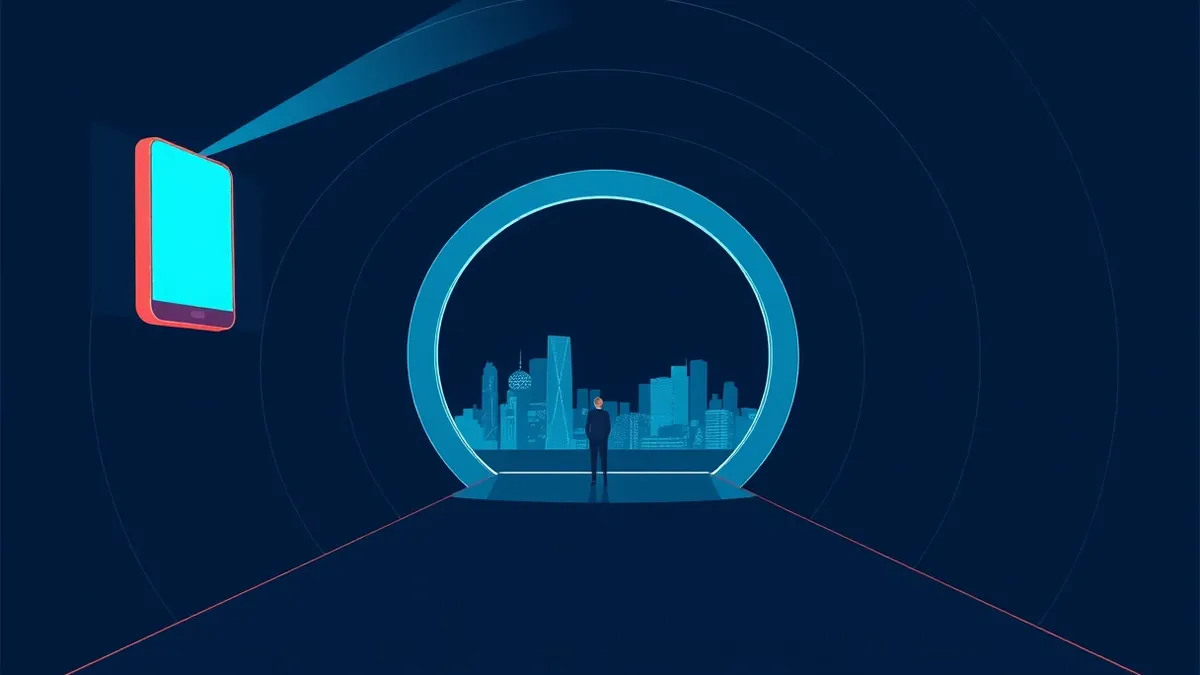
A virtual private network encrypts your internet traffic and routes it through a remote server. This masks your real IP address from the sites you visit. It protects data on public Wi-Fi but does not make you anonymous to the VPN provider itself.
The Post Office Analogy
Imagine you are sending a letter to a friend. Normally, you write on standard stationery and drop it in a mailbox. The postal worker sees the return address and the destination. They can also open the envelope if they want to read the contents.
A virtual private network acts like a secure courier service. You hand your letter to the courier. They place it inside a sealed, opaque bag. They then drive it to a drop-off point in another city. From there, a local postal worker delivers the bag to your friend.
The local postal worker sees the bag coming from the other city. They do not see your original return address. The courier knows where the letter came from and where it is going. They hold the key to the sealed bag.
This analogy holds true for the technology. The "bag" is the encrypted tunnel. The "courier" is the VPN provider. The "local postal worker" is the website or service you are visiting.
Key Terms Defined
Understanding the mechanics requires clear definitions. These terms describe how the data moves and who can see it.
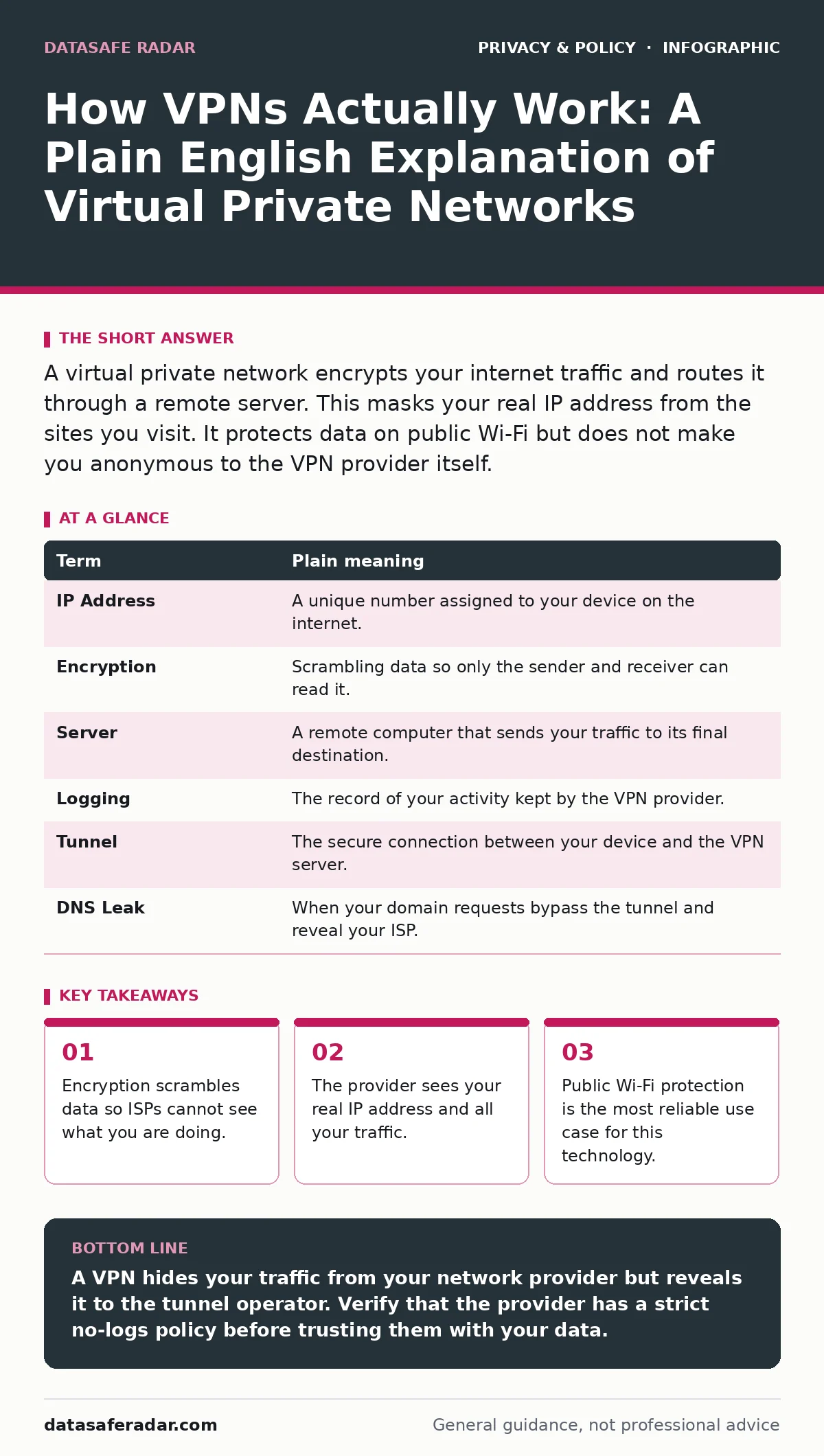
| Term | Plain meaning |
|---|---|
| IP Address | A unique number assigned to your device on the internet. |
| Encryption | Scrambling data so only the sender and receiver can read it. |
| Server | A remote computer that sends your traffic to its final destination. |
| Logging | The record of your activity kept by the VPN provider. |
| Tunnel | The secure connection between your device and the VPN server. |
| DNS Leak | When your domain requests bypass the tunnel and reveal your ISP. |
What the Encryption Protects
Encryption prevents outsiders from reading your data in transit. When you connect to public Wi-Fi at a coffee shop, anyone on that same network can potentially intercept unencrypted traffic. This includes login credentials and messages.
The VPN creates a tunnel that scrambles this data. The coffee shop owner or a hacker sitting next to you sees only gibberish. They cannot see which websites you visit or what you type. This is the primary security benefit of the technology.
However, encryption does not protect you from malware. If you download a virus, the VPN does not stop it. It only secures the pipe, not the content you pull from the other end.
What the Provider Can See
The most common misconception is that a VPN makes you anonymous. It does not. It merely shifts who can see your activity.
Your internet service provider no longer sees the specific websites you visit. They only see that you are connected to the VPN provider. The VPN provider, however, sees your real IP address. They also see every website you visit and every file you transfer.
This creates a single point of trust. You are relying on the provider not to log your activity. If they keep detailed logs, your privacy is no better than if you had no tunnel at all. If they sell this data, your privacy is gone entirely.
The Hidden Cost of Speed and Complexity
Routing your traffic through a remote server adds distance and processing time. This almost always reduces your connection speed. The encryption and decryption steps require computing power.
This latency matters for streaming video or online gaming. It is less relevant for reading news or checking email. You must accept this trade-off for the privacy benefit.
There is also a risk of DNS leaks. If your device fails to send domain name requests through the tunnel, your ISP can still see which domains you are resolving. This breaks the illusion of privacy even if the data content remains encrypted.
A Better Approach to Privacy
A VPN is a tool, not a shield. It solves specific problems like ISP snooping and public Wi-Fi insecurity. It does not solve tracking by websites or data collection by apps.
For broader privacy, you must look at how applications request access. Reviewing your app permission management settings can stop data collection at the source. This is often more effective than hiding your traffic.
You should also consider how websites track you across the web. Understanding third-party cookies helps you block the trackers that build your profile. A VPN does not stop these cookies from being set.
Try This Now
- Connect to a public Wi-Fi network at a cafe or airport.
- Install a reputable client and connect to a server in your own country.
- Visit a site that shows your IP address to confirm it has changed.
The Limits of Location Masking
Changing your IP address makes it look like you are in a different city. This can bypass geo-restrictions on some content. It does not make you invisible to the service provider.
Many services detect VPN traffic and block it. They recognize IP ranges known to belong to tunnel providers. This can result in access being denied entirely.
Do not use this technology to hide illegal activity. The provider can hand over your logs to law enforcement if required by a court order. The legal risks often outweigh the privacy benefits in these scenarios.
Key takeaways
- Encryption scrambles data so ISPs cannot see what you are doing.
- The provider sees your real IP address and all your traffic.
- Public Wi-Fi protection is the most reliable use case for this technology.
A VPN hides your traffic from your network provider but reveals it to the tunnel operator. Verify that the provider has a strict no-logs policy before trusting them with your data.
Frequently asked questions
Does a VPN hide my activity from my employer?
Only if you are on your personal device and network. If you use a company device or network, they can monitor your traffic regardless of the tunnel.
Can a VPN prevent me from getting a virus?
No. A VPN encrypts data in transit. It does not scan files for malware or protect against phishing attempts.
Is a free VPN safe to use?
Free services often monetize by selling user data or injecting ads. This defeats the purpose of using the tool for privacy.
Do I need a VPN for home Wi-Fi?
It is optional. Home networks are generally secure. A VPN adds protection against ISP data collection but adds latency.
How this guide was produced: written by the DataSafe Radar editorial team with AI assistance, checked against the public references listed below, and reviewed when the facts change. See our editorial policy or report an error.