Compensating Controls for Small Business Security Gaps
Small teams use compensating controls to offset missing security features, turning budget constraints into structured, affordable defense layers that reduce risk without new software.

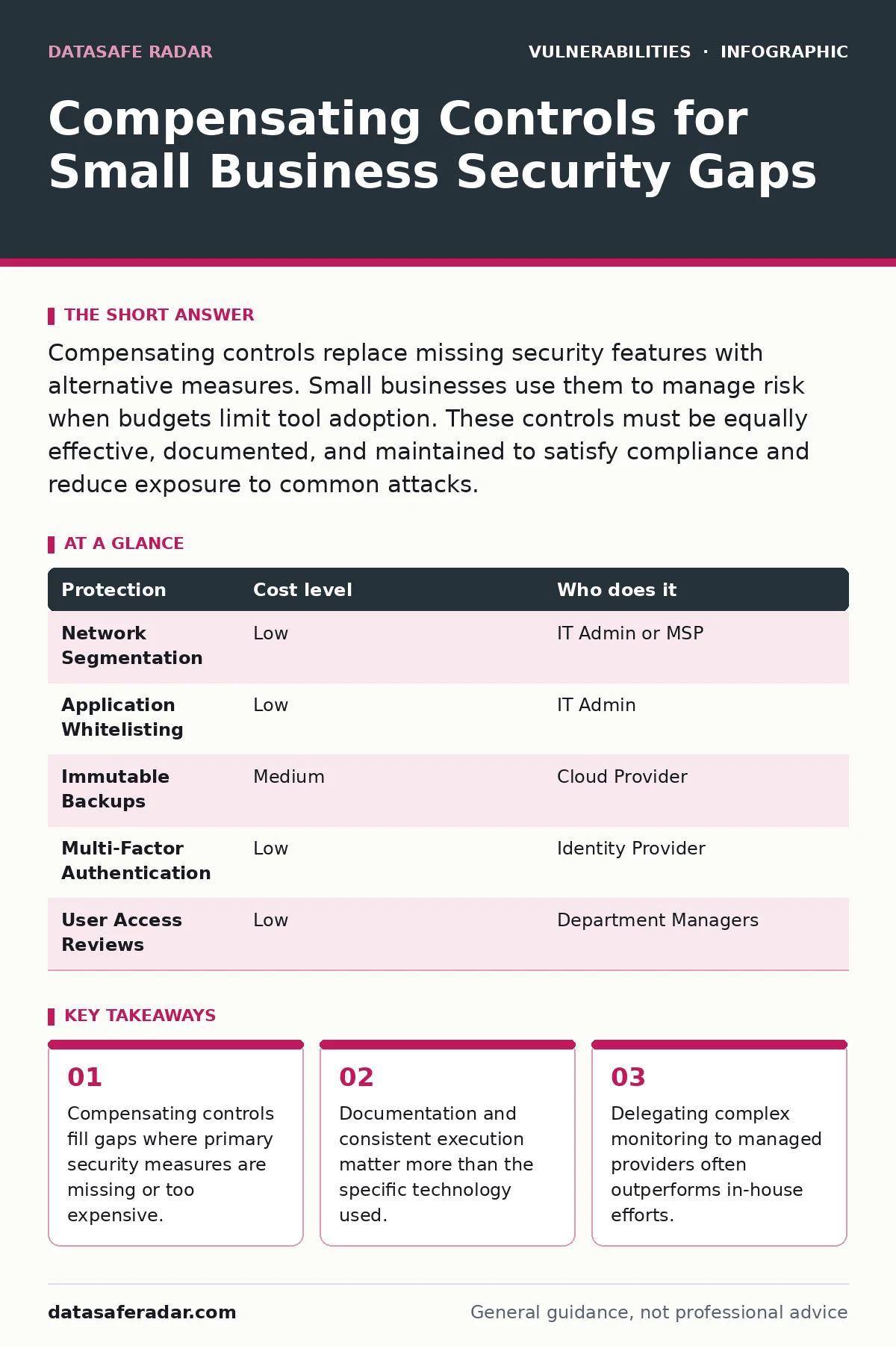
Compensating controls replace missing security features with alternative measures. Small businesses use them to manage risk when budgets limit tool adoption. These controls must be equally effective, documented, and maintained to satisfy compliance and reduce exposure to common attacks.
Why Gaps Exist at Small Scale
Small organizations rarely face security issues because they ignore risk. They face them because their resources do not match enterprise expectations. Large corporations buy suites that scan, monitor, and block automatically. Small teams often rely on general-purpose tools that lack granular control. This creates a gap between the risk you face and the protection you can afford.
Compensating controls address this gap. A compensating control is an alternative measure that provides equivalent protection when the primary control is not feasible. You do not accept the risk. You manage it differently. This approach allows a small team to maintain security posture without purchasing tools that sit unused due to complexity or cost.
Imagine you cannot install a host-based intrusion prevention system on every laptop. You can compensate by restricting internet access to approved business sites only. This reduces the attack surface significantly. The mechanism is restriction rather than detection. The trade-off is user convenience. Users cannot browse casually. The edge case is a legitimate business need that falls outside approved sites, requiring a quick approval process.
Affordable Ways to Implement Controls
You do not need expensive software to implement effective compensating controls. Many rely on process and configuration. Configuration hardening is a primary method. This involves disabling unnecessary services, closing unused ports, and enforcing strict password policies. These actions cost nothing but time. They reduce the number of entry points an attacker can exploit.
Network segmentation is another affordable control. You separate guest Wi-Fi from internal business networks. You isolate payment processing systems from general office computers. This limits lateral movement. If an attacker breaches a guest device, they cannot reach your financial data. The cost is network setup time. The benefit is contained damage.
Data loss prevention often relies on behavior rather than software. You enforce a policy that forbids saving sensitive files to local drives. Files must live on a shared, backed-up server. This ensures data survives device theft or loss. You compensate for the lack of encryption on portable devices by ensuring the devices contain no sensitive data in the first place.
| Protection | Cost level | Who does it |
|---|---|---|
| Network Segmentation | Low | IT Admin or MSP |
| Application Whitelisting | Low | IT Admin |
| Immutable Backups | Medium | Cloud Provider |
| Multi-Factor Authentication | Low | Identity Provider |
| User Access Reviews | Low | Department Managers |
What to Delegate to Providers
Not every control suits internal implementation. Some require constant attention and specialized expertise. Managed Service Providers (MSPs) or Managed Security Service Providers (MSSPs) offer economies of scale. They monitor multiple clients, so their tools and staff are already in place. You pay for access, not for building the capability.
Delegate log analysis and threat monitoring. Small teams lack the time to review thousands of logs daily. An MSSP uses automated tools to flag anomalies. They alert you only when human review is needed. This provides enterprise-grade visibility at a fraction of the cost of hiring a dedicated security analyst.
Delegate patch management for complex systems. Keeping operating systems and applications updated is critical. Missing patches leave doors open for exploits. An MSP automates the testing and deployment of updates. They ensure patches do not break business applications. This reduces the risk of downtime and the risk of known vulnerabilities remaining unpatched.
Documenting Your Alternative Measures
Documentation is the backbone of compensating controls. Auditors and insurers need to see that your alternative measures are deliberate and effective. You must write down why you chose the control. You must describe how it works. You must record how often you test it.
A control that is not documented is often treated as non-existent. If you rely on manual file reviews to detect malware, you must document the review schedule, the reviewer, and the criteria. This proves intentionality. It shows you are not ignoring the risk. It demonstrates that you have a structured approach to security despite resource constraints.
Review your documentation regularly. Processes change. Staff leave. If your documented control no longer matches your practice, you have a gap. Update the document to reflect reality. This keeps your security posture honest and actionable.
When Usual Advice Fails
Standard security advice often assumes infinite resources. It tells you to "secure everything." This fails when you have three staff members and no IT department. You cannot secure everything equally. You must prioritize. Compensating controls force you to make hard choices about what matters most.
Suppose you cannot implement complex identity management for a small team. Usual advice might suggest a full identity provider with advanced rules. A better compensating control is strict least privilege. You give users only the access they need for their specific role. You review this access monthly. This is simpler and often more effective than a poorly configured complex system.
Another failure point is over-reliance on automation. Automation requires maintenance. If you automate a control that is poorly designed, you automate failure. Manual checks, though slower, can catch edge cases that scripts miss. Balance automation with human oversight.
See also: How Recovery Point Objective Works in Data Backups · How to Prevent DNS Spoofing: 4 Steps to Secure Lookups
Integrating with Risk Frameworks
Compensating controls fit into standard risk frameworks. They are not exceptions to the rule. They are part of the risk treatment plan. You identify the risk. You evaluate the primary control. You determine it is not feasible. You select a compensating control. You assess the residual risk.
Frameworks like NIST or ISO provide structure for this process. They do not mandate specific tools. They mandate a process. Using compensating controls aligns you with these frameworks. It shows you are managing risk systematically. This helps with compliance requirements and insurance applications.
You must ensure the compensating control is at least as effective as the primary control. If it is less effective, you must accept the higher residual risk or find a better alternative.
Maintaining Effectiveness Over Time
Controls degrade. Users find workarounds. Technologies change. You must maintain your compensating controls. Regular testing ensures they still work. Periodic reviews ensure they still make sense.
Test your backups monthly. Verify you can restore data. Test your network segmentation quarterly. Ensure guests cannot reach internal servers. Review your application whitelist annually. Add new tools as needed. Remove obsolete ones.
This maintenance requires discipline. It is not a one-time setup. It is an ongoing process. The cost is time. The benefit is continued protection. Ignoring maintenance turns a strong control into a false sense of security.
Key takeaways
- Compensating controls fill gaps where primary security measures are missing or too expensive.
- Documentation and consistent execution matter more than the specific technology used.
- Delegating complex monitoring to managed providers often outperforms in-house efforts.
Frequently asked questions
What is the difference between a compensating control and a risk acceptance?
Compensating controls add new measures to reduce risk. Risk acceptance means you acknowledge the risk and choose not to act. Controls are active mitigation. Acceptance is passive acknowledgment.
Can compensating controls satisfy compliance requirements like GDPR or HIPAA?
Yes, if they provide equivalent protection. Regulators look at the outcome, not just the tool. You must document the equivalence and demonstrate effectiveness. The control must be as strong as the standard requirement.
How do I prove a compensating control is effective?
Document the control design. Record testing results. Show metrics of operation. For example, log evidence of blocked access or successful restores. Consistent evidence proves the control works in practice, not just on paper.
Should I hire a consultant to design compensating controls?
Consultants can help identify gaps and suggest alternatives. However, you must implement and maintain them. A consultant cannot monitor your systems daily. Use them for strategy, not for ongoing operation. BOTTOM LINE: Compensating controls allow small teams to manage risk effectively without enterprise budgets. Document your alternatives and test them regularly to ensure they remain effective.
How this guide was produced: written by the DataSafe Radar editorial team with AI assistance, checked against the public references listed below, and reviewed when the facts change. See our editorial policy or report an error.