How to Prevent DNS Spoofing: 4 Steps to Secure Lookups
Most users rely on unencrypted DNS queries that any neighbor can intercept, meaning your browser visits fake sites before you even type the password.

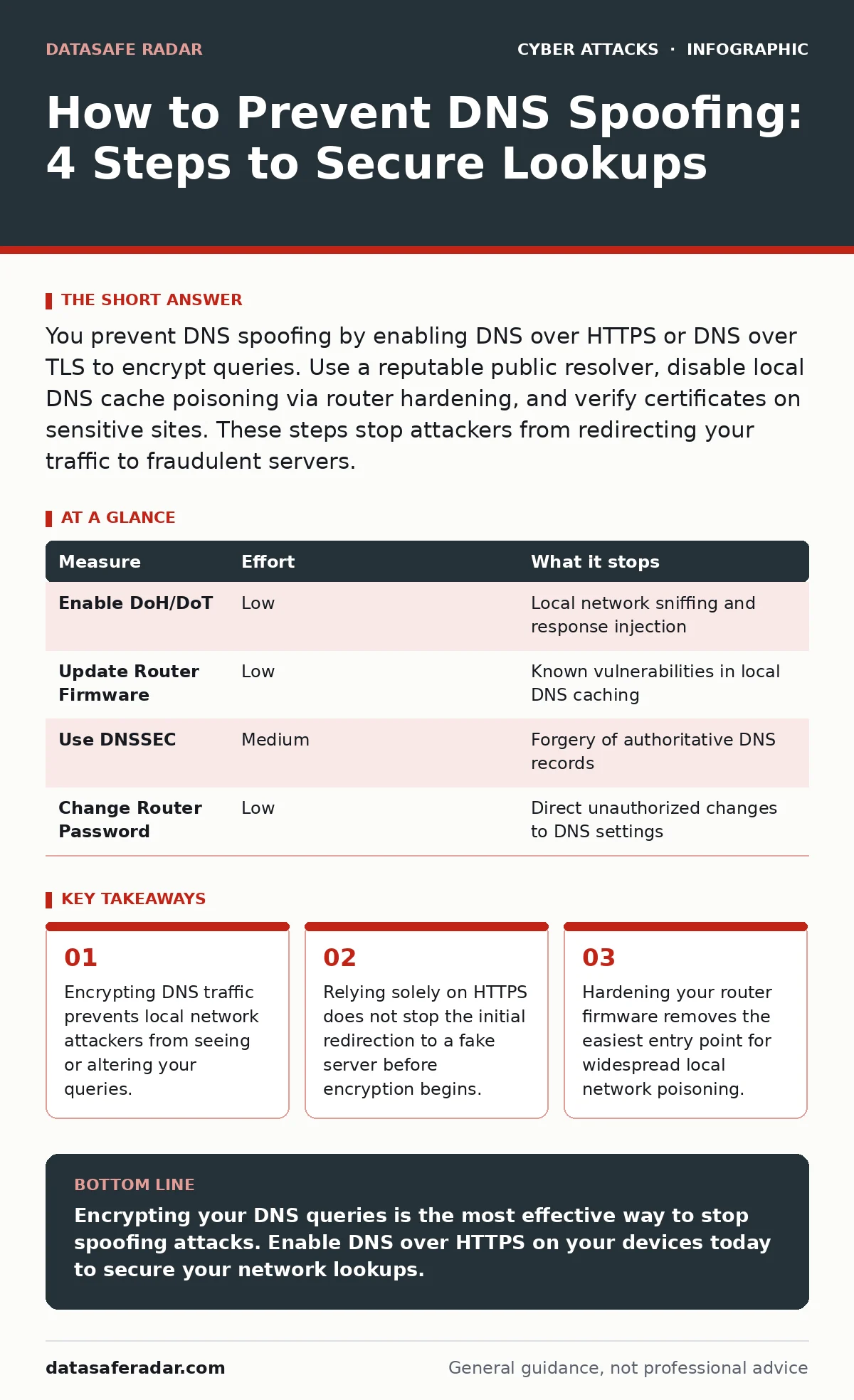
You prevent DNS spoofing by enabling DNS over HTTPS or DNS over TLS to encrypt queries. Use a reputable public resolver, disable local DNS cache poisoning via router hardening, and verify certificates on sensitive sites. These steps stop attackers from redirecting your traffic to fraudulent servers.
How to Prevent DNS Spoofing Starts with Encryption
You prevent DNS spoofing by ensuring your Domain Name System queries cannot be read or modified by others. DNS translates human-readable website names into numeric IP addresses. Spoofing occurs when an attacker inserts a fake IP address into this process. Your device then connects to the attacker’s server instead of the real website.
This redirection happens before any encryption on the website itself takes effect. If you visit a banking site via a spoofed DNS response, you enter credentials on a lookalake page. The attacker captures your login details immediately. Standard HTTPS protects data in transit, but it does not protect the initial address resolution step.
The Limitations of Standard HTTPS Protection
Many users assume that seeing a padlock icon in their browser means they are safe from spoofing. This assumption is incorrect. HTTPS encrypts the conversation between your browser and the server you actually reach. It does not guarantee that you reached the correct server in the first place.
If an attacker spoofs the DNS response, your browser connects to the attacker’s server. The attacker can present a valid certificate for the spoofed domain or a generic one. Modern browsers warn about certificate mismatches, but many users ignore these warnings. You must protect the lookup mechanism itself, not just the transport layer.
Implementing DNS over HTTPS and TLS
DNS over HTTPS (DoH) and DNS over TLS (DoT) encrypt your DNS queries. These protocols wrap standard DNS traffic inside secure, encrypted channels. Your Internet Service Provider or local network attacker cannot see which domains you are querying. They also cannot inject fake responses into the stream.
Enabling DoH or DoT is the single most effective step you can take. Most modern operating systems and browsers support these protocols natively. You often need to select a trusted resolver provider in your network settings. This change ensures that only the resolver can see your DNS activity, removing the ability for local eavesdroppers to alter results.
The trade-off is that your ISP loses visibility into your browsing destinations. Some network administrators dislike this because it complicates content filtering. For individual users, the privacy and security benefit far outweighs the loss of corporate control mechanisms. You gain protection against the most common forms of local network interception.
Hardening Your Router Against Cache Poisoning
Your home router often acts as a local DNS cache. It stores recent lookups to speed up future requests. If an attacker compromises the router’s DNS cache, they can poison it with fake entries. Every device on your network then receives the wrong IP addresses for specific domains.
You must update your router’s firmware regularly. Manufacturers release patches that fix vulnerabilities allowing cache manipulation. Old firmware often lacks protections against known attack vectors. You should also change the default administrative password on your router. Weak credentials allow attackers to modify DNS settings directly.
Consider disabling remote management features on your router. This prevents external attackers from attempting to log in and change your DNS configuration. If your router supports it, enable DNSSEC validation. This adds a cryptographic signature check to DNS responses, ensuring they come from the authoritative source.
| Measure | Effort | What it stops |
|---|---|---|
| Enable DoH/DoT | Low | Local network sniffing and response injection |
| Update Router Firmware | Low | Known vulnerabilities in local DNS caching |
| Use DNSSEC | Medium | Forgery of authoritative DNS records |
| Change Router Password | Low | Direct unauthorized changes to DNS settings |
Choosing a Trusted Recursive Resolver
The resolver you choose processes your DNS queries. Default resolvers provided by some ISPs have had historical issues with security updates and transparency. Switching to a public, security-focused resolver can reduce risk. These providers often implement strict security controls and transparent logging policies.
You must trust the resolver not to log or misuse your data. Research the privacy policies of potential providers. Some resolvers offer features like ad blocking or malware filtering at the DNS level. These features add a layer of protection by blocking requests to known malicious domains before they reach your device.
See also: Compensating Controls for Small Business Security Gaps · Malware Obfuscation: How Code Hides in Plain Sight
Addressing Edge Cases and Advanced Threats
Standard prevention measures protect against most common DNS spoofing attempts. However, sophisticated attackers may use other methods to compromise your network. For example, they might launch evil twin Wi-Fi attacks. In this scenario, the attacker creates a fake Wi-Fi network with a legitimate name. You connect to it, and the attacker controls all local DNS traffic.
In such cases, DNS encryption helps, but you must also verify the network you are joining. Public Wi-Fi networks are high-risk environments. Attackers often use watering hole attacks, compromising legitimate sites that you frequently visit. While this is not DNS spoofing directly, it achieves a similar goal of redirecting you to malicious content.
Understanding the difference between these attacks helps you prioritize defenses. DNS encryption stops local spoofing. Certificate validation stops man-in-the-middle attacks on established connections. You need both layers to be secure. Ignoring one leaves you vulnerable to the specific weaknesses of the other.
Quick Wins for Immediate Protection
You do not need to overhaul your entire network setup today. Start with the measures that provide the highest security gain for the lowest effort. Enabling DNS over HTTPS on your primary devices is the fastest step. This protects your laptop, phone, and tablet from local network interference.
Next, check your router for available firmware updates. This takes minutes but closes known security holes. Finally, verify that your browser is up to date. Modern browsers include strict certificate pinning and other protections that make spoofing harder to exploit. These small actions significantly reduce your attack surface.
Checklist for Today’s Security Posture
Use this checklist to verify your current defenses. These actions address the most common points of failure in DNS resolution. Completing them today reduces your risk of being redirected to fraudulent sites.
- Enable DNS over HTTPS or DNS over TLS on your operating system.
- Update your router’s firmware to the latest available version.
- Change the default administrative password on your network router.
Key takeaways
- Encrypting DNS traffic prevents local network attackers from seeing or altering your queries.
- Relying solely on HTTPS does not stop the initial redirection to a fake server before encryption begins.
- Hardening your router firmware removes the easiest entry point for widespread local network poisoning.
Encrypting your DNS queries is the most effective way to stop spoofing attacks. Enable DNS over HTTPS on your devices today to secure your network lookups.
Frequently asked questions
Does using a VPN prevent DNS spoofing?
A VPN encrypts your traffic, but if the VPN provider uses their own DNS servers, those queries might still be vulnerable unless the VPN also uses DoH or DoT. You must ensure the entire chain is encrypted.
Can DNS spoofing affect my mobile phone?
Yes, mobile devices are often on public Wi-Fi networks where spoofing is common. Enable private DNS or DoH in your phone’s network settings to protect your mobile queries from local attackers.
What is the difference between DNS spoofing and phishing?
DNS spoofing redirects your browser to a fake site automatically. Phishing tricks you into clicking a link that leads to a fake site. Both result in visiting a fraudulent page, but the method of redirection differs.
Do I need to configure DNSSEC on my personal computer?
You usually do not configure DNSSEC directly on your computer. Instead, use a resolver that supports DNSSEC validation. The resolver checks the signatures, and you receive the validated result without extra configuration.
How this guide was produced: written by the DataSafe Radar editorial team with AI assistance, checked against the public references listed below, and reviewed when the facts change. See our editorial policy or report an error.