Watering Hole Attacks: How Hackers Target You Through Trusted Sites
Attackers compromise legitimate websites you already visit to install malware, bypassing your natural distrust of unknown links and emails.

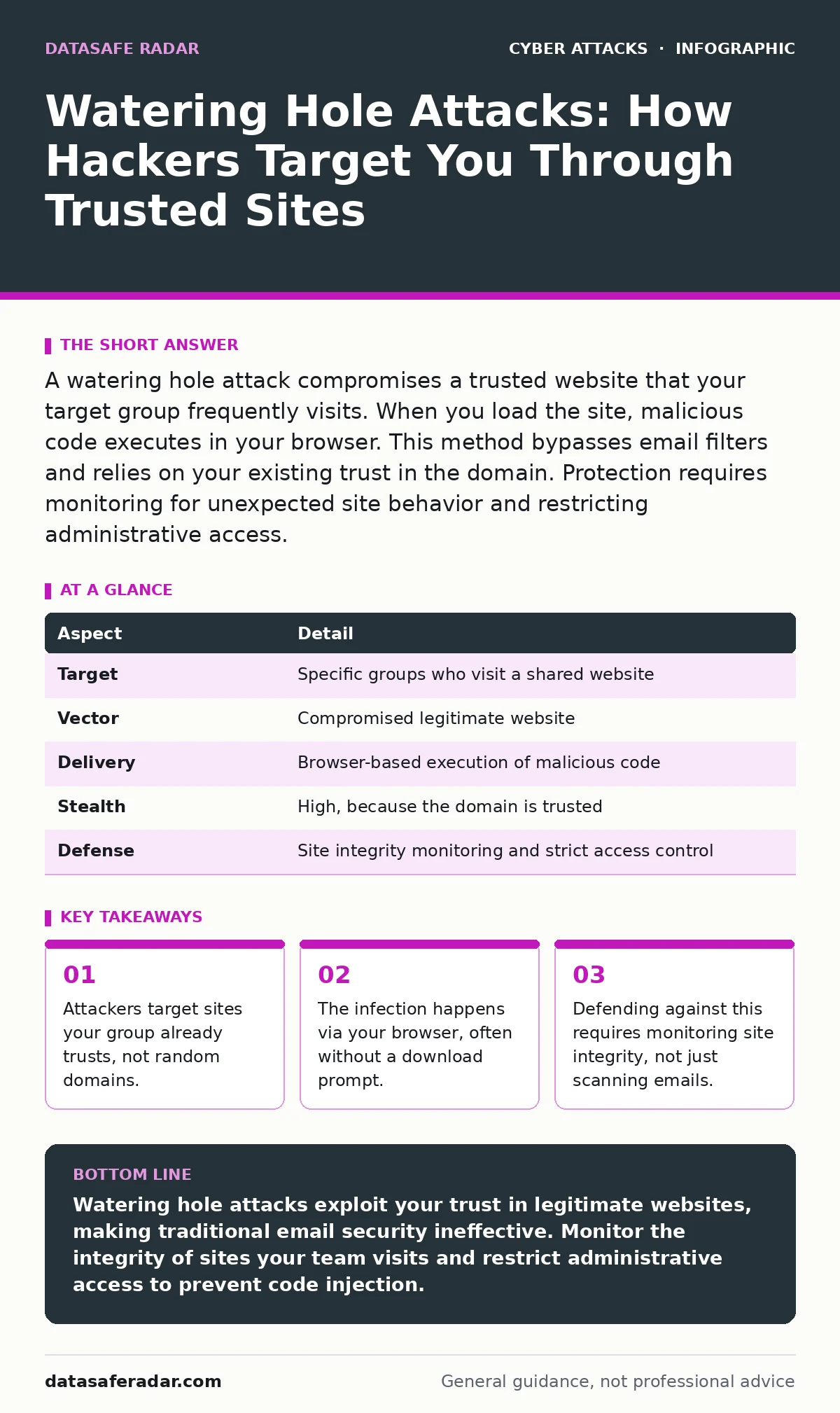
A watering hole attack compromises a trusted website that your target group frequently visits. When you load the site, malicious code executes in your browser. This method bypasses email filters and relies on your existing trust in the domain. Protection requires monitoring for unexpected site behavior and restricting administrative access.
The Core Concept of Watering Hole Attacks
Imagine a predator waiting at a waterhole where thirsty animals must gather. The animals do not fear the waterhole because they visit it daily. They only fear the unknown bush. Cyber attackers use the same logic. A watering hole attack compromises a legitimate website that a specific group of people visits regularly. The attacker does not send you a suspicious email. Instead, they wait for you to go to a site you already trust. When you load the page, the site delivers malicious code to your computer.
This method exploits your existing trust. You likely have security training for phishing emails. You know to check the sender address. You know to ignore urgent requests from unknown sources. A watering hole attack bypasses these defenses entirely. The domain name is correct. The logo is correct. The content looks normal. The danger lies in the code running behind the scenes. You interact with the site as usual, but the site has been turned against you.
| Aspect | Detail |
|---|---|
| Target | Specific groups who visit a shared website |
| Vector | Compromised legitimate website |
| Delivery | Browser-based execution of malicious code |
| Stealth | High, because the domain is trusted |
| Defense | Site integrity monitoring and strict access control |
How the Attack Mechanism Works
The attacker begins by researching a specific community. They identify websites that members of that community visit frequently. These might be industry forums, professional association pages, or software vendor blogs. The attacker then compromises one of these sites. They do this by exploiting a vulnerability in the website’s software, stealing login credentials, or using DNS hijacking to redirect traffic to a malicious server they control.
Once the attacker controls the site, they inject malicious code. This code is often hidden in the page’s styling or scripts. When you visit the site, your browser downloads and executes this code. The code may attempt to exploit a vulnerability in your browser or operating system. If successful, it installs malware on your device. This malware can steal data, record keystrokes, or give the attacker remote access.
The attack is often targeted. The attacker may only activate the malicious code for visitors from specific IP addresses or with specific browser configurations. This reduces the chance of detection. If the code only runs for you, the site owner may never notice anything wrong. Other visitors see the normal site. You see the normal site, but your computer receives the payload. This precision makes the attack hard to trace back to the source.
Who Is Most at Risk
Watering hole attacks target groups, not individuals. The attacker looks for a community with shared interests and shared resources. Financial institutions are common targets because employees visit banking regulator sites. Healthcare workers are targeted because they visit medical journal sites. Government employees are targeted because they visit official agency portals.
The risk is highest for organizations with specialized needs. If your team relies on a niche website for work, that site is a potential watering hole. The more specialized the audience, the easier it is for an attacker to find a site that only your group visits. General public sites are less attractive because the attacker cannot guarantee who will see the malicious code. Niche sites offer a concentrated target.
Remote work increases the risk. Employees access these trusted sites from various networks. The attacker may tailor the attack to exploit vulnerabilities in home network setups or less secure personal devices. The trust in the site remains, but the security context changes. This combination of trust and varied environments creates a large attack surface.
What People Usually Get Wrong
Many people believe that checking the URL is enough to prevent this attack. This is a dangerous assumption. In a watering hole attack, the URL is correct. The site is the real site. The problem is not a fake domain. The problem is the real domain serving bad code. Checking the address bar will not stop this attack.
Another common mistake is relying solely on email security. Web filtering tools block known bad domains. They do not always block code injected into good domains. If the site is not on a blacklist, the filter lets it through. The malicious code arrives via a trusted channel. Your email scanner never sees it because it is not in an email. It is in the website you requested.
People also assume that updates fix the problem. Keeping your browser updated is necessary, but it is not sufficient. The attacker may find a new vulnerability in your browser before you update. Or they may use a technique that does not require a vulnerability, such as session hijacking if you are logged in. The compromise is on the server side, not just the client side. You must protect the site, not just your device.
Defending Against Watering Hole Attacks
Defense requires a shift in focus. You must protect the websites you visit, not just your inbox. Start by monitoring site integrity. Tools can compare the current version of a website to a known good version. If the code changes unexpectedly, the tool alerts you. This helps detect when a trusted site has been compromised.
Restrict administrative access to websites. Ensure that only authorized personnel can change site content. Use password managers to store strong, unique passwords for site administrators. Enable multi-factor authentication for all administrative accounts. This makes it harder for attackers to steal credentials and inject malicious code.
Use network segmentation. Limit the access that work devices have to the internet. Block access to non-essential sites. If your team does not need to visit a specific forum, block it. This reduces the number of potential watering holes. Combine this with user education. Teach users to report unexpected behavior on trusted sites. A pop-up that appears on a normal site is a red flag.
See also: Website Defacement Mistakes: 7 Configuration Errors That Invite Hackers · Detecting Path Traversal Vulnerabilities in Web Applications
The Hidden Costs of Trust
The biggest cost of a watering hole attack is the loss of trust in digital tools. When a trusted site is compromised, users become hesitant to use the internet for work. This slows down productivity. Teams may avoid necessary sites, missing out on critical information. The organization must spend time and money to restore trust.
Recovery is complex. You must identify all affected users. You must scan their devices for malware. You must reset credentials. You must coordinate with the site owner to remove the malicious code. This process takes time. During this time, the attacker may still have access. The longer the compromise goes undetected, the more data is stolen.
Prevention is cheaper than recovery. Investing in site monitoring and secure administration practices pays off. The cost of these measures is low compared to the cost of a breach. The effort required to maintain security is a small price for the peace of mind that comes from knowing your trusted sites are safe.
Related Security Concepts
Understanding watering hole attacks helps you understand other threats. Man-in-the-middle attacks also intercept traffic, but they usually do not require compromising a specific site. Vishing relies on voice calls, not websites. DDoS protection deals with volume attacks, not targeted compromises. Each threat has a different mechanism. Knowing the difference helps you choose the right defense.
DNS spoofing is a technique attackers might use to redirect you to a fake site. This is different from a watering hole attack, where the site is real but compromised. Session hijacking steals your login token, allowing the attacker to act as you. This can happen on a watering hole site if you are logged in. Understanding these distinctions helps you build a layered defense.
Key takeaways
- Attackers target sites your group already trusts, not random domains.
- The infection happens via your browser, often without a download prompt.
- Defending against this requires monitoring site integrity, not just scanning emails.
Watering hole attacks exploit your trust in legitimate websites, making traditional email security ineffective. Monitor the integrity of sites your team visits and restrict administrative access to prevent code injection.
Frequently asked questions
Can antivirus software stop a watering hole attack?
Antivirus software may detect the malware after it installs, but it often cannot prevent the initial execution in the browser. Real-time monitoring and site integrity checks are more effective for prevention.
How do I know if a site I trust has been compromised?
Look for unexpected pop-ups, redirects, or changes in page layout. Use site monitoring tools that alert you to code changes. If multiple users report issues with the same site, assume it is compromised.
Are mobile devices vulnerable to watering hole attacks?
Yes, mobile browsers can execute malicious code just like desktop browsers. Keep your mobile operating system and browsers updated. Avoid installing apps from untrusted sources.
Does using a VPN protect against watering hole attacks?
A VPN encrypts your traffic, but it does not prevent you from visiting a compromised site. If the site is malicious, the VPN will simply transport the malicious code to you securely.
How this guide was produced: written by the DataSafe Radar editorial team with AI assistance, checked against the public references listed below, and reviewed when the facts change. See our editorial policy or report an error.