Web Application Firewall Tuning: Mechanisms, Limits, and False Positives
Tuning a web application firewall shifts security from pattern matching to behavioral analysis, reducing false alarms while exposing logic flaws that signatures miss.

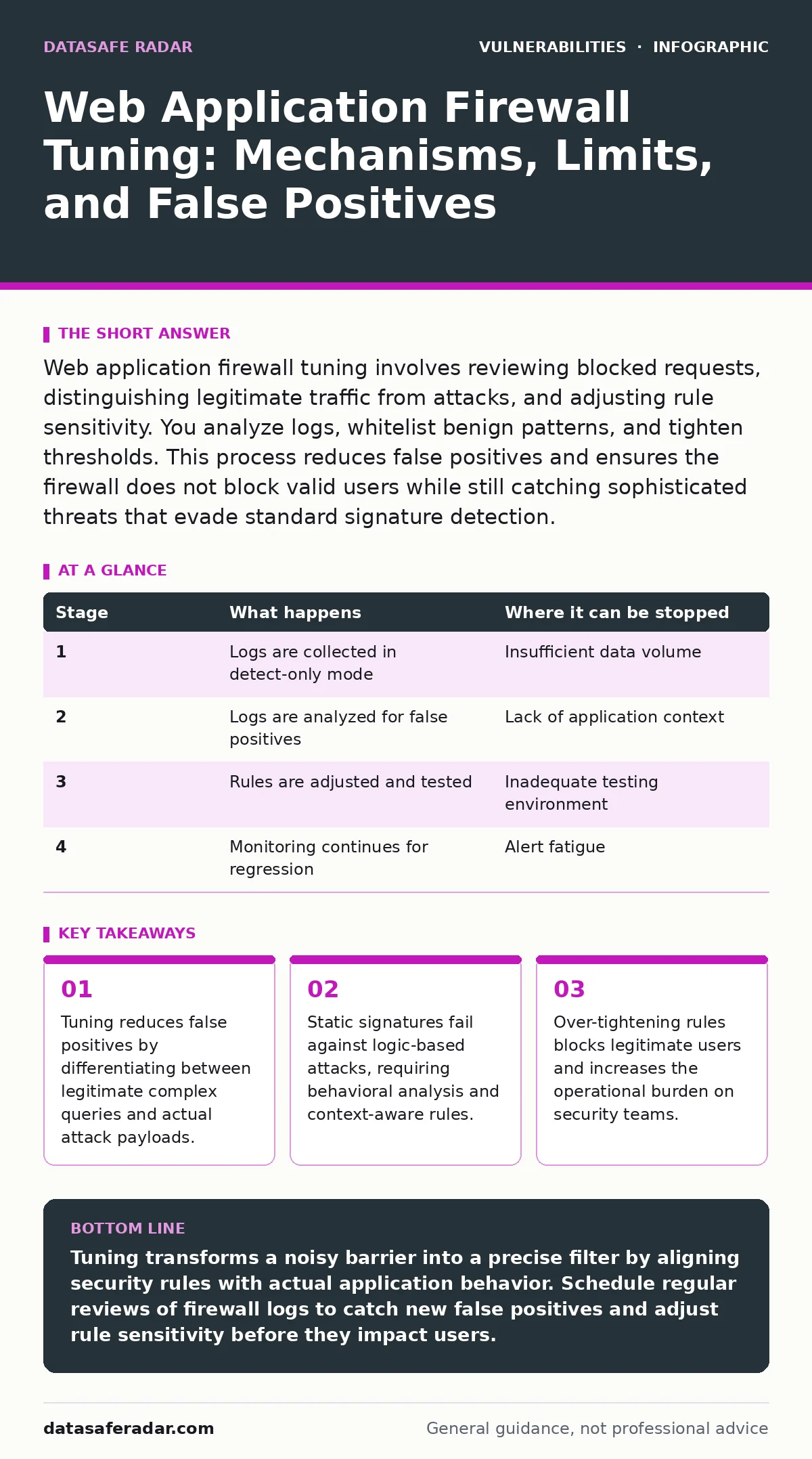
Web application firewall tuning involves reviewing blocked requests, distinguishing legitimate traffic from attacks, and adjusting rule sensitivity. You analyze logs, whitelist benign patterns, and tighten thresholds. This process reduces false positives and ensures the firewall does not block valid users while still catching sophisticated threats that evade standard signature detection.
The Baseline Problem with Default Rules
Web application firewalls ship with broad rules that prioritize catching threats over allowing traffic. Default configurations assume most unusual input is malicious. This approach generates false positives. Legitimate users submit complex forms, upload files, or use search features that resemble attack patterns. The firewall blocks these requests. Users experience errors. Support tickets increase. You must tune the firewall to allow known good traffic while maintaining protection.
Default rules rely on signature matching. A signature is a specific string or pattern associated with a known attack. If a request contains that pattern, the firewall blocks it. This method is fast but brittle. Attackers modify their payloads slightly to avoid matching signatures. They insert whitespace, change case, or encode characters. The signature no longer matches. The attack succeeds. Tuning moves you from simple pattern matching to understanding context.
Stage 1: Data Collection and Observation
You cannot tune what you do not measure. The first stage involves enabling logging and observation modes. Do not change rules yet. You need a baseline of normal traffic. Configure the firewall to log all requests that match rules but do not block them. This is often called "detect only" mode. It lets you see what the firewall would have blocked without disrupting users.
Collect data over a representative period. Include peak traffic times. Include periods of new feature releases. New features often introduce new input patterns. If you tune during quiet periods, you miss edge cases. The firewall sees fewer variations of legitimate traffic. You miss patterns that look like attacks but are safe. This data forms the foundation for all subsequent changes.
| Stage | What happens | Where it can be stopped |
|---|---|---|
| 1 | Logs are collected in detect-only mode | Insufficient data volume |
| 2 | Logs are analyzed for false positives | Lack of application context |
| 3 | Rules are adjusted and tested | Inadequate testing environment |
| 4 | Monitoring continues for regression | Alert fatigue |
Stage 2: Analyzing False Positives
False positives are legitimate requests that the firewall blocks or flags. You must identify these quickly. Review the logs from Stage 1. Look for patterns. Do certain URLs generate many alerts? Do specific user agents trigger blocks? Group similar alerts together. This reduces the noise. You focus on the unique problems rather than individual requests.
Context matters. A SQL injection attempt looks like a query. A search feature also looks like a query. The difference is intent and structure. You must understand the application logic. If the application expects user input in a specific field, the firewall should allow complex input there. If the input is in a parameter that should only contain an ID, the firewall should block complex input.
Stage 3: Adjusting Rule Sensitivity
Rules have sensitivity levels. These levels control how strictly the firewall matches patterns. High sensitivity catches more attacks but generates more false positives. Low sensitivity misses more attacks but allows more traffic. You adjust these levels based on your analysis. Start with high sensitivity for critical endpoints. Use lower sensitivity for public-facing forms that accept free-text input.
You can also modify specific rules. Some rules are too broad. They match any occurrence of a keyword. You can narrow these rules. Make them match only in specific contexts. For example, a rule for command injection should only trigger on parameters that execute commands. It should not trigger on a search box that accepts keywords. This requires understanding the application code.
Stage 4: Whitelisting and Exclusions
Whitelisting allows specific traffic to bypass certain rules. You use this for trusted sources or known safe patterns. For example, you might whitelist a vendor’s IP address that submits automated checks. You might whitelist a specific header value that your application requires. Whitelisting reduces noise. It prevents the firewall from blocking expected traffic.
Be careful with whitelisting. It reduces protection. If a trusted source is compromised, the firewall will not protect it. Limit whitelisting to specific rules. Do not whitelist entire IPs for all rules. Review whitelists regularly. Remove entries that are no longer needed. Stale whitelists become security holes. They allow attackers to impersonate trusted sources.
See also: Watering Hole Attacks: How Hackers Target You Through Trusted Sites · Detecting Path Traversal Vulnerabilities in Web Applications
Stage 5: Testing and Validation
Changes must be tested before deployment. Use a staging environment that mirrors production. Replay the logged traffic from Stage 1. See how the new rules perform. Check for new false positives. Check for missed attacks. If you have a security testing tool, run it against the application. Compare results before and after tuning.
Automated testing helps. You can script the replay of traffic. This ensures consistency. Manual testing is also necessary. Security engineers should review the changes. They look for logic errors. They check that the tuning aligns with security goals. This step prevents regression. It ensures that fixing one problem does not create another.
The Limits of Firewall Tuning
Tuning has limits. It cannot protect against zero-day vulnerabilities. It cannot stop attacks that use valid application logic. For example, a business logic error allows a user to buy an item for zero dollars. The input is valid. The firewall allows it. The attack succeeds. You need application-level controls for these issues.
Firewalls also add latency. Each request must be inspected. Complex rules take longer to process. This can slow down the application. You must balance security with performance. Over-tuning can degrade user experience. Users abandon slow sites. You monitor performance metrics during tuning. You adjust rules to minimize impact.
Integrating with Broader Security
Web application firewall tuning works best with other controls. It is one layer of defense. You should combine it with secure coding practices. Developers write code that validates input. This reduces the burden on the firewall. You should also monitor for anomalies. Behavioral detection catches attacks that bypass signatures.
Consider related vulnerabilities. Cross-site request forgery (CSRF) attacks use valid user sessions. The firewall may not block them. You need CSRF tokens in your application. Subdomain takeover risks exist if you forget to renew domains. The firewall does not prevent this. You manage DNS records carefully. Understanding these gaps helps you tune the firewall effectively.
Continuous Monitoring and Review
Tuning is not a one-time task. Traffic patterns change. New features are added. New attacks emerge. You must review rules regularly. Schedule quarterly reviews. Analyze new false positives. Adjust sensitivity levels. Remove unused rules. This keeps the firewall effective. It reduces technical debt.
Automate where possible. Use tools to detect rule violations. Alert on significant changes. This helps you respond quickly. Manual reviews catch what automation misses. Combine both approaches. You maintain a secure and performant application. The firewall becomes a precise tool. It blocks threats without hindering users.
Key takeaways
- Tuning reduces false positives by differentiating between legitimate complex queries and actual attack payloads.
- Static signatures fail against logic-based attacks, requiring behavioral analysis and context-aware rules.
- Over-tightening rules blocks legitimate users and increases the operational burden on security teams.
Tuning transforms a noisy barrier into a precise filter by aligning security rules with actual application behavior. Schedule regular reviews of firewall logs to catch new false positives and adjust rule sensitivity before they impact users.
Frequently asked questions
How often should I tune my web application firewall?
Tune your firewall continuously. Review logs weekly and perform deep rule analysis quarterly. Adjust settings immediately after major application updates or changes in traffic patterns.
What if tuning breaks my application?
Test all changes in a staging environment first. Use detect-only mode before enforcing blocks. Keep a rollback plan. Revert to previous rules if legitimate users report errors or if performance degrades significantly.
How this guide was produced: written by the DataSafe Radar editorial team with AI assistance, checked against the public references listed below, and reviewed when the facts change. See our editorial policy or report an error.