Detecting Path Traversal Vulnerabilities in Web Applications
Path traversal attacks often hide in plain sight by manipulating file paths to access restricted data, requiring specific log patterns to uncover before they are exploited.

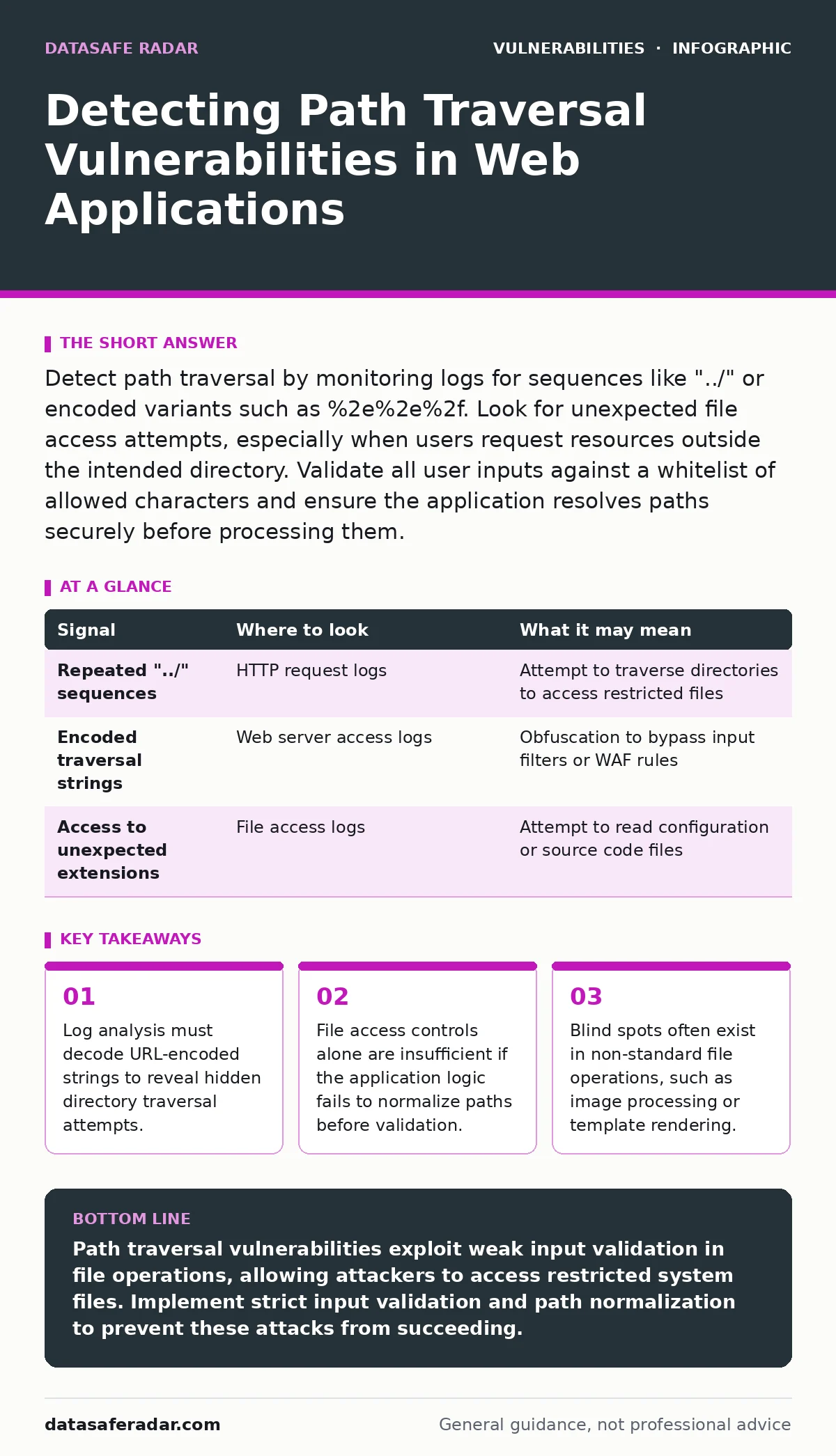
Detect path traversal by monitoring logs for sequences like "../" or encoded variants such as %2e%2e%2f. Look for unexpected file access attempts, especially when users request resources outside the intended directory. Validate all user inputs against a whitelist of allowed characters and ensure the application resolves paths securely before processing them.
Identifying Anomalous URL Patterns
Path traversal vulnerabilities occur when an application uses user-supplied input to construct file paths without proper validation. Attackers manipulate these inputs to move up the directory tree, accessing files outside the intended scope. You will often see this in query parameters or path segments that include sequences like "../" or its encoded equivalents. These sequences instruct the operating system to move to the parent directory.
Suppose a web application allows users to view documents by specifying a filename in the URL. If the backend code concatenates this input directly into a file path, an attacker can request "../../../etc/passwd" to read system files. This technique relies on the discrepancy between how the web server interprets the URL and how the underlying operating system resolves the file path.
| Signal | Where to look | What it may mean |
|---|---|---|
| Repeated "../" sequences | HTTP request logs | Attempt to traverse directories to access restricted files |
| Encoded traversal strings | Web server access logs | Obfuscation to bypass input filters or WAF rules |
| Access to unexpected extensions | File access logs | Attempt to read configuration or source code files |
Decoding Obfuscated Inputs
Attackers frequently encode traversal sequences to evade simple string matching filters. For example, "../" becomes "%2e%2e%2f". Some applications decode this once for routing but fail to decode it again before file operations, creating a double decoding vulnerability. You must inspect logs for these encoded patterns, not just the raw text.
Imagine a filter that blocks "../" but allows "%2e%2e%2f". If the application decodes the input before passing it to the file system, the attack succeeds. This misalignment between filtering and processing is a common failure point. Always verify how your application handles decoding at each stage of request processing.
Monitoring File System Access
While HTTP logs show what the attacker sent, file system logs show what the application actually tried to do. Monitor for access attempts to files with sensitive extensions, such as .conf, .ini, .bak, or .log. These files often contain configuration data, credentials, or debug information. Normal user activity rarely involves accessing these types of files directly through a web interface.
If a user requests an image file but the system logs an attempt to read a configuration file, this is a significant anomaly. The application might be redirecting the request or the attacker might be probing for accessible files. Pay attention to the frequency of these attempts. A single mistake is possible; a series of attempts suggests automated scanning.
Analyzing Application Behavior
Path traversal can manifest in subtle ways within application behavior. For instance, an application might return different error messages when accessing valid versus invalid paths. An attacker might use these differences to map the directory structure. This is a form of side-channel attack where information leaks through error responses.
Suppose the application returns a "File Not Found" error for a non-existent file but a "Permission Denied" error for an existing but restricted file. The attacker can use this distinction to confirm the existence of files without reading their contents. Normalize error messages to prevent this leakage. Ensure that all file access errors return a generic message that does not reveal path details.
Leveraging Security Tools
Static application security testing (SAST) tools can identify path traversal vulnerabilities in source code by analyzing how inputs are used in file operations. These tools trace user input from entry points to sensitive sinks, flagging cases where validation is missing. However, SAST tools can produce false positives if they cannot accurately model the application's runtime behavior.
Dynamic application security testing (DAST) tools simulate attacks against a running application. They send crafted requests containing traversal sequences and observe the responses. DAST is effective at finding issues that SAST might miss, such as those introduced by third-party libraries or runtime configurations. Combining SAST and DAST provides a more thorough assessment.
See also: Website Defacement Mistakes: 7 Configuration Errors That Invite Hackers
Addressing Common Blind Spots
Many teams focus on standard file downloads but overlook other file operations. Image processing libraries, template engines, and archive extraction utilities can also be vulnerable. If an application allows users to upload images and then processes them, an attacker might upload a malicious file that triggers traversal during processing. This is often categorized under business logic flaws because it exploits how the application handles specific workflows.
IoT device vulnerabilities often stem from similar issues, where firmware updates or configuration files are accessed via web interfaces. If the device does not validate paths strictly, an attacker can read or write sensitive system files. Ensure that all file operations, regardless of their purpose, validate and sanitize inputs. Do not assume that file type restrictions prevent traversal attacks.
Validating and Normalizing Paths
The most effective defense is to validate and normalize file paths before using them. Normalization resolves sequences like "../" and "./" to their canonical form. This ensures that the path is interpreted consistently across different components. After normalization, check that the resolved path remains within the allowed directory.
Use a whitelist approach for allowed characters in filenames. Reject any input containing characters that are not alphanumeric, hyphens, underscores, or dots. This reduces the attack surface significantly. Additionally, consider using allowlists for specific filenames rather than accepting arbitrary user input. This approach is more secure but may limit functionality.
Related concepts such as LDAP injection also involve manipulating inputs to alter query behavior, highlighting the importance of input validation across different services. Understanding vulnerability prioritization helps you focus on high-risk issues like path traversal before addressing lower-risk concerns. The CVSS score for path traversal vulnerabilities can vary, but they are often rated high due to the potential for data exfiltration.
Key takeaways
- Log analysis must decode URL-encoded strings to reveal hidden directory traversal attempts.
- File access controls alone are insufficient if the application logic fails to normalize paths before validation.
- Blind spots often exist in non-standard file operations, such as image processing or template rendering.
Path traversal vulnerabilities exploit weak input validation in file operations, allowing attackers to access restricted system files. Implement strict input validation and path normalization to prevent these attacks from succeeding.
Frequently asked questions
How do I distinguish between a legitimate request and a path traversal attack?
Legitimate requests usually follow expected patterns and access allowed files. Path traversal attempts often include encoded sequences, access sensitive file types, or result in unusual error messages. Monitor for anomalies in file access patterns.
Can web application firewalls (WAFs) fully prevent path traversal?
WAFs can block common traversal patterns, but they are not foolproof. Attackers can use encoding or novel techniques to bypass WAF rules. WAFs should be part of a layered defense strategy, not the sole protection.
What is the difference between path traversal and directory listing?
Path traversal allows an attacker to read specific files outside the intended directory. Directory listing exposes the names of files in a directory, potentially revealing sensitive file paths. Both are security risks but require different mitigations.
How often should I test for path traversal vulnerabilities?
Test for path traversal vulnerabilities during every code change and regularly in production environments. Automated scans should be part of your CI/CD pipeline, supplemented by periodic manual testing to catch complex logic flaws.
How this guide was produced: written by the DataSafe Radar editorial team with AI assistance, checked against the public references listed below, and reviewed when the facts change. See our editorial policy or report an error.