Business Logic Flows: How Small Firms Get Hacked and How to Stop It
Hackers bypass security by following rules exactly, exploiting gaps in how your software handles business processes rather than breaking code.

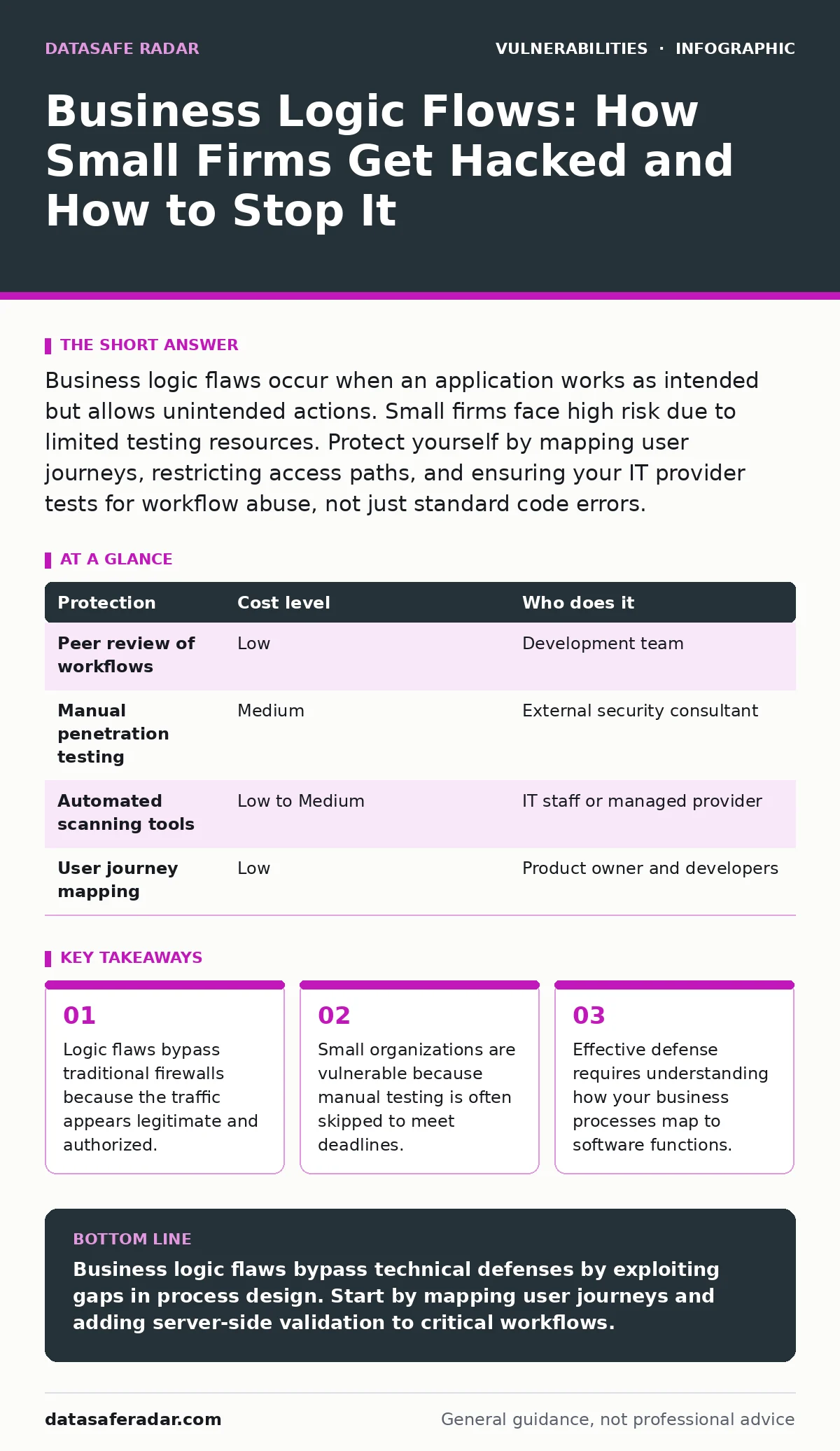
Business logic flaws occur when an application works as intended but allows unintended actions. Small firms face high risk due to limited testing resources. Protect yourself by mapping user journeys, restricting access paths, and ensuring your IT provider tests for workflow abuse, not just standard code errors.
The Rule-Following Attacker
This scenario illustrates a business logic flaw. The application did not crash. The database accepted the input. The code executed without error. The attacker simply followed the rules of the system in a way the developers did not anticipate. Unlike buffer overflows or SQL injection, which exploit coding mistakes, logic flaws exploit gaps in process design. The software behaves exactly as written, but the behavior violates business intent.
These flaws are particularly dangerous for small organizations. Large enterprises often have dedicated security teams to review workflows. Small teams prioritize feature delivery and stability. They assume that if the code runs, the process is secure. This assumption creates a blind spot. Attackers target these blind spots because they are harder to detect with automated tools.
Why Small Teams Are Exposed
Small organizations often build custom solutions to fit specific needs. Off-the-shelf software rarely matches unique workflows perfectly. Custom development introduces complexity. Each new feature adds branches in the decision tree. Every branch is a potential path for an attacker to manipulate.
Developers focus on technical security. They install patches, configure firewalls, and encrypt data. They often neglect the business context. They do not ask if a user should be able to perform an action at a certain time or under certain conditions. This gap between technical implementation and business rules is where logic flaws live.
The cost of fixing these flaws after deployment is high. It often requires rewriting core features. For a small team, this means delayed releases and lost revenue. Prevention is cheaper but requires a shift in mindset. You must view your application not just as code, but as a series of permissions and checks.
The Hidden Cost of Automation
Automated vulnerability scanners are excellent for finding known technical weaknesses. They check for missing headers, outdated libraries, and common coding errors. They are less effective at finding logic flaws. A scanner does not understand your business. It cannot determine if a user should be able to upgrade their account without paying.
This limitation leads to a false sense of security. You may run a scan, see no critical alerts, and assume you are safe. Meanwhile, an attacker manually tests your checkout process. They add items to the cart, change the price to zero in the background, and attempt to pay. The scanner missed this because the request was technically valid. The server accepted a zero-price transaction because the code allowed it.
Relying solely on automation is a strategic error. You must combine automated scans with manual review. Manual review involves thinking like a user who wants to break the rules. This is often called threat modeling. It requires human insight that machines cannot replicate.
Mapping User Journeys
The most effective protection starts with documentation. You need to map out every possible path a user can take through your application. This is called a user journey map. It lists every step from login to logout. It includes happy paths, error paths, and edge cases.
Consider a password reset feature. The standard path is: user requests reset, receives email, clicks link, sets new password. What if the user clicks the link twice? What if they change the email address in the reset link? What if they reset the password while still logged in? Each variation is a potential logic flaw.
By mapping these journeys, you identify where checks are missing. You can add validation rules to close gaps. For example, you can ensure that a password reset link expires after a single use. You can ensure that the email address in the link matches the one on file. These small checks prevent large exploits.
Low-Cost Protections for Limited Budgets
You do not need expensive tools to protect against logic flaws. You need discipline and process. Start with peer reviews. Have a colleague who did not write the code review the workflow. They will spot assumptions you missed. This is free and highly effective.
Implement strict input validation. Never trust data from the client side. Even if a field is read-only in the browser, an attacker can change it. Validate every piece of data on the server. Ensure that prices, quantities, and user roles match what the server expects.
Use role-based access control correctly. Define what each user role can do. Enforce these limits at every step. Do not rely on hiding buttons in the interface. An attacker can bypass the interface and send requests directly to the server. The server must reject unauthorized actions regardless of how the request arrives.
| Protection | Cost level | Who does it |
|---|---|---|
| Peer review of workflows | Low | Development team |
| Manual penetration testing | Medium | External security consultant |
| Automated scanning tools | Low to Medium | IT staff or managed provider |
| User journey mapping | Low | Product owner and developers |
See also: Privacy Browsers for Small Teams That Work
What to Ask Your IT Provider
If you outsource your IT, you must ensure they understand business logic. Many providers focus on infrastructure security. They keep servers patched and networks secure. They may not test your application logic.
Ask your provider specific questions. Do not accept vague answers about "security best practices." You need to know how they test your application. Do they simulate real user scenarios? Do they check for privilege escalation? Do they test for race conditions, where two actions happen simultaneously to confuse the system?
You should also ask about their reporting. Do they distinguish between technical vulnerabilities and logic flaws? If they only report CVSS scores, they may be missing the bigger picture. A logic flaw might have a low CVSS score but high business impact. Understanding this difference helps you prioritize fixes.
Integrating Security Early
Security cannot be an afterthought. It must be part of the design phase. When you plan a new feature, ask how it can be abused. Who can use it? When can they use it? What happens if they misuse it? These questions should be answered before any code is written.
This approach reduces the need for expensive fixes later. It also improves the quality of your software. Secure design leads to clearer requirements and better documentation. It makes maintenance easier.
For small businesses, this discipline is a competitive advantage. It builds trust with customers. It reduces the risk of data loss. It ensures that your technology supports your business goals without exposing you to unnecessary risk.
Key takeaways
- Logic flaws bypass traditional firewalls because the traffic appears legitimate and authorized.
- Small organizations are vulnerable because manual testing is often skipped to meet deadlines.
- Effective defense requires understanding how your business processes map to software functions.
Business logic flaws bypass technical defenses by exploiting gaps in process design. Start by mapping user journeys and adding server-side validation to critical workflows.
Frequently asked questions
Can automated tools find business logic flaws?
Automated tools can find some logic flaws if they are configured for specific workflows, but they miss most because they lack context about your business rules and intended user behavior.
How often should we test for logic flaws?
You should test for logic flaws before every major release and whenever business rules change, as these changes often introduce new gaps in validation and access control.
Is manual testing too expensive for small businesses?
Manual testing by internal staff or peers is low-cost and highly effective; hiring external experts is more expensive but necessary for complex systems where the risk of loss is high.
What is the difference between a bug and a logic flaw?
A bug is a coding error that causes unexpected behavior, while a logic flaw is a design gap where the code works as written but violates business intent or security policies.
How this guide was produced: written by the DataSafe Radar editorial team with AI assistance, checked against the public references listed below, and reviewed when the facts change. See our editorial policy or report an error.