IoT Device Vulnerabilities Prevention Checklist for Home Networks
Most Internet of Things devices expose hidden management interfaces that bypass standard firewalls, allowing attackers to control hardware without guessing your primary password.

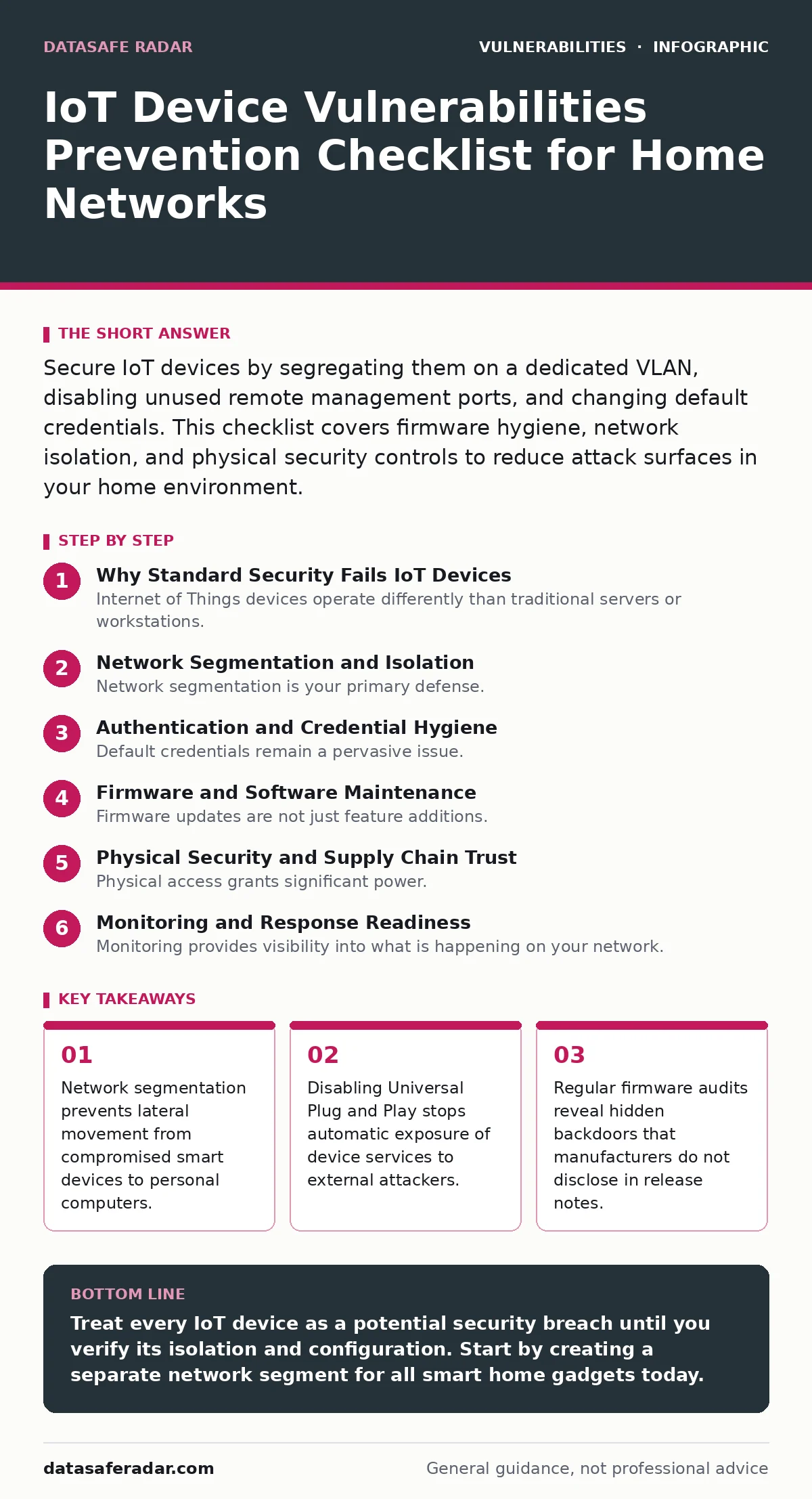
Secure IoT devices by segregating them on a dedicated VLAN, disabling unused remote management ports, and changing default credentials. This checklist covers firmware hygiene, network isolation, and physical security controls to reduce attack surfaces in your home environment.
Why Standard Security Fails IoT Devices
Internet of Things devices operate differently than traditional servers or workstations. They often run lightweight operating systems with minimal memory, forcing manufacturers to cut security features to fit hardware constraints. You cannot rely on standard antivirus software or complex user permissions to protect these endpoints. The device itself becomes the entry point.
Attackers exploit weak authentication protocols and open network ports to gain initial access. Once inside, they pivot to other devices on your local network. Understanding these architectural limitations changes how you approach prevention. You must treat every connected gadget as a potential breach vector rather than a trusted appliance.
Network Segmentation and Isolation
- Create a dedicated VLAN for IoT devices: Prevents compromised cameras or speakers from accessing your main file servers or personal laptops.
- Disable Universal Plug and Play (UPnP): Stops devices from automatically opening ports in your router, which exposes internal services to the public internet.
- Block outbound DNS traffic from IoT VLAN: Stops devices from calling home to command-and-control servers if they become infected with malware.
- Set static IP addresses for critical infrastructure: Ensures you can maintain firewall rules even if the device’s DHCP lease changes unexpectedly.
- Disable Wi-Fi Protected Setup (WPS): Removes a known vulnerability that allows brute-force attacks on your wireless network encryption key.
Network segmentation is your primary defense. When a smart bulb is compromised, it should not be able to scan for other devices. By placing it on a separate virtual local area network, you contain the damage. You must configure your router to deny traffic from the IoT VLAN to your trusted workstation VLAN. This adds complexity to your network setup but drastically reduces risk.
Authentication and Credential Hygiene
- Change all default usernames and passwords: Manufacturers ship devices with known credentials that attackers use in automated scanning campaigns.
- Disable Telnet and SSH on consumer devices: These remote access protocols often lack encryption and expose command-line interfaces to network sniffers.
- Use unique passwords for each device: Prevents a single leaked password from compromising multiple appliances in your home or office.
- Enable two-factor authentication where available: Adds a second verification step that blocks attackers who have stolen your primary credentials.
- Remove unnecessary user accounts: Reduces the number of entry points an attacker can attempt to brute-force or exploit.
Default credentials remain a pervasive issue. Many users never change the factory settings, assuming the device is too small to matter. Attackers scan the entire internet for devices using these known combinations. Changing them is not optional. You should also disable remote management interfaces if you do not need to access the device from outside your home network. This reduces the attack surface significantly.
Firmware and Software Maintenance
- Check for firmware updates monthly: Vendors patch known vulnerabilities that could allow remote code execution or data leakage.
- Disable unused services and ports: Every running service is a potential entry point; turning off what you do not use removes those doors.
- Verify firmware signatures before installing: Ensures the update file has not been tampered with by a third party during download.
- Remove devices that no longer receive updates: End-of-life devices will never get security patches, leaving known flaws unaddressed indefinitely.
- Monitor vendor security advisories: Early warnings about vulnerabilities allow you to take preventive action before an exploit becomes widespread.
Firmware updates are not just feature additions. They often contain critical security patches for underlying operating systems. If a vendor stops updating a product, the device becomes a liability. You must track the support lifecycle of every device you buy. Consider reading about vulnerability prioritization to understand how vendors decide which fixes to release first. This helps you gauge the urgency of applying updates.
Physical Security and Supply Chain Trust
- Cover webcams with physical shutters: Prevents unauthorized viewing even if the device software is compromised or the encryption is broken.
- Store devices behind a locked door: Prevents physical tampering with hardware buttons or reset pins that bypass software security.
- Inspect devices for hardware modifications: Look for signs of unauthorized access ports or altered casing that indicate pre-owned or tampered gear.
- Buy from reputable manufacturers only: Cheap, no-name devices often lack basic security engineering and may contain pre-installed malware.
- Review privacy policies before purchase: Understand what data the device collects and where it is stored, as this affects your long-term risk.
Physical access grants significant power. An attacker with physical access can reset credentials or install hardware keyloggers. You should treat IoT devices as physical entry points to your digital life. This mindset aligns with principles found in guides on side-channel attacks, where physical characteristics leak information. Keeping devices in secure locations adds a layer of defense that software cannot replicate.
See also: Detect Medical Device Vulnerabilities: Signals, Tools and Blind Spots · Web Application Firewall Tuning: Mechanisms, Limits, and False Positives
Monitoring and Response Readiness
- Enable network traffic logging: Records unusual data transfers that may indicate a device is sending information to malicious servers.
- Set up alerts for port scans: Detects when an external entity is probing your network for open services on IoT devices.
- Keep a backup configuration file: Allows you to quickly restore secure settings if an attacker modifies your network rules or device settings.
- Define an incident response plan: Know which devices to disconnect immediately and which authorities to contact if a breach is suspected.
- Regularly test firewall rules: Ensures your segmentation controls are still functioning and have not been disabled by software updates or resets.
Monitoring provides visibility into what is happening on your network. You cannot protect what you cannot see. By logging traffic, you can spot anomalies such as a smart thermostat communicating with a server in an unexpected country. This proactive approach helps you react quickly to threats. It complements passive defenses like firewalls and password changes.
Key takeaways
- Network segmentation prevents lateral movement from compromised smart devices to personal computers.
- Disabling Universal Plug and Play stops automatic exposure of device services to external attackers.
- Regular firmware audits reveal hidden backdoors that manufacturers do not disclose in release notes.
Treat every IoT device as a potential security breach until you verify its isolation and configuration. Start by creating a separate network segment for all smart home gadgets today.
Frequently asked questions
Do I need a managed switch for IoT security?
No, many modern consumer routers support VLANs or guest networks that provide sufficient isolation for home users without requiring expensive enterprise hardware.
How do I know if a device is compromised?
Look for unusual network traffic spikes, unexpected reboots, or devices responding to commands you did not issue, which often indicate remote control by an attacker.
Is Wi-Fi 6 more secure than older standards?
Yes, Wi-Fi 6 uses WPA3 encryption which provides stronger protection against brute-force attacks compared to the WPA2 standard used in previous generations.
Can I use a Raspberry Pi as a firewall for IoT?
Yes, you can run open-source firewall software on a Raspberry Pi to create a dedicated gateway that strictly controls traffic between your IoT devices and the main network.
How this guide was produced: written by the DataSafe Radar editorial team with AI assistance, checked against the public references listed below, and reviewed when the facts change. See our editorial policy or report an error.