GitHub Actions Workflow Injection Explained: Risks and Fixes
Workflow injection turns user input into executable code, allowing attackers to steal secrets and compromise your entire CI/CD pipeline without touching your server code.
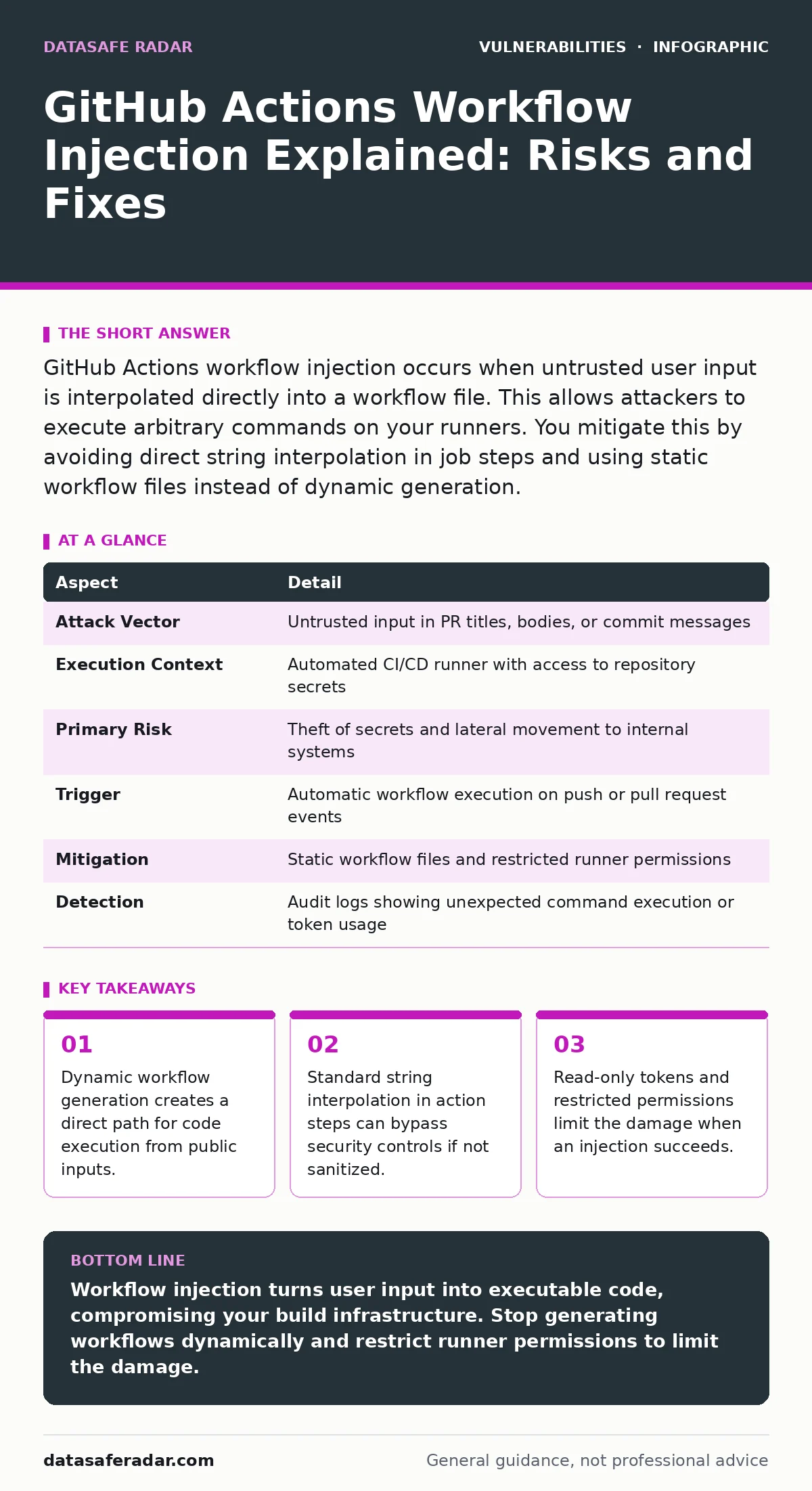
GitHub Actions workflow injection occurs when untrusted user input is interpolated directly into a workflow file. This allows attackers to execute arbitrary commands on your runners. You mitigate this by avoiding direct string interpolation in job steps and using static workflow files instead of dynamic generation.
How Workflow Injection Works
Workflow injection exploits the way automation platforms process configuration files. GitHub Actions uses YAML files to define build and test steps. These files often contain variables that pull data from pull requests, issue titles, or commit messages. When the system renders these variables, it inserts the raw text into the command line or script block. If that text contains command separators or shell operators, the automation engine executes them as if they were part of the original instruction.
The mechanism relies on the lack of separation between data and code. The workflow file is code. The pull request title is data. When you place data directly into code without validation, you create an execution path for an attacker. The attacker does not need to hack your server. They only need to submit a malicious input that your workflow processes automatically.
| Aspect | Detail |
|---|---|
| Attack Vector | Untrusted input in PR titles, bodies, or commit messages |
| Execution Context | Automated CI/CD runner with access to repository secrets |
| Primary Risk | Theft of secrets and lateral movement to internal systems |
| Trigger | Automatic workflow execution on push or pull request events |
| Mitigation | Static workflow files and restricted runner permissions |
| Detection | Audit logs showing unexpected command execution or token usage |
The Danger of Dynamic Generation
The most severe form of injection involves dynamic workflow generation. Some organizations use scripts to create YAML files on the fly. These scripts often pull content from the pull request body to customize the build environment. Imagine a developer submits a pull request with a title that includes a hidden command. The script reads this title and writes it directly into the new YAML file. The runner then executes that file. The attacker’s command runs with the same privileges as the rest of the build process.
This approach fails because it treats untrusted input as trusted configuration. The system assumes the pull request content is safe. It does not validate the syntax or intent of the inserted text. The result is a remote code execution vulnerability that lives in the automation layer. This is distinct from traditional application vulnerabilities. It targets the infrastructure that builds the application rather than the application itself.
Common Forms of Injection
Not all injection requires generating a new file. Standard workflows can also be vulnerable through simple string interpolation. Many actions use shell scripts to run commands. If you pass a variable directly into a shell command without quoting or escaping, the shell interprets special characters. This allows an attacker to break out of the intended command and run their own.
Another form involves environment variables. If a workflow sets an environment variable from user input and then uses that variable in a script, the script may execute the content. The risk varies by shell. Bash and PowerShell handle variable expansion differently. One shell might treat the input as a string while another treats it as code. You must understand how your specific runner interprets the input.
A third form is less obvious. It involves file paths. If a workflow uses user input to determine which files to process, an attacker might inject a path that points to sensitive configuration files. This connects to path traversal vulnerabilities where an attacker reads files outside the intended directory. While not always code execution, it can leak secrets that enable further attacks.
Who Is Affected
Any organization using GitHub Actions for continuous integration is at risk. The vulnerability exists in the workflow definition, not in the application code. This means even secure applications are vulnerable if their build process is flawed. Public repositories are the easiest targets because anyone can submit pull requests. Private repositories are also at risk if internal workflows process data from external sources or if insiders submit malicious inputs.
The impact depends on the permissions granted to the workflow. If the workflow has access to deployment secrets, the attacker can deploy malicious code to production. If it has access to cloud credentials, the attacker can compromise your cloud infrastructure. The scope of damage is often larger than the initial vulnerability because the attacker gains access to the entire build environment.
What People Usually Get Wrong
Many teams believe that using a private repository prevents injection. This is incorrect. Private repositories still process pull requests from forks. If your workflow triggers on pull requests from forks, it processes untrusted input. The privacy of the repository does not sanitize the input. You must assume all input from forks is hostile.
Another common mistake is assuming that sanitizing the input is enough. Sanitization is difficult to get right. It requires understanding every possible escape sequence for every shell you use. It is easier to avoid interpolation entirely. Instead of inserting user input into commands, use it only for display or as arguments to safe, predefined tools. This reduces the attack surface significantly.
Some teams think that using standard actions protects them. Standard actions are safe only if you configure them correctly. If you pass untrusted input to a standard action that executes shell commands, you are still vulnerable. The action itself is not the problem. The way you use it is. You must review how each action handles input.
See also: AI Model Serving Framework Vulnerabilities: 8 Questions Answered · End-of-Life Software Management: 8 FAQs Answered
Reducing the Risk
The most effective mitigation is to stop generating workflows dynamically. Use static workflow files that do not change based on pull request content. If you need to customize builds, use predefined options rather than free-form text. This ensures that the workflow structure remains constant and predictable. You can still pass variables, but you must ensure they are never interpreted as code.
Restrict the permissions of your workflow runners. Use the principle of least privilege. Do not grant write access to the repository unless necessary. Do not grant access to secrets unless the specific step needs them. Use read-only tokens for most operations. This limits what an attacker can do even if they successfully inject code. They cannot modify your code or steal sensitive secrets if the token does not have those permissions.
Auditing and Monitoring
You need to detect injection attempts quickly. Monitor your workflow logs for unexpected commands. Look for commands that access external networks or write to sensitive locations. Set up alerts for unusual activity in your CI/CD pipeline. This helps you respond before the attacker can cause significant damage.
Regularly review your workflow files. Check for places where user input is used in commands. Look for string interpolation in shell scripts. Replace these with safer alternatives. Use actions that validate input before execution. This proactive approach reduces the likelihood of a successful attack.
This issue highlights the importance of vulnerability prioritization. Not all vulnerabilities are equal. Workflow injection can compromise your entire infrastructure, making it a high-priority issue. You should address it before focusing on lower-impact issues. Understanding the CVSS score of similar vulnerabilities can help you communicate the risk to stakeholders, but the operational impact often exceeds the score.
Best Practices Summary
- Use static workflow files instead of dynamic generation.
- Avoid direct string interpolation of user input in shell commands.
- Restrict workflow permissions to the minimum required.
- Monitor logs for unexpected command execution.
- Treat all input from forks as untrusted.
These steps create a defense-in-depth strategy. No single measure is perfect, but together they significantly reduce the risk. You must adapt these practices to your specific environment. There is no one-size-fits-all solution. You need to understand how your workflows process data and where the weak points are.
Key takeaways
- Dynamic workflow generation creates a direct path for code execution from public inputs.
- Standard string interpolation in action steps can bypass security controls if not sanitized.
- Read-only tokens and restricted permissions limit the damage when an injection succeeds.
Workflow injection turns user input into executable code, compromising your build infrastructure. Stop generating workflows dynamically and restrict runner permissions to limit the damage.
Frequently asked questions
Is my private repository safe from workflow injection?
No, private repositories can still be affected if workflows process pull requests from forks or external sources. You must treat all external input as untrusted.
Do I need to rewrite all my workflows?
Not necessarily. You need to review workflows that use user input in commands. Static workflows with restricted permissions are generally safe if configured correctly.
How do I know if I am vulnerable?
Check if your workflows generate YAML files dynamically or if they interpolate pull request titles or bodies into shell commands. These are the primary indicators of risk.
Can standard actions protect me?
Standard actions are only safe if you do not pass untrusted input to them in a way that allows code execution. The configuration matters more than the action itself.
How this guide was produced: written by the DataSafe Radar editorial team with AI assistance, checked against the public references listed below, and reviewed when the facts change. See our editorial policy or report an error.