Detect Man-in-the-Middle Attacks: Log Signals and Blind Spots
Encrypted traffic often hides interception, so you must verify certificate chains and monitor for unusual protocol downgrades to catch the attacker.

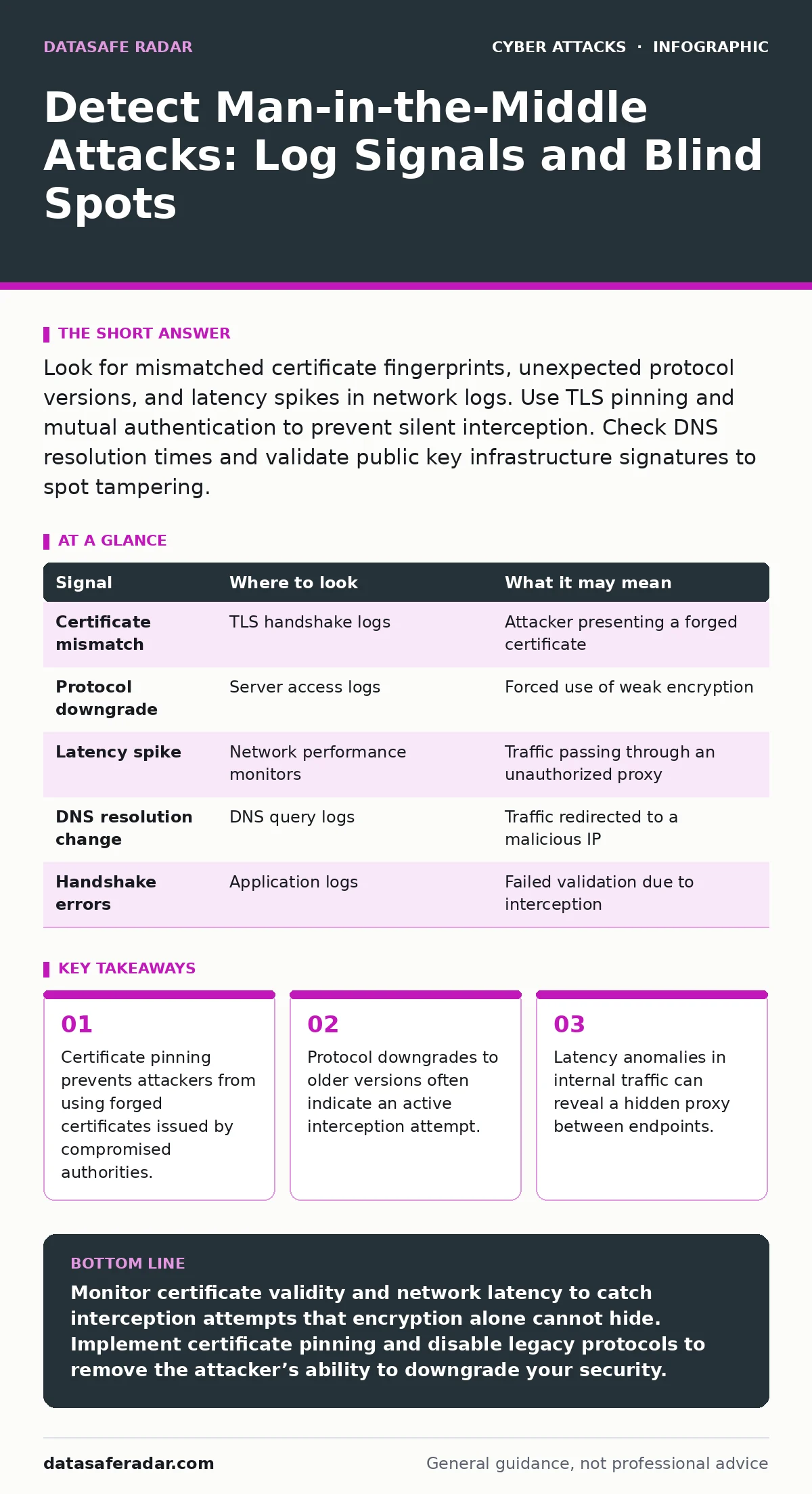
Look for mismatched certificate fingerprints, unexpected protocol versions, and latency spikes in network logs. Use TLS pinning and mutual authentication to prevent silent interception. Check DNS resolution times and validate public key infrastructure signatures to spot tampering.
Certificate Anomalies in TLS Handshakes
Transport Layer Security (TLS) protects data in transit by encrypting it between a client and a server. A man-in-the-middle (MitM) attacker sits between these two parties, decrypting and re-encrypting the traffic. They achieve this by presenting a fraudulent certificate to the client. If your organization trusts a certificate authority that has been compromised, the attacker’s fake certificate appears valid to your systems.
You must inspect the certificate chain presented during the handshake. Look for certificates that do not match the expected public key for the destination host. This mismatch is the most direct evidence of interception. Standard web browsers warn users about this, but automated scripts and internal applications often ignore these warnings to maintain uptime.
Configure your monitoring tools to alert on any certificate that does not match the known fingerprint for a specific domain. This technique is called certificate pinning. It binds the application to a specific certificate or public key, rejecting any other certificate even if it is signed by a trusted authority. This breaks the attacker’s ability to impersonate the server.
Protocol Downgrade Attempts
Attackers often force connections to use older, weaker encryption protocols. Modern TLS versions include features that make MitM attacks difficult. Older versions like TLS 1.0 or SSL 3.0 have known vulnerabilities that allow interception. An attacker can interrupt the initial connection attempt and convince both parties to fall back to an older version.
Monitor your web servers and load balancers for connections that negotiate lower protocol versions. A sudden spike in TLS 1.0 connections from internal clients is a strong indicator of tampering. Legitimate legacy systems rarely appear in modern environments without specific justification.
Disable support for outdated protocols on all servers and clients. This removes the attack surface for downgrade attacks. If a client cannot connect because it only supports old versions, the connection fails rather than being intercepted. This failure is safer than a compromised connection.
Network Latency and Timing Analysis
Intercepting traffic requires the attacker to process each packet. This processing introduces delay. Even a fast proxy adds milliseconds to the round-trip time. In a controlled network environment, you know the expected latency between servers. Deviations from this baseline can signal an unauthorized proxy.
Suppose your internal database server normally responds in two milliseconds. You notice responses taking ten milliseconds during certain hours. This delay suggests an intermediate device is inspecting the traffic. The attacker must decrypt, read, and re-encrypt the data before forwarding it. This computational overhead creates a measurable footprint.
Use network performance monitoring tools to track latency trends. Set alerts for significant deviations from the baseline. While network congestion can cause delays, consistent latency increases on specific ports or to specific hosts warrant investigation. Correlate these timing anomalies with certificate checks for higher accuracy.
DNS Resolution Discrepancies
Domain Name System (DNS) translates domain names to IP addresses. An attacker can redirect traffic to a malicious IP address by spoofing DNS responses. This is a common entry point for MitM attacks. If the client connects to the wrong IP, the attacker can present a fake certificate for that IP.
Check your DNS logs for responses that differ from the authoritative source. Look for records that resolve to unexpected IP addresses. Also, monitor for high rates of DNS queries, which may indicate a cache poisoning attempt. The attacker floods the DNS cache with false information to redirect future requests.
Use DNS over HTTPS (DoH) or DNS over TLS (DoT) to encrypt DNS queries. This prevents attackers from seeing or modifying the queries in transit. Verify that your DNS resolvers are configured to reject unsigned responses if you use DNSSEC. This adds a layer of cryptographic verification to the resolution process.
Application Behavior and Error Rates
Applications behave differently when they cannot establish a secure connection. They may log errors, retry connections, or fail silently. An increase in application errors can indicate that users are being blocked by certificate warnings. Some applications are configured to bypass these warnings, allowing the MitM attack to proceed unnoticed.
Review application logs for TLS handshake failures. Look for errors related to certificate validation or protocol mismatches. A sudden increase in these errors across multiple users suggests a systemic issue rather than a single client problem. Correlate these errors with network latency data to confirm the hypothesis.
See also: Encryption in Transit Myths: What Data Protection Actually Does · Web Filtering Misconceptions: 6 Errors That Leave Gaps
Common Blind Spots in Detection
Many organizations focus on perimeter defenses and ignore internal traffic. MitM attacks often occur within the network where trust is assumed. Internal proxies, firewalls, and intrusion detection systems may inspect traffic without proper logging. This creates blind spots where an attacker can hide.
Another blind spot is the use of self-signed certificates in development or internal tools. These certificates are not validated by a public authority. If an attacker compromises a development machine, they can use its self-signed certificate to impersonate internal services. Teams often ignore warnings for these certificates, assuming they are safe.
Legacy systems that cannot support modern TLS versions are also vulnerable. They often rely on workarounds like SSL offloading at the firewall. If the firewall is compromised, the attacker can read all traffic. Ensure that offloaded traffic is re-encrypted before it reaches the backend servers.
| Signal | Where to look | What it may mean |
|---|---|---|
| Certificate mismatch | TLS handshake logs | Attacker presenting a forged certificate |
| Protocol downgrade | Server access logs | Forced use of weak encryption |
| Latency spike | Network performance monitors | Traffic passing through an unauthorized proxy |
| DNS resolution change | DNS query logs | Traffic redirected to a malicious IP |
| Handshake errors | Application logs | Failed validation due to interception |
Tools for Continuous Monitoring
You need tools that can inspect traffic without breaking encryption. Deep packet inspection tools can analyze packet headers and metadata. They look for anomalies in the flow of data. Intrusion detection systems can be configured to flag unusual TLS behaviors.
Endpoint detection and response agents can monitor certificate stores on individual devices. They alert when new certificates are installed or when existing ones are modified. This helps detect if an attacker has installed a root certificate to make their forgery appear valid.
Combine these tools with a zero trust security model. Zero trust assumes no user or device is trusted by default. It requires continuous verification of identity and integrity. This approach limits the damage if a MitM attack succeeds by restricting lateral movement.
Key takeaways
- Certificate pinning prevents attackers from using forged certificates issued by compromised authorities.
- Protocol downgrades to older versions often indicate an active interception attempt.
- Latency anomalies in internal traffic can reveal a hidden proxy between endpoints.
Monitor certificate validity and network latency to catch interception attempts that encryption alone cannot hide. Implement certificate pinning and disable legacy protocols to remove the attacker’s ability to downgrade your security.
Frequently asked questions
Can firewalls detect man-in-the-middle attacks?
Next-generation firewalls can detect anomalies in traffic patterns and certificate issues, but they may miss sophisticated attacks that use valid certificates from compromised authorities.
Is TLS 1.3 safe from man-in-the-middle attacks?
TLS 1.3 removes support for weak algorithms and downgrades, making MitM attacks much harder, but it does not prevent attacks if the endpoint itself is compromised or if certificate validation is bypassed.
How do I know if my DNS is being spoofed?
Compare DNS responses with authoritative sources and monitor for unexpected changes in IP addresses. Use DNSSEC to verify the authenticity of DNS records.
Does multi-factor authentication prevent man-in-the-middle attacks?
MFA protects account credentials but does not prevent the interception of session tokens or data in transit. It must be combined with strong encryption and certificate validation.
How this guide was produced: written by the DataSafe Radar editorial team with AI assistance, checked against the public references listed below, and reviewed when the facts change. See our editorial policy or report an error.