Shadow IT Explained: How Unauthorized Tools Put Data At Risk
Unapproved apps often bypass security controls, creating hidden data leaks that IT teams cannot monitor or protect from external threats.
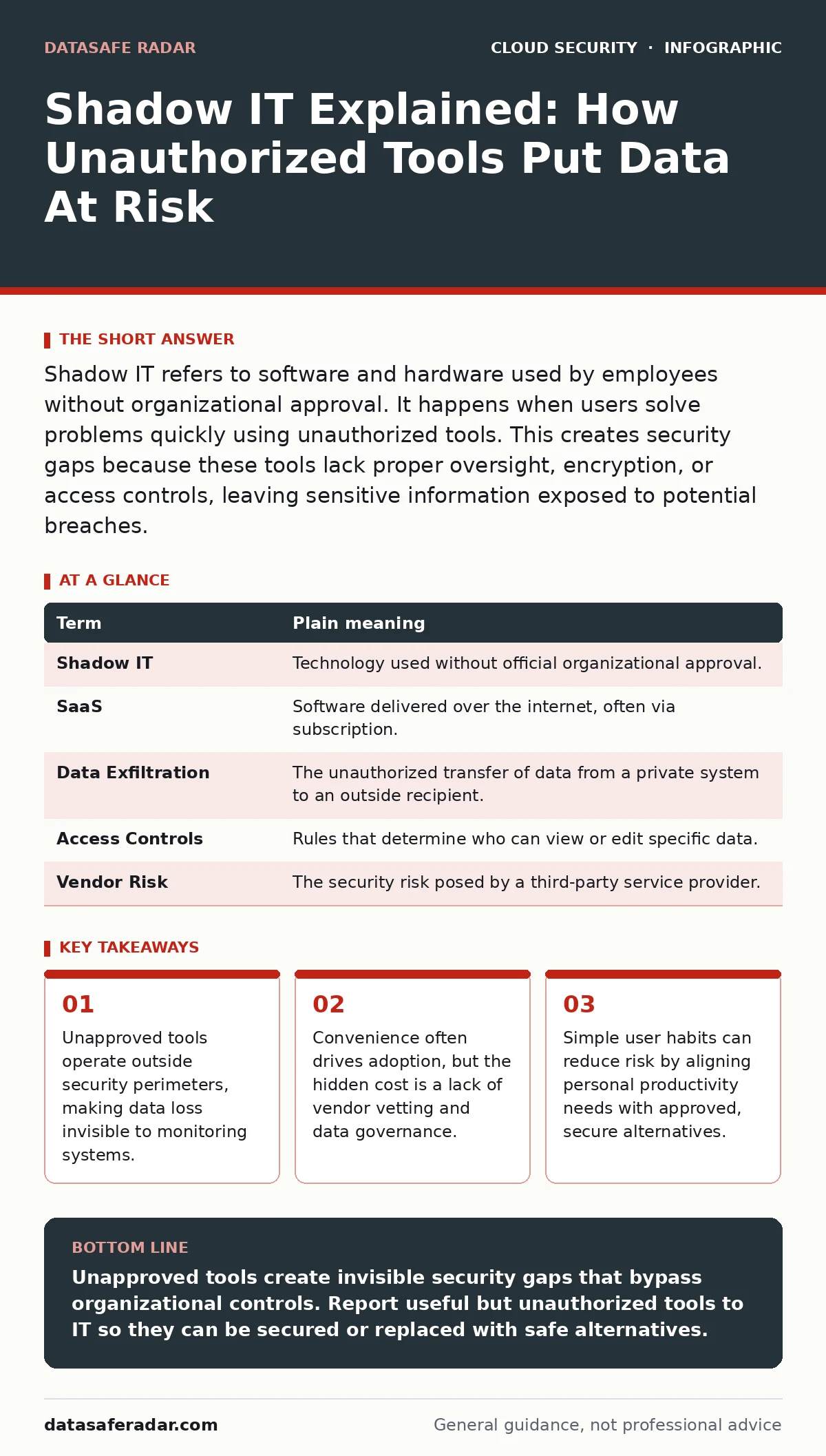
Shadow IT refers to software and hardware used by employees without organizational approval. It happens when users solve problems quickly using unauthorized tools. This creates security gaps because these tools lack proper oversight, encryption, or access controls, leaving sensitive information exposed to potential breaches.
The Backpack Analogy
Imagine your organization is a secure building with controlled entry points. The front door has ID scanners, and every package leaving is inspected. Now imagine an employee finds a loose vent in the wall. They start moving sensitive documents through that vent because it is faster than waiting in line at the front desk.
This vent is shadow IT. It is any technology resource—software, hardware, or services—procured and used by employees without the explicit approval of the organization’s IT department. The employee is not trying to cause harm. They are trying to finish a task. But the vent bypasses every security control the building relies on to keep secrets safe.
What Shadow IT Actually Is
Shadow IT is not just about secret software. It includes cloud storage accounts, communication apps, and even personal hardware connected to the network. It arises when official tools are too slow, too complex, or simply unavailable for a specific job. The user fills the gap with whatever works.
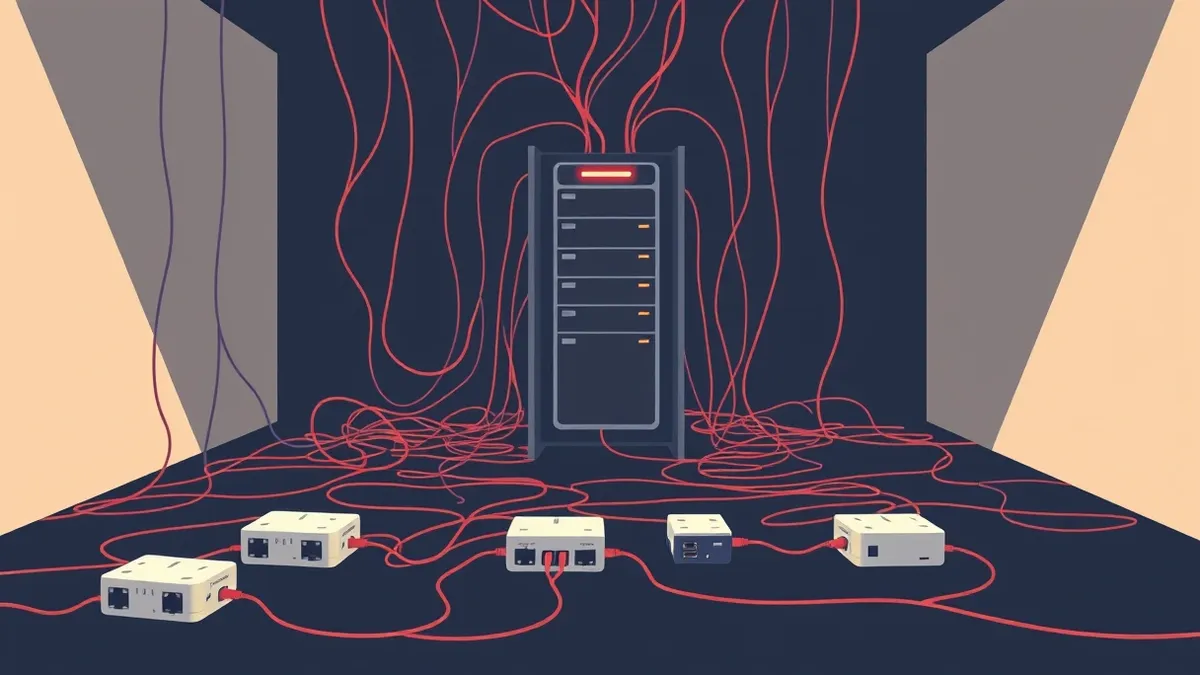
The problem is not the user’s intent. The problem is the lack of visibility. When IT does not know a tool exists, it cannot configure it securely. It cannot patch it. It cannot monitor who accesses the data stored within it. The tool becomes a blind spot in the security architecture.
The Hidden Costs of Convenience
The immediate benefit of shadow IT is speed. The hidden cost is risk. When you use an unapproved tool, you assume the vendor has proper security practices. You assume their servers are protected. You assume they will not sell your data. These are assumptions, not guarantees.
Many small software vendors lack the resources to implement strong security measures. They may not offer end-to-end encryption, which ensures only the sender and recipient can read the data. If the vendor is breached, your organization’s data goes with it. You also lose the ability to recover that data if the vendor goes out of business or changes its terms.
Why IT Often Misses It
IT departments struggle to detect shadow IT because it often uses personal accounts. An employee might sign up for a project management tool using their personal email address. To the IT monitoring systems, this looks like harmless personal activity. The traffic may even go over the employee’s mobile data plan, completely bypassing the corporate network.
This separation makes it nearly impossible for IT to enforce security policies. They cannot require two-factor authentication if they do not know the account exists. They cannot restrict access if the app is not on the approved list. The tool operates in a vacuum, isolated from the organization’s security framework.
The User’s Role in Safety
You are not expected to be a security expert. You are expected to be aware. The goal is not to stop you from using new tools, but to ensure those tools are safe. Before adopting a new app for work, ask yourself if it handles sensitive information. If it does, it needs to be approved.
If your official tools are too cumbersome, report this to IT. They may not know that the current process is blocking productivity. They can often find a secure alternative that meets your needs without creating a security hole. This collaboration closes the vent in the wall while keeping the workflow efficient.
See also: Cloud Workload Protection: Real Benefits vs. Hidden Costs · 7 Encrypted Cloud Storage Mistakes That Expose Your Data
Mini Glossary of Terms
| Term | Plain meaning |
|---|---|
| Shadow IT | Technology used without official organizational approval. |
| SaaS | Software delivered over the internet, often via subscription. |
| Data Exfiltration | The unauthorized transfer of data from a private system to an outside recipient. |
| Access Controls | Rules that determine who can view or edit specific data. |
| Vendor Risk | The security risk posed by a third-party service provider. |
Try This Now
- Audit your desktop and cloud accounts. Identify any tools you use for work that were not provided by your employer.
- Check the security settings of those tools. Ensure they require strong passwords and offer two-factor authentication.
- Report useful but unapproved tools to your IT team. Provide details on why you need them so they can evaluate secure alternatives.
Moving Forward Securely
Shadow IT is a symptom of a gap between security policy and user needs. Closing that gap requires communication, not just restriction. By understanding the risks and collaborating with your IT team, you help maintain a secure environment without sacrificing productivity.
This approach complements broader security strategies. For instance, understanding how cloud workload protection operates can help you see why official tools are monitored. Similarly, knowing the basics of cloud vulnerability management explains why unpatched, unauthorized apps are a target for attackers.
Key takeaways
- Unapproved tools operate outside security perimeters, making data loss invisible to monitoring systems.
- Convenience often drives adoption, but the hidden cost is a lack of vendor vetting and data governance.
- Simple user habits can reduce risk by aligning personal productivity needs with approved, secure alternatives.
Unapproved tools create invisible security gaps that bypass organizational controls. Report useful but unauthorized tools to IT so they can be secured or replaced with safe alternatives.
Frequently asked questions
Is using personal email for work considered shadow IT?
Yes, if it is used to conduct business or store company data. It bypasses corporate email security filters and retention policies.
Can I use free cloud storage for small work files?
It is risky. Free services often lack the security controls and legal protections required for business data. Use approved storage solutions instead.
How do companies find shadow IT?
They use network monitoring tools that detect unusual traffic patterns. They also review software installation logs and cloud access logs to find unauthorized applications.
What should I do if I already have data in a shadow IT tool?
Move the data to an approved, secure storage solution. Then, delete the data from the unauthorized tool and close the account to prevent future exposure.
How this guide was produced: written by the DataSafe Radar editorial team with AI assistance, checked against the public references listed below, and reviewed when the facts change. See our editorial policy or report an error.