Stop Cryptomining on Servers: Response and Recovery Steps
Mining malware often persists via scheduled tasks and modified startup scripts that survive simple process killing and require deep forensic review to remove.

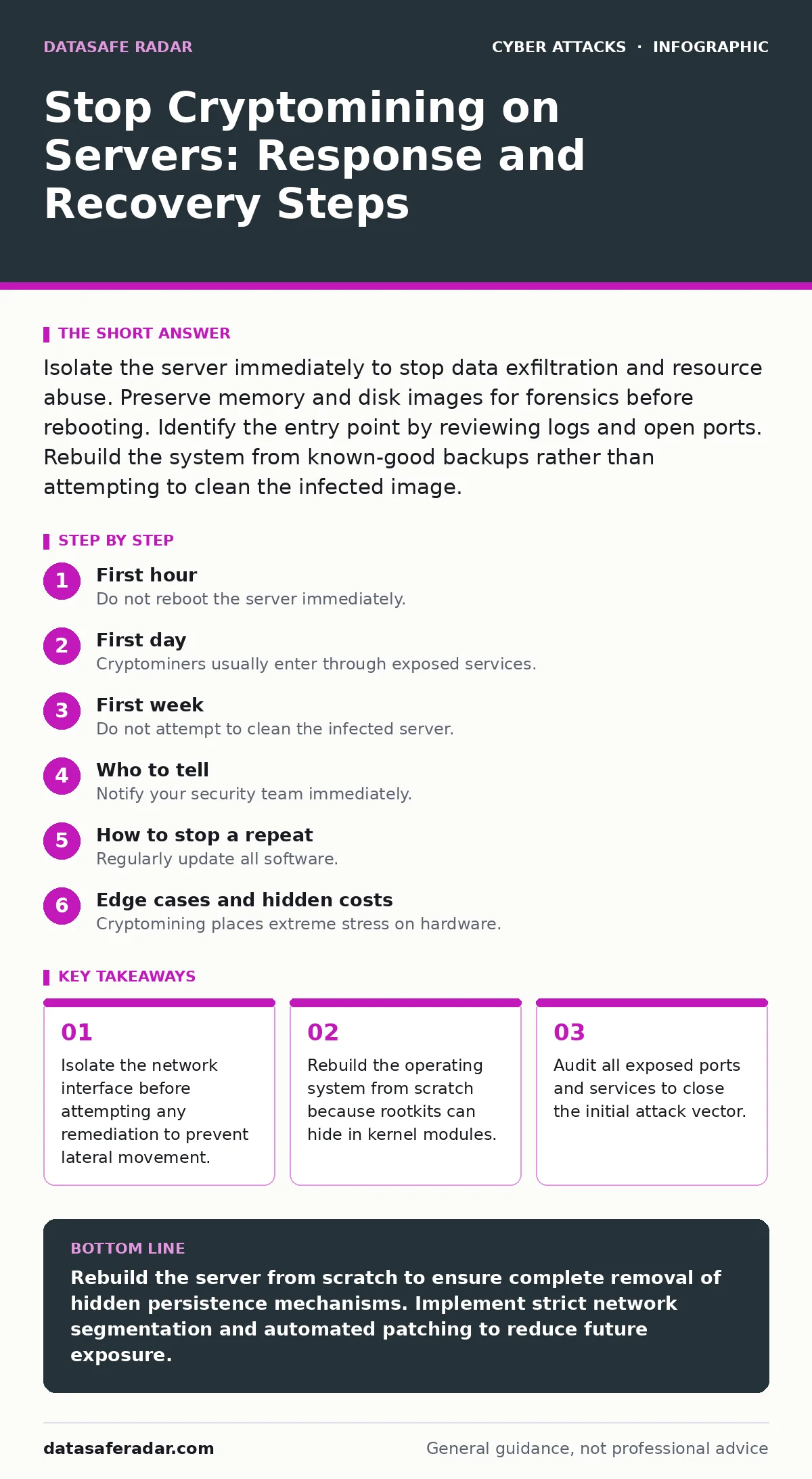
Isolate the server immediately to stop data exfiltration and resource abuse. Preserve memory and disk images for forensics before rebooting. Identify the entry point by reviewing logs and open ports. Rebuild the system from known-good backups rather than attempting to clean the infected image.
First hour
The immediate goal is containment. You must stop the cryptominer from consuming CPU cycles and prevent it from spreading to other systems. Cryptomining malware often acts as a beacon, signaling to command and control servers that the host is active. This signal can trigger further payloads.
- Disconnect the server from the network physically or via software firewall rules.
- Document the current system time and process list using screen captures or console output.
- Identify which user account triggered the initial activity.
- Check for new admin accounts or modified SSH keys.
Imagine a web server that suddenly spikes in CPU usage. The admin kills the process, but the miner restarts five minutes later. This happens because the malware installed a persistence mechanism. Killing the process does not remove the trigger. You must isolate the host to buy time for investigation.
First day
Identify the entry point
Cryptominers usually enter through exposed services. Common vectors include unpatched web applications, weak credentials on SSH or RDP, and exposed database ports. You need to find how the attacker got in. Review authentication logs for failed login attempts followed by a success. Look for unusual source IP addresses accessing administrative interfaces.
Check for modified configuration files. Miners often alter system startup scripts to ensure they run after a reboot. On Linux systems, examine cron jobs, systemd services, and init scripts. On Windows, check the Task Scheduler, registry run keys, and service binaries. Compare current file hashes against known-good baselines if you maintain them.
Assess the damage
Determine what data was accessed. Did the attacker read sensitive files? Did they exfiltrate database dumps? Review web server access logs for unusual requests that might indicate data theft. Check for new files in temporary directories or user home folders. Look for hidden files or directories with names that mimic system files.
Assess the impact on performance. Prolonged mining can cause hardware degradation. Check disk health logs for errors that might have occurred during the high-load period. Verify that no other systems on the network show signs of infection. Use intrusion detection systems to scan for known miner signatures on other hosts.
First week
Rebuild the system
Do not attempt to clean the infected server. Rootkits and kernel-level malware can hide from standard file system scans. The only reliable way to remove cryptomining malware is to wipe the disk and reinstall the operating system. Restore data from a backup that predates the infection. Verify the backup integrity before restoration.
Rebuild the server with minimal services. Disable any unnecessary ports and protocols. Apply all security patches to the operating system and applications. Configure the firewall to allow only required traffic. Implement strict access controls for administrative accounts. Use multi-factor authentication for all remote access methods.
Harden the environment
Prevent future infections by reducing the attack surface. Close all ports that are not required for business operations. Use a web application firewall to filter malicious traffic. Implement rate limiting to prevent brute-force attacks. Monitor network traffic for unusual outbound connections that might indicate a new miner.
Rotate all credentials. Change passwords for all user accounts, service accounts, and database credentials. Regenerate API keys and tokens. Revoke any SSH keys or certificates that might have been compromised. Consider using passkeys for administrative access to eliminate password-based attacks.
Who to tell
Notify your security team immediately. They need to know the scope of the incident to coordinate the response. Inform your management about the potential business impact. If customer data was accessed, you may need to notify regulatory bodies. Document every step you take for legal and insurance purposes.
Do not blame individuals. Focus on the technical failure and the process gap. Use this incident to improve your security posture. Review your incident response plan and update it based on lessons learned. Train staff on recognizing signs of compromise, such as unexpected high CPU usage or slow response times.
How to stop a repeat
Patch management
Regularly update all software. Unpatched vulnerabilities are the primary entry point for cryptominers. Automate patching where possible to reduce the window of exposure. Test patches in a staging environment before deploying to production. Prioritize critical security updates over feature updates.
Network segmentation
Segment your network to limit lateral movement. Place servers in separate subnets with strict firewall rules between them. Monitor traffic between segments for anomalies. Use zero-trust principles to verify every connection. This prevents an attacker from moving from a compromised web server to a database server.
Continuous monitoring
Deploy endpoint detection and response tools. These tools can detect and block malicious behavior in real-time. Set up alerts for unusual process creation, network connections, and file modifications. Review alerts daily to identify potential threats early. Integrate logs into a centralized security information and event management system.
See also: Cloud Incident Response: A Step-by-Step Implementation Plan
Edge cases and hidden costs
Hardware degradation
Cryptomining places extreme stress on hardware. CPUs and GPUs run at maximum capacity for extended periods. This can shorten the lifespan of components. Check hardware warranties and support policies. Some vendors may void warranties if mining activity is detected. Plan for hardware replacement if the server has been compromised for a long time.
False positives
Security tools may flag legitimate processes as miners. High CPU usage from legitimate applications can trigger alerts. Tune your detection rules to reduce noise. Investigate every alert to avoid missing real threats. Balance security with operational efficiency.
Supply chain risks
Miners can enter through compromised software packages. Review your software supply chain. Verify the integrity of downloaded packages. Use checksums to validate files. Monitor for vulnerabilities in third-party libraries. This reduces the risk of infection through trusted sources.
Conclusion
Recovering from a cryptomining attack requires a systematic approach. Isolate, investigate, rebuild, and harden. Do not skip steps. Each step reduces the risk of reinfection. Stay vigilant and monitor your systems continuously. Security is an ongoing process, not a one-time fix.
Key takeaways
- Isolate the network interface before attempting any remediation to prevent lateral movement.
- Rebuild the operating system from scratch because rootkits can hide in kernel modules.
- Audit all exposed ports and services to close the initial attack vector.
Rebuild the server from scratch to ensure complete removal of hidden persistence mechanisms. Implement strict network segmentation and automated patching to reduce future exposure.
Frequently asked questions
Can I clean a cryptominer without rebuilding?
No, advanced miners hide in system files and kernel modules that standard cleaners miss. Rebuilding is the only reliable method.
How do I know if my server is mining?
Check for high CPU usage, unusual network connections to mining pools, and unknown processes running with high priority.
Should I change passwords immediately?
Yes, change all passwords and rotate API keys to prevent the attacker from regaining access after remediation.
Is cryptomining illegal?
Yes, unauthorized use of computing resources is theft. It violates computer fraud laws and can lead to civil liability.
How this guide was produced: written by the DataSafe Radar editorial team with AI assistance, checked against the public references listed below, and reviewed when the facts change. See our editorial policy or report an error.