When Do Parental Controls Turn Off? The Hidden Triggers You Miss
Parental controls often disable themselves automatically when account settings change, devices reset, or age thresholds are reached without your explicit consent.

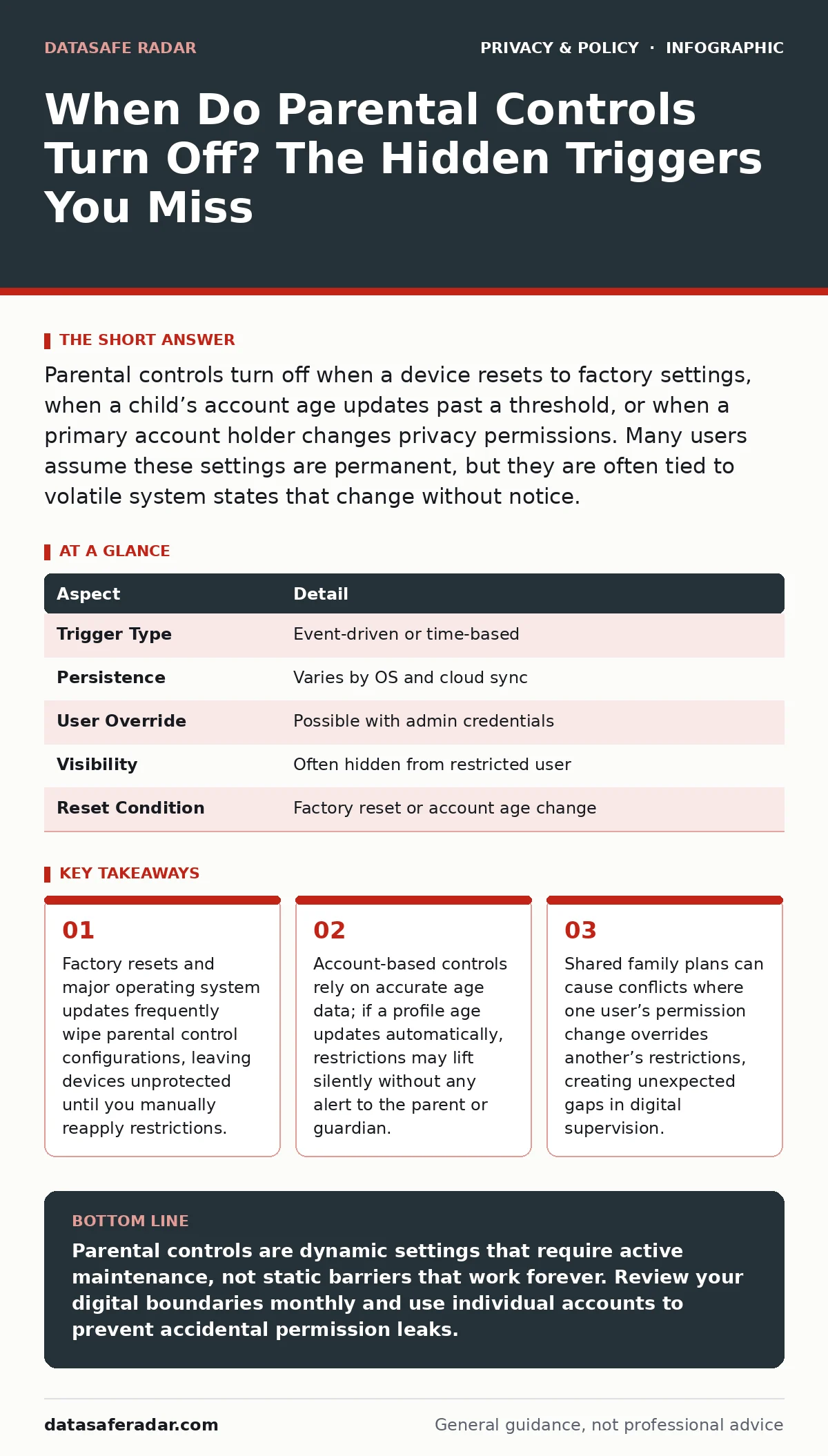
Parental controls turn off when a device resets to factory settings, when a child’s account age updates past a threshold, or when a primary account holder changes privacy permissions. Many users assume these settings are permanent, but they are often tied to volatile system states that change without notice.
The Mechanics of Digital Boundaries
Parental controls are software mechanisms that limit access to specific content, applications, or features based on predefined rules. They function by intercepting user requests and comparing them against a policy database before allowing or blocking the action. Think of these controls as a digital gatekeeper that checks credentials and behavior against a rulebook. The gatekeeper does not judge intent; it only enforces the rules you have written into the system. If the rulebook is missing or corrupted, the gatekeeper opens the gate by default.
Most modern parental controls operate at two levels: the device level and the account level. Device-level controls reside on the hardware or operating system, such as iOS Screen Time or Android Digital Wellbeing. Account-level controls reside in the cloud, attached to the user’s identity rather than the specific phone or tablet. Understanding this distinction determines when and why controls disappear. Device controls vanish when the device is wiped. Account controls persist across devices but can change if the account itself changes.
| Aspect | Detail |
|---|---|
| Trigger Type | Event-driven or time-based |
| Persistence | Varies by OS and cloud sync |
| User Override | Possible with admin credentials |
| Visibility | Often hidden from restricted user |
| Reset Condition | Factory reset or account age change |
When Do Parental Controls Turn Off
Parental controls turn off when the underlying system that enforces them is interrupted or reconfigured. The most common trigger is a factory reset. When you restore a device to its original state, all local settings, including parental control configurations, are deleted. The device returns to a clean slate, assuming no restrictions exist. This is a security feature, not a bug, as it prevents previous owners from retaining access to a new owner’s privacy settings.
Another trigger is an operating system update. Major updates sometimes reset permissions or introduce new privacy frameworks that do not automatically inherit old restrictions. If the update changes how apps request permissions, the old parental control rules may no longer apply to the new permission model. The controls do not break; they simply become irrelevant to the new system architecture.
Age-based triggers are also common. Many services use a child’s birth date to determine applicable restrictions. If the system automatically updates the child’s age on their birthday, restrictions tied to that age may lift. For example, a web filter may relax when a user turns thirteen, assuming they are now capable of more independent browsing. This happens silently, without notification, unless you have configured alerts for account changes.
The Hidden Costs of Automation
Automation creates a false sense of permanence. You set controls once and assume they work forever. This assumption fails because digital environments are dynamic. Apps change, operating systems update, and account permissions shift. The hidden cost is the time you spend discovering that protections have vanished only after a child has accessed restricted content.
Consider the concept of permission creep. Over time, apps may request additional permissions that were not covered by your initial parental control setup. If the control mechanism only blocks specific apps but not specific permissions within allowed apps, new features can bypass your restrictions. The control remains active, but its effectiveness erodes. This is why static rules fail in dynamic environments.
Imagine a family uses a cloud-based parental control service linked to a shared email account. The parent sets restrictions on video streaming. The child adds a new device to the account. The new device syncs the account settings, but the streaming app on the new device requests a different permission set. The parental control blocks the app on the old device but fails on the new one because the permission mapping is not identical. The control is active, but it is not comprehensive.
What People Usually Get Wrong
Many users believe parental controls are a one-time setup. They configure restrictions and forget about them. This approach ignores the maintenance required to keep digital boundaries intact. Controls degrade over time as software evolves. Regular audits are necessary to ensure rules still apply to current apps and behaviors.
Another common mistake is relying solely on device-level controls. If a child has the admin password or can perform a factory reset, they can remove all restrictions. Device controls are easy to bypass if the user has physical access and knowledge of the reset procedure. Account-level controls are more durable because they follow the user across devices. However, they require careful management of shared credentials.
Users also often misunderstand the scope of content filtering. Most filters work by blocking known bad domains or keywords. They do not analyze context. A site may be allowed because it is not on a blacklist, even if it hosts inappropriate content. Conversely, an educational site may be blocked because it uses a keyword that appears in a restricted context. False positives and false negatives are inherent in automated filtering.
Managing Shared Accounts and Permissions
Family sharing features complicate parental control enforcement. When multiple users share an account, permissions can conflict. One user may update a setting that affects everyone. For instance, a parent may change the privacy policy acceptance for a shared app, inadvertently lifting restrictions for a child’s profile. This happens because the system treats the shared account as a single entity, not as separate users with separate needs.
To mitigate this, use individual accounts for each family member. Link them through a family group feature rather than sharing a single login. This ensures that restrictions apply to the specific user, not the shared identity. It also allows for granular control over what each person can access. While this requires more initial setup, it prevents the accidental erosion of protections.
Be aware that some services tie parental controls to the primary account holder. If the primary holder’s status changes, such as a change in billing method or region, the controls may reset. This is rare but possible. Monitor account changes closely, especially if you manage multiple devices and services.
The Role of Privacy Policies and Data
Parental controls are not just about blocking content; they are about managing data exposure. When you restrict an app, you also limit the data that app can collect. However, if the control is removed or bypassed, data collection resumes. Understanding how apps use data is as important as blocking them.
Privacy policies often detail how data is collected and shared. Reading these policies helps you understand the implications of allowing an app. If a policy states that data is shared with third-party advertisers, you may want to restrict the app even if it does not contain explicit content. Data exposure is a long-term risk that parental controls can help mitigate, but only if they are correctly configured and maintained.
For more on how digital footprints persist, see our guide on reducing your digital footprint. Understanding that data lingers even after deletion is key to effective privacy management. Parental controls are a tool, not a cure. They must be part of a broader strategy that includes education and regular review.
Maintaining Long-Term Effectiveness
Maintaining parental controls requires regular checks. Schedule a monthly review of permissions and restrictions. Check for software updates that may have changed settings. Verify that age-based rules are still appropriate. If a child has aged out of certain restrictions, consider whether new ones are needed. Digital maturity is not linear; it requires ongoing adjustment.
Use notifications to stay informed. Many systems allow you to receive alerts when settings change or when a child attempts to access restricted content. These alerts provide early warning of potential issues. They also help you understand your child’s interests and behaviors, allowing for more informed decisions about what to block and what to allow.
Education is the most effective control. Teach children why restrictions exist and how to protect their own privacy. This empowers them to make good decisions even when controls are not active. It also reduces the likelihood of them seeking to bypass restrictions out of curiosity or rebellion. A collaborative approach is more sustainable than a purely restrictive one.
Key takeaways
- Factory resets and major operating system updates frequently wipe parental control configurations, leaving devices unprotected until you manually reapply restrictions.
- Account-based controls rely on accurate age data; if a profile age updates automatically, restrictions may lift silently without any alert to the parent or guardian.
- Shared family plans can cause conflicts where one user’s permission change overrides another’s restrictions, creating unexpected gaps in digital supervision.
Parental controls are dynamic settings that require active maintenance, not static barriers that work forever. Review your digital boundaries monthly and use individual accounts to prevent accidental permission leaks.
Frequently asked questions
Do parental controls survive a factory reset?
No, factory resets erase all local settings, including parental controls. You must reconfigure restrictions after a reset.
Can a child bypass parental controls by creating a new account?
Yes, if the controls are device-based rather than account-based. A new account may not inherit the restrictions of the previous one.
Do parental controls affect battery life?
Some controls, like background activity monitoring, can increase battery usage. However, the impact is usually minimal compared to normal app usage.
Can I set different controls for different apps?
Yes, most modern parental control systems allow granular permissions. You can block specific apps while allowing others, or restrict features within allowed apps.
How this guide was produced: written by the DataSafe Radar editorial team with AI assistance, checked against the public references listed below, and reviewed when the facts change. See our editorial policy or report an error.