DNS Hijacking Risks: How Small Businesses Lose Traffic Control
Your domain name points to an IP address that attackers can redirect without changing your password or breaking into your server.
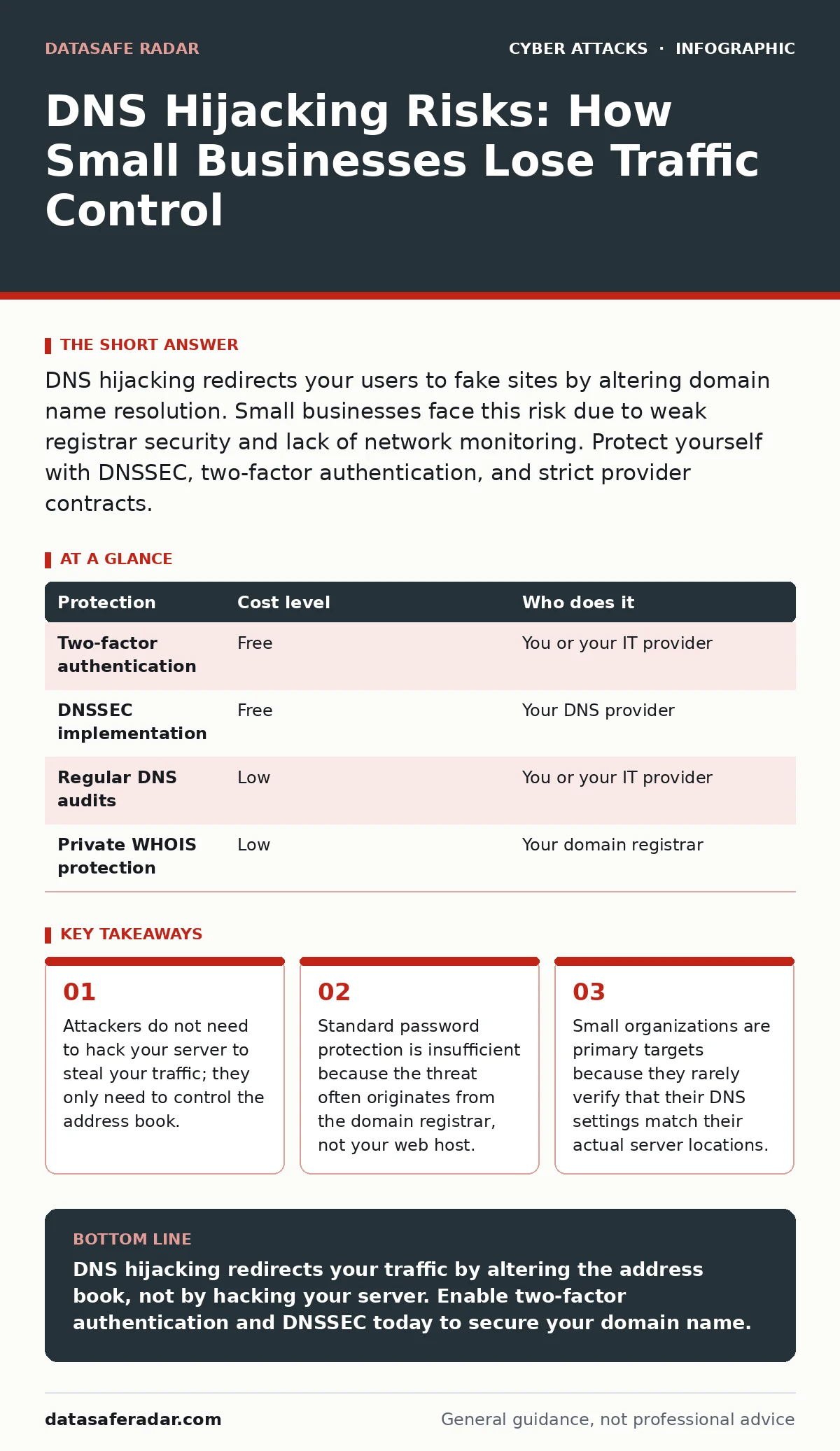
DNS hijacking redirects your users to fake sites by altering domain name resolution. Small businesses face this risk due to weak registrar security and lack of network monitoring. Protect yourself with DNSSEC, two-factor authentication, and strict provider contracts.
The Mechanism Behind the Theft
Domain Name System (DNS) acts as the phonebook of the internet. It translates human-readable names like example.com into numerical IP addresses that computers use to find each other. When you type a website address, your device asks a DNS server for the corresponding IP. DNS hijacking occurs when an attacker interferes with this translation process. They do not need to break into your website’s code or your company’s internal network. Instead, they redirect the traffic to a different destination.
This redirection can happen in two main ways. The first method involves compromising the domain registrar account. If an attacker gains access to your account where you manage your domain name, they can change the nameservers. Nameservers are the authoritative computers that hold the record of where your domain points. Changing them is as simple as editing a text file. The second method involves corrupting the DNS resolution path. This happens when an attacker injects false answers into the response your device receives. Your computer believes the false answer is legitimate and connects to the attacker’s server.
Why Small Organizations Are Vulnerable
Small businesses often assume that their size makes them invisible to attackers. This assumption is dangerous. Attackers automate their scanning tools to look for misconfigurations. They do not care about the size of your company; they care about the speed of the takeover. Small teams often lack dedicated security personnel. This means tasks like verifying DNS settings or updating registrar security are delayed or forgotten.
Another factor is the consolidation of services. Many small businesses use a single provider for hosting, email, and domain registration. If that provider suffers a breach, or if an employee’s credentials are leaked, the attacker gains control over multiple layers of your infrastructure. You might secure your email with strong passwords, but if your domain registrar uses weak security, your protection is irrelevant. The attacker changes the DNS records, and your email and website both point to their servers.
The Hidden Cost of Trust
You trust that the address bar in your browser tells the truth. DNS hijacking breaks this trust. When users are redirected, they often do not notice. The fake site may look identical to yours. The attacker can capture login credentials, credit card numbers, or install malware on the visitor’s device. For your business, the damage is not just data loss. It is reputational harm. Clients lose confidence when they cannot reach your services or when they report suspicious activity.
Recovery is slow. You must contact your registrar, prove ownership, and wait for the changes to propagate across the global DNS system. This propagation can take hours or days. During this time, your business is offline. You cannot send emails, and your website is inaccessible. This downtime affects revenue and productivity. The cost is not just technical; it is operational.
Low-Cost Protections You Can Implement
You do not need expensive software to reduce this risk. Many protections are built into standard services. The first step is enabling two-factor authentication (2FA) on your domain registrar account. 2FA requires a second form of verification, such as a code from a mobile app, in addition to your password. This prevents attackers from accessing your account even if they have your password.
Next, implement DNS Security Extensions (DNSSEC). DNSSEC adds digital signatures to your DNS records. These signatures allow users to verify that the DNS response has not been tampered with. If an attacker tries to inject a false IP address, the signature will not match, and the user’s device will reject the response. DNSSEC is free to implement, but it requires configuration at both the registrar and the DNS provider levels.
| Protection | Cost level | Who does it |
|---|---|---|
| Two-factor authentication | Free | You or your IT provider |
| DNSSEC implementation | Free | Your DNS provider |
| Regular DNS audits | Low | You or your IT provider |
| Private WHOIS protection | Low | Your domain registrar |
What to Ask Your IT Provider
If you outsource your IT, you must ensure they are managing your DNS security. Many providers focus on server uptime and ignore the domain layer. You need to ask specific questions. Do not accept vague answers about "security." Ask for details about the mechanisms they use.
- Does the provider enable two-factor authentication for all domain registrar accounts?
- Is DNSSEC configured and verified for all domains?
- How often does the provider audit DNS records to ensure they match the actual server locations?
- What is the procedure for recovering access if the registrar account is compromised?
- Does the provider monitor for unauthorized changes to nameservers?
See also: Business Logic Flows: How Small Firms Get Hacked and How to Stop It · IoT Security for Small Business: Hidden Risks and Practical Fixes
Detecting the Attack Early
Detection relies on monitoring changes. Most domain registrars send email notifications when DNS records are modified. Ensure that these notifications go to a secure, monitored inbox. Do not let them go to a generic support email that is rarely checked. If you see a notification about a change you did not make, act immediately. Contact your registrar to lock the account and revert the changes.
You can also use tools to monitor your DNS health. These tools check your records periodically and alert you if they change. This is similar to how intrusion detection systems monitor network traffic for suspicious activity. The difference is that DNS monitoring looks at the address book, not the data flowing through your pipes. Early detection limits the window of opportunity for attackers.
Related Threats and Context
DNS hijacking is often part of a larger attack chain. Attackers may use it to facilitate man-in-the-middle attacks. In this scenario, the attacker intercepts communication between the user and the website. They can read or modify the data being sent. This is particularly dangerous for financial transactions or sensitive communications.
Another related threat is adversary-in-the-middle phishing. This is a sophisticated form of phishing where the attacker sets up a proxy server. The victim thinks they are communicating with the real service, but the attacker is relaying and modifying the traffic in real-time. DNS hijacking is the entry point for this attack. Without proper DNS security, you cannot prevent the initial redirection.
Understanding these connections helps you prioritize your defenses. Securing your DNS is not just about keeping your website online. It is about protecting the integrity of all communications that rely on your domain name. It complements zero trust security models by ensuring that the initial connection point is verified and trustworthy.
Key takeaways
- Attackers do not need to hack your server to steal your traffic; they only need to control the address book.
- Standard password protection is insufficient because the threat often originates from the domain registrar, not your web host.
- Small organizations are primary targets because they rarely verify that their DNS settings match their actual server locations.
DNS hijacking redirects your traffic by altering the address book, not by hacking your server. Enable two-factor authentication and DNSSEC today to secure your domain name.
Frequently asked questions
Can DNS hijacking happen on my home network?
Yes, if your router’s DNS settings are compromised or if you use an unsecured public Wi-Fi network, your traffic can be redirected.
Does HTTPS prevent DNS hijacking?
No, HTTPS encrypts the data after the connection is made. If the DNS record points to a fake server, you will connect to that fake server securely.
How do I know if my DNS has been hijacked?
Check if your website loads a different page than expected or if you receive unexpected DNS change notifications from your registrar.
Is DNSSEC enough protection?
DNSSEC prevents tampering with DNS responses, but it does not protect against account takeover. You still need strong authentication for your registrar account.
How this guide was produced: written by the DataSafe Radar editorial team with AI assistance, checked against the public references listed below, and reviewed when the facts change. See our editorial policy or report an error.