Implement DDoS Protection: A Step-by-Step Rollout Plan
Traffic scrubbing hides your origin server but adds latency that can degrade performance for legitimate users during peak load.

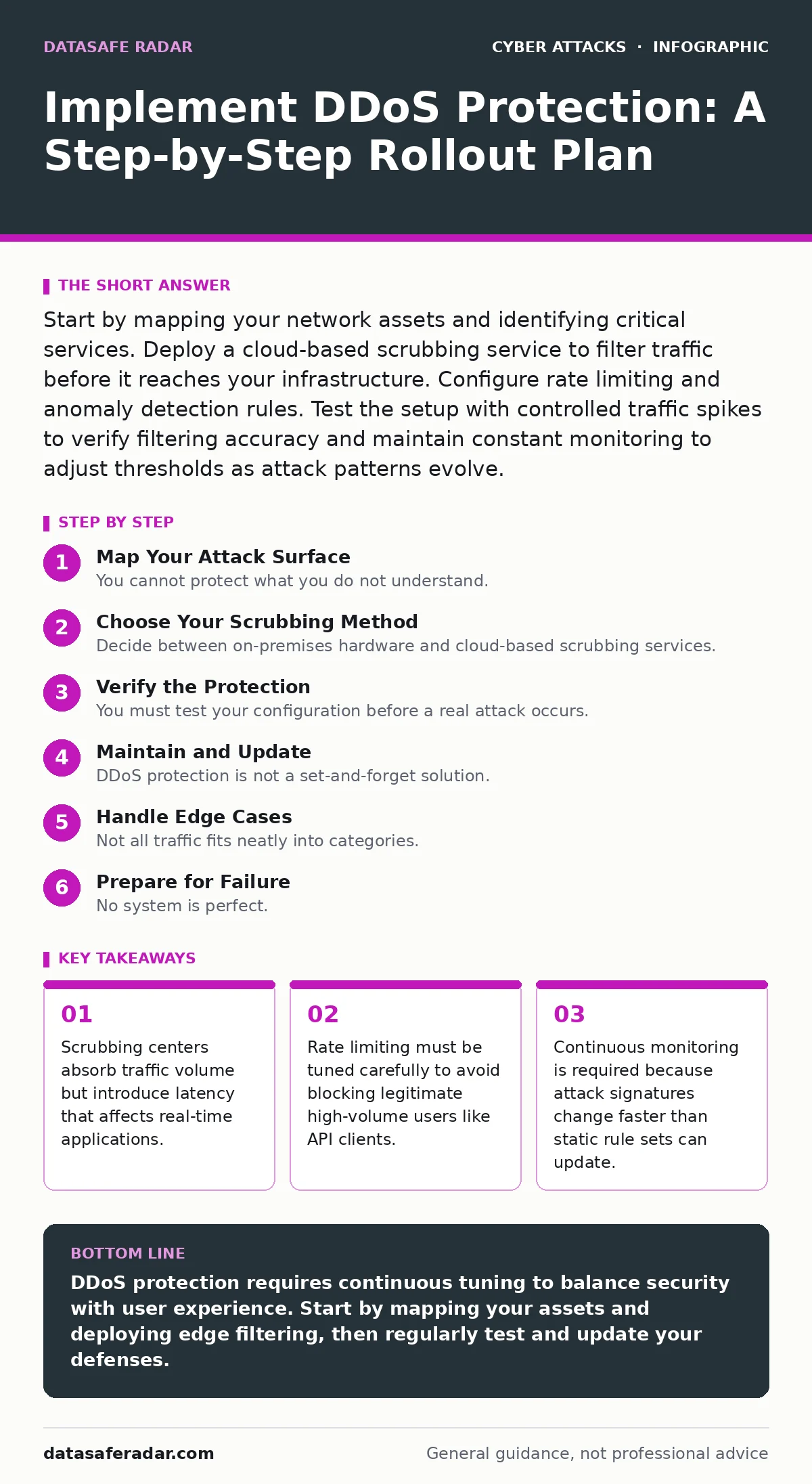
Start by mapping your network assets and identifying critical services. Deploy a cloud-based scrubbing service to filter traffic before it reaches your infrastructure. Configure rate limiting and anomaly detection rules. Test the setup with controlled traffic spikes to verify filtering accuracy and maintain constant monitoring to adjust thresholds as attack patterns evolve.
Map Your Attack Surface
You cannot protect what you do not understand. Begin by creating a detailed inventory of every public-facing service, including web servers, APIs, and DNS resolvers. Identify which services are critical for business continuity and which can tolerate downtime. This mapping reveals dependencies that are often overlooked, such as a third-party authentication server that becomes a bottleneck when your primary site is under assault.
Consider how these services interact. A distributed denial-of-service attack often targets the weakest link in the chain rather than the main application. If your web server relies on a single database endpoint, flooding that endpoint achieves the same result as flooding the web server. Understanding these connections allows you to prioritize protection efforts where they matter most.
Choose Your Scrubbing Method
Decide between on-premises hardware and cloud-based scrubbing services. On-premises appliances require significant capital expenditure and physical space, and they often lack the bandwidth capacity to absorb massive volumetric attacks. Cloud-based services route traffic through their global network, filtering malicious packets before forwarding clean traffic to your origin. This approach scales automatically but introduces a single point of failure if the provider suffers an outage.
Many organizations use a hybrid approach, placing local hardware for latency-sensitive tasks and cloud scrubbing for volumetric protection. This balances cost and performance but complicates management. Ensure your chosen method supports the protocols you use, such as HTTP, DNS, or UDP. If you rely on custom protocols, standard scrubbing services may drop your legitimate traffic.
Step 1: Deploy Edge Filtering
Install a filtering layer at the network edge, typically through an anycast network or a reverse proxy. This layer sits between the internet and your origin servers. Its job is to inspect incoming packets and discard those that match known attack signatures or exceed behavioral thresholds. You must configure this layer to mirror your current traffic patterns to avoid breaking existing functionality.
Verify that the filtering layer is active by checking that traffic flows through it. Monitor the packet drop rate for a baseline. If you see a sudden spike in dropped packets without a corresponding increase in traffic, the filter may be too aggressive. Adjust the sensitivity settings to reduce false positives. This step is the first line of defense against volumetric floods.
Step 2: Configure Rate Limiting
Rate limiting restricts the number of requests a single IP address or subnet can make within a specific time window. This prevents any single source from consuming excessive resources. You must set thresholds that accommodate your busiest legitimate users, such as search engines or heavy API clients. Setting the limit too low blocks real users, while setting it too high allows attackers to slip through.
Test the limits by simulating high-frequency requests from a controlled environment. Observe how the system handles bursts of traffic. Legitimate users often send bursts when loading pages with many resources. Your rate limiter must distinguish between a human loading a page and a bot sending thousands of requests per second. If you struggle with distinguishing bots, review our guide on bot protection for additional strategies.
Step 3: Enable Anomaly Detection
Static rules fail against novel attacks. Anomaly detection uses machine learning or statistical models to identify deviations from normal traffic patterns. This catches attacks that do not match known signatures, such as slowloris attacks that keep connections open just long enough to exhaust server resources. You must train the detection system with a baseline of normal traffic to reduce false alarms.
Review the alerts generated by the detection system. Early on, expect many false positives as the system learns your traffic patterns. Manually label these alerts to improve accuracy. This process takes time but pays off when the system identifies a subtle attack that static rules missed. Anomaly detection complements rate limiting by catching behavior that looks suspicious but does not exceed request limits.
Verify the Protection
You must test your configuration before a real attack occurs. Use a controlled traffic generator to simulate various attack vectors, including volumetric floods and application-layer attacks. Monitor your server’s response times and resource usage during the test. The goal is to ensure that legitimate traffic continues to flow while malicious traffic is blocked.
Check that your monitoring dashboards reflect the attack and the filtering action. If the dashboards do not update in real-time, you cannot respond effectively during an incident. Verify that your incident response team knows how to interpret the alerts. If you use intrusion detection systems alongside DDoS protection, ensure they do not conflict or generate duplicate alerts.
- Traffic flows through the scrubbing center.
- Rate limits block excessive requests from single sources.
- Anomaly detection flags unusual patterns.
- Monitoring dashboards update in real-time.
- Incident response team can interpret alerts.
Maintain and Update
DDoS protection is not a set-and-forget solution. Attackers constantly evolve their techniques to evade detection. You must review your filtering rules and detection thresholds regularly. Update your baseline traffic patterns as your business grows and your user base changes. A rule that worked last year may block legitimate traffic today.
Monitor industry trends and threat intelligence feeds. While you should not rely on specific reports, staying aware of general attack trends helps you anticipate new threats. Adjust your defenses proactively. If you see an increase in attacks targeting DNS, tighten your DNS security. If you use cloud services, ensure your provider updates their protection mechanisms. For related security measures, consider reviewing our guide on zero trust security to ensure your broader architecture remains resilient.
Handle Edge Cases
Not all traffic fits neatly into categories. Some legitimate services, such as backup systems or large file downloads, generate high bandwidth usage that can trigger rate limits. You must create allowlists for these known sources. Failure to do so results in blocked legitimate traffic and frustrated users.
Imagine a scenario where a marketing campaign causes a sudden surge in traffic. Your rate limiter may interpret this as an attack. You must have a process to temporarily adjust thresholds during known events. This requires coordination between marketing, engineering, and security teams. If you do not plan for these spikes, you risk blocking your own customers during peak moments.
See also: Encryption in Transit Myths: What Data Protection Actually Does · Web Filtering Misconceptions: 6 Errors That Leave Gaps
Prepare for Failure
No system is perfect. Your scrubbing service may fail, or your configuration may have a bug. You need a fallback plan. This often involves having a secondary provider or the ability to failover to a different data center. Test this failover process regularly to ensure it works when needed.
Document the steps for escalating an incident. Who decides to switch providers? Who communicates with users? Clarity during a crisis prevents panic and delays. If your DNS is compromised during an attack, your protection is useless. Ensure your DNS security is robust, perhaps by reviewing our guide on DNS hijacking to prevent attackers from redirecting traffic away from your protection.
Key takeaways
- Scrubbing centers absorb traffic volume but introduce latency that affects real-time applications.
- Rate limiting must be tuned carefully to avoid blocking legitimate high-volume users like API clients.
- Continuous monitoring is required because attack signatures change faster than static rule sets can update.
DDoS protection requires continuous tuning to balance security with user experience. Start by mapping your assets and deploying edge filtering, then regularly test and update your defenses.
Frequently asked questions
How do I distinguish between a DDoS attack and a legitimate traffic spike?
Analyze the source diversity and request patterns. Legitimate spikes usually come from diverse geographic locations and have varied request types, while attacks often originate from a few sources or use repetitive, automated requests.
Can DDoS protection stop all attacks?
No. Protection reduces the impact and blocks most attacks, but sophisticated application-layer attacks can sometimes bypass filters. Defense in depth, including rate limiting and anomaly detection, is necessary to mitigate residual risks.
Does DDoS protection slow down my website?
Yes, slightly. Routing traffic through a scrubbing center adds latency. However, the performance impact is usually minimal for most users and is outweighed by the benefit of availability during an attack.
How often should I test my DDoS protection?
Test at least quarterly or after any significant change to your infrastructure or traffic patterns. Regular testing ensures your configurations remain effective against evolving threats and that your monitoring systems are functioning correctly.
How this guide was produced: written by the DataSafe Radar editorial team with AI assistance, checked against the public references listed below, and reviewed when the facts change. See our editorial policy or report an error.