Why Is Fileless Malware Particularly Challenging to Detect
Fileless malware hides in system memory and legitimate scripts, bypassing traditional file-based security checks that look for malicious downloads on disk.

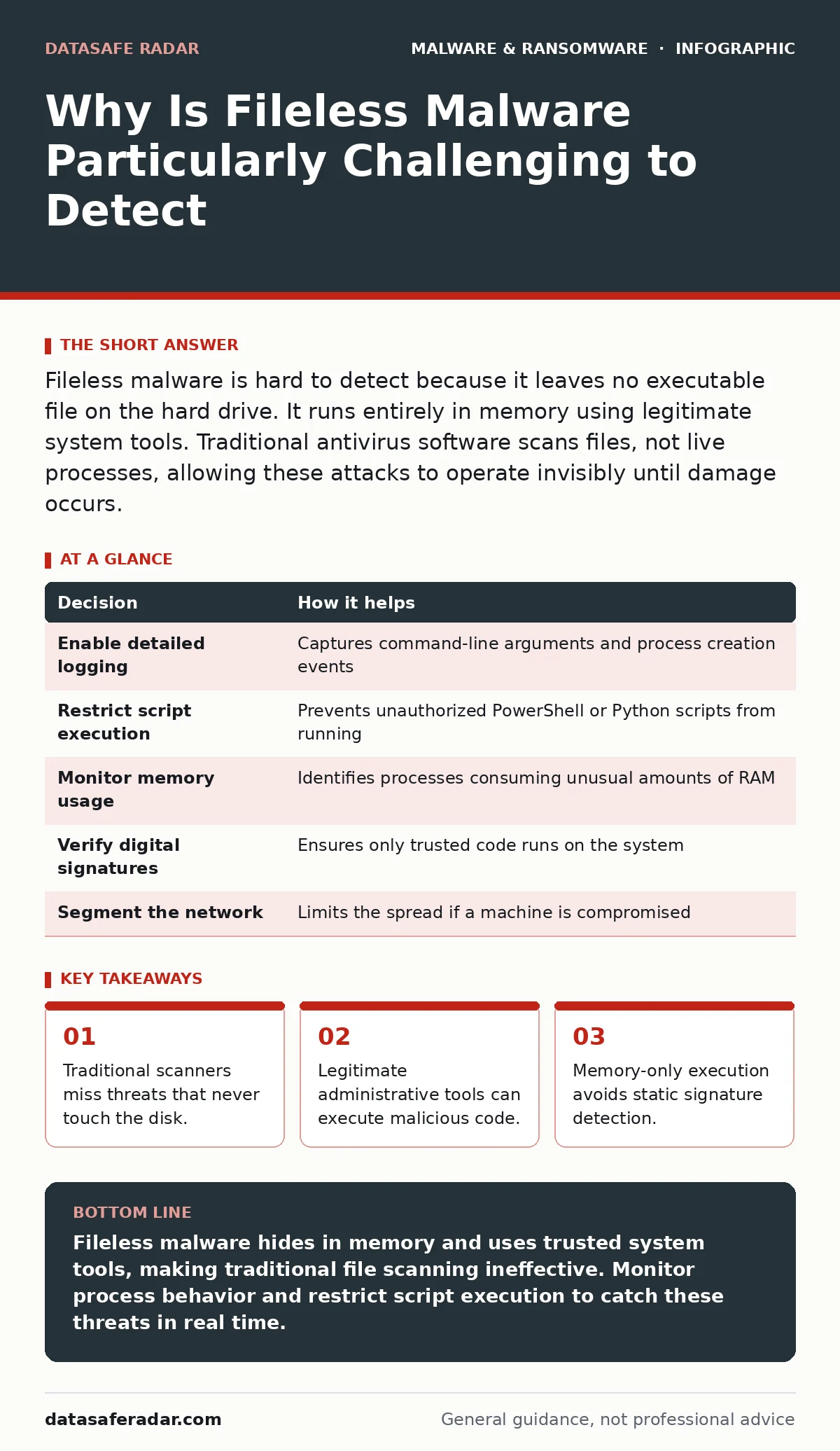
Fileless malware is hard to detect because it leaves no executable file on the hard drive. It runs entirely in memory using legitimate system tools. Traditional antivirus software scans files, not live processes, allowing these attacks to operate invisibly until damage occurs.
Why Is Fileless Malware Particularly Challenging to Detect
Fileless malware is particularly challenging to detect because it exploits the operating system's core functionality rather than introducing foreign binaries. Traditional security tools rely on identifying malicious files saved to storage. Fileless attacks skip this step entirely. They inject code directly into the computer's memory. This approach bypasses the primary defense layer that looks for known bad files. The threat lives only while the process runs.
The attack uses scripts or commands that the system already trusts. PowerShell, Python, or Windows Management Instrumentation are common vectors. These tools are necessary for system administration. Security software cannot block them without breaking daily operations. Attackers chain these legitimate utilities together. They create a pipeline that downloads, executes, and hides the payload. The system sees only authorized tools doing their job.
The Mechanism of Living Off the Land
Living off the Land techniques use existing software to perform malicious actions. The attacker does not bring a weapon. They use the tools already in the house. PowerShell is a powerful automation framework. It can run complex scripts that interact with the network and file system. An attacker can encode their malicious instructions inside a PowerShell command. The command runs in memory. It never creates a file that a scanner can read.
Windows Management Instrumentation provides another path. It allows remote management of computers. Attackers use it to execute commands on target machines. The command history might show a standard administrative task. The actual payload runs in the background. It communicates with a command and control server. This server tells the malware what to do next. The entire exchange happens over standard network ports.
Why Signature-Based Detection Fails
Signature-based detection works by comparing files against a database of known threats. Each known virus has a unique digital fingerprint. When a scanner finds a match, it blocks the file. Fileless malware has no file to scan. There is no static fingerprint to compare. The code changes every time it runs. It might use different variable names or obfuscation techniques. The scanner sees a blank slate.
Behavioral analysis tries to catch unusual activity. It looks for processes that act strangely. However, fileless malware uses legitimate processes. PowerShell running a script is normal behavior. The scanner must distinguish between an administrator updating software and an attacker stealing data. This distinction is difficult. It leads to many false positives. Security teams often disable strict rules to avoid disrupting work.
The Role of Memory and Volatility
Computer memory is volatile. It loses its contents when the power turns off. Fileless malware exploits this temporary state. It loads its instructions into the Random Access Memory. It executes them immediately. When the session ends, the code disappears. There is no trace left on the hard drive. Forensic investigators looking at disk images find nothing.
This volatility makes post-incident analysis difficult. You cannot extract the malware to study it. You cannot add its signature to a block list. The attack leaves only logs. These logs must be monitored in real time. If you look at the logs after the fact, you might miss the subtle indicators. The attack window is small. Detection must happen during execution.
Indicators of Compromise in Logs
Since the malware does not leave a file, you must look at logs. Command-line arguments often reveal malicious intent. A PowerShell command with encoded text is suspicious. Look for long strings of random characters. These often contain encrypted instructions. The system logs will show which process started the command. Check the parent process. If a web browser spawns PowerShell, that is unusual.
Network connections provide another clue. Fileless malware must communicate with a controller. It sends data out and receives commands. Monitor outbound traffic for unusual destinations. Look for connections to new domains. Check for data exfiltration patterns. Large amounts of data sent to an unknown server is a red flag. Combine these signals to build a picture of the attack.
| Decision | How it helps |
|---|---|
| Enable detailed logging | Captures command-line arguments and process creation events |
| Restrict script execution | Prevents unauthorized PowerShell or Python scripts from running |
| Monitor memory usage | Identifies processes consuming unusual amounts of RAM |
| Verify digital signatures | Ensures only trusted code runs on the system |
| Segment the network | Limits the spread if a machine is compromised |
Mitigation Strategies Without Blocking Tools
You cannot block all scripting tools. They are necessary for modern IT operations. Instead, restrict their use. Implement Application Control policies. These policies define which applications can run and how. You allow PowerShell to run, but only when signed by a trusted publisher. Unsigned scripts are blocked. This stops attackers from running arbitrary code.
Limit user privileges. Standard users should not have administrative rights. Fileless attacks often require elevated permissions to modify system settings or install backdoors. If the attacker runs as a standard user, their options are limited. They cannot inject code into critical system processes. Least privilege reduces the attack surface. It forces the attacker to find a way to escalate privileges, which leaves more traces.
The Hidden Cost of False Positives
Aggressive detection rules create noise. If you block every script that looks unusual, you block legitimate work. Employees cannot run maintenance tasks. Developers cannot build software. This friction leads to policy bypass. Users might disable security tools to get their work done. This creates a larger security hole.
Balance is necessary. Tuning detection rules takes time. You must analyze alerts to distinguish between good and bad behavior. This requires skilled analysts. They must understand normal system activity. Without this expertise, you will either miss threats or disrupt operations. Invest in training and monitoring capabilities. Do not rely on default settings.
Integrating With Broader Security Practices
Fileless defense requires more than one tool. It needs a layered approach. Combine application control with network monitoring. Use Endpoint Detection and Response to watch for suspicious behavior. Implement recovery point objective strategies to ensure you can restore data. Even if detection fails, you can recover.
Consider the risk of firmware malware. If the attacker gains deep access, they might infect the BIOS. This survives reinstallation. Regularly update firmware. Use secure boot to ensure only trusted code loads at startup. Address USB device control policies to prevent physical attacks. Combine these measures with real-time protection for a stronger stance.
Key takeaways
- Traditional scanners miss threats that never touch the disk.
- Legitimate administrative tools can execute malicious code.
- Memory-only execution avoids static signature detection.
Fileless malware hides in memory and uses trusted system tools, making traditional file scanning ineffective. Monitor process behavior and restrict script execution to catch these threats in real time.
Frequently asked questions
Can antivirus software detect fileless malware?
Traditional antivirus struggles because it scans files on disk. Modern Endpoint Detection and Response tools can detect fileless malware by monitoring memory and process behavior.
Is PowerShell inherently dangerous?
No, PowerShell is a legitimate administrative tool. It becomes dangerous when used to execute unsigned or encoded scripts from untrusted sources.
How do I know if my system is infected?
Look for unusual process chains, encoded commands in logs, and unexpected network connections. Real-time monitoring tools are necessary to spot these signs quickly.
Does restarting the computer remove fileless malware?
Restarting clears the memory and stops the active malware. However, if the attacker installed a persistence mechanism like a scheduled task, the malware may restart.
How this guide was produced: written by the DataSafe Radar editorial team with AI assistance, checked against the public references listed below, and reviewed when the facts change. See our editorial policy or report an error.