Metadata Exposure: How Hidden Data Leaks Your Privacy Step by Step
Your files and messages carry hidden context data that reveals your identity, location, and tools even when the main content is encrypted or deleted.

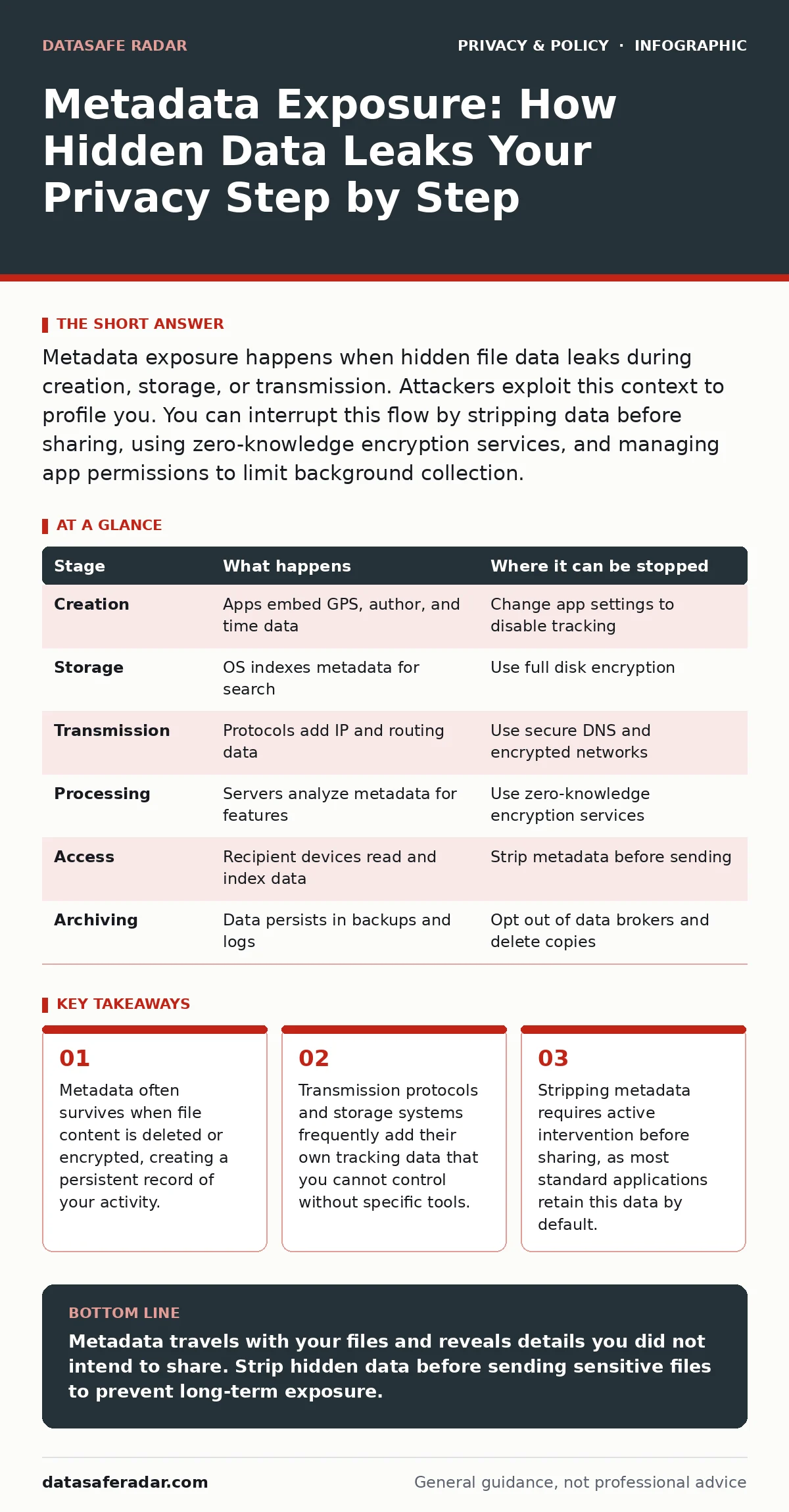
Metadata exposure happens when hidden file data leaks during creation, storage, or transmission. Attackers exploit this context to profile you. You can interrupt this flow by stripping data before sharing, using zero-knowledge encryption services, and managing app permissions to limit background collection.
The Invisible Payload in Your Files
When you send a document, photo, or message, you are not just sending the visible content. You are also sending a hidden layer of information called metadata. This data describes the file rather than its contents. It includes creation dates, software versions, and sometimes precise geographic coordinates.
Most users focus on the visible text or image. They assume that if the content is private, the file is safe. This assumption fails because metadata travels alongside the content. It often survives edits, copies, and even deletions. Understanding how this data moves from your device to a recipient is the first step in controlling it.
### Stage 1: Local Creation and Embedding
The exposure process begins the moment you create a file. Your operating system and application embed data automatically. A camera app records the GPS coordinates where the photo was taken. A word processor records the author name, revision history, and software version.
This data serves a functional purpose for the creator. It helps with file organization and editing. However, it also creates a detailed fingerprint of your habits and environment. If you write a report at home and another at the office, the metadata distinguishes the two locations.
You can interrupt this stage by changing application settings. Some tools allow you to disable location tagging or author tracking. This requires proactive configuration. Most users accept the default settings, which prioritize convenience over privacy. This is where the practice of privacy by design fails to materialize in consumer software.
### Stage 2: Local Storage and Indexing
Once created, the file sits on your device. Your operating system indexes it for search purposes. This indexing process extracts metadata to build a local database. It maps your files to your contacts, locations, and timelines.
If your device is lost or stolen, this local index is a treasure trove. An attacker does not need to open every file. They can read the index to understand your life. This is why physical security matters as much as digital security.
You can stop this exposure by encrypting your entire drive. Full disk encryption ensures that the index is unreadable without your password. This protects the data at rest. It does not help if you share the file unencrypted later.
### Stage 3: Transmission and Protocol Overhead
When you send the file, it travels across networks. The transmission protocol adds its own layer of metadata. This includes IP addresses, timestamps, and routing information. Even if the file content is encrypted, the act of sending it generates data.
Suppose you use a secure messaging app. The content is hidden. But the metadata shows who you talked to and when. This is known as traffic analysis. Attackers use this pattern to build social graphs. They identify relationships even without reading the words.
To interrupt this, you need tools that hide routing information. Secure DNS can prevent your local network from seeing which domains you visit. It does not hide the fact that you are communicating. For that, you need networks designed to obscure traffic patterns.
### Stage 4: Server-Side Processing and Aggregation
The recipient’s server or cloud provider receives the file. Many services automatically process metadata for features like facial recognition or spam filtering. This processing often happens in the background. You may not see it, but it creates a permanent record.
Cloud providers may link this metadata to other data they hold. They combine your file’s location data with your login history. This creates a comprehensive profile. This aggregation is the foundation of targeted advertising and surveillance.
You can limit this by using zero-knowledge encryption. These services cannot see your data or its metadata. They only store encrypted blobs. The trade-off is that you lose features like search or sync. You must manage your own backups and organization.
### Stage 5: Recipient Access and Persistence
The recipient opens the file. Their device reads the metadata. Their operating system may index it locally. If they forward the file, the metadata travels with it. It accumulates more data at each hop.
Imagine you send a photo to a friend. They forward it to a group chat. The original GPS data is still there. Now, dozens of people know where you were. This persistence is the most dangerous aspect of metadata. It outlives the conversation.
You can stop this by stripping metadata before sending. Many tools allow you to save a copy without the hidden data. This is often called "sanitizing" the file. It requires discipline. You must remember to do it every time.
### Stage 6: Long-Term Archiving and Breach
Years later, that file may still exist. It might be in a cloud backup, a hard drive, or a server log. If any of these storage points are breached, the metadata is exposed. It can be used to identify you in data dumps.
This long tail of exposure is often ignored. Users think deleting a file removes it. It rarely does. Copies persist in caches, backups, and recipient devices. This is why data privacy policies matter. They define how long data is kept and how it is destroyed.
You can reduce this risk by opting out of data brokers. These companies collect and sell metadata. Removing yourself from their lists reduces your digital footprint. It does not erase past exposure, but it stops future aggregation.
| Stage | What happens | Where it can be stopped |
|---|---|---|
| Creation | Apps embed GPS, author, and time data | Change app settings to disable tracking |
| Storage | OS indexes metadata for search | Use full disk encryption |
| Transmission | Protocols add IP and routing data | Use secure DNS and encrypted networks |
| Processing | Servers analyze metadata for features | Use zero-knowledge encryption services |
| Access | Recipient devices read and index data | Strip metadata before sending |
| Archiving | Data persists in backups and logs | Opt out of data brokers and delete copies |
The Hidden Cost of Convenience
The main barrier to metadata protection is convenience. Stripping metadata takes time. Configuring apps requires effort. Most users choose speed over security. This choice creates a permanent record of their lives.
You must decide what is worth protecting. Not every file needs sanitization. But sensitive documents and photos do. The effort is a trade-off. You spend time now to avoid exposure later.
Breaking the Chain of Exposure
Metadata exposure is a chain. Each link adds data. Breaking one link reduces the risk. You cannot break all links easily. But you can focus on the weakest points.
Start by stripping metadata before sharing. Use tools that remove hidden data. Then, limit what apps can collect. Use differential privacy where available. This adds noise to data, making individual identification harder.
Finally, assume that any metadata you send will persist. Do not rely on deletion. Rely on prevention. This mindset shift is the most effective defense. It changes how you create and share digital content.
Key takeaways
- Metadata often survives when file content is deleted or encrypted, creating a persistent record of your activity.
- Transmission protocols and storage systems frequently add their own tracking data that you cannot control without specific tools.
- Stripping metadata requires active intervention before sharing, as most standard applications retain this data by default.
Metadata travels with your files and reveals details you did not intend to share. Strip hidden data before sending sensitive files to prevent long-term exposure.
Frequently asked questions
Does deleting a file remove its metadata?
No. Deleting a file only removes it from your device. Copies on recipient devices or cloud servers may retain the metadata indefinitely.
Can encryption hide metadata?
Standard encryption hides content but often leaves filenames and sizes visible. You need specific tools to encrypt or strip metadata entirely.
How do I remove metadata from photos?
Most operating systems and photo editors have a "save as" or "export" option that strips location and camera data. Check your app settings for this feature.
What is the difference between data and metadata?
Data is the content you see, like text or images. Metadata is hidden information about the content, such as when it was created or where it was taken.
How this guide was produced: written by the DataSafe Radar editorial team with AI assistance, checked against the public references listed below, and reviewed when the facts change. See our editorial policy or report an error.