Zero-Knowledge Encryption Explained: How It Keeps Data Private
Zero-knowledge encryption ensures that even the service provider cannot read your files because only you hold the decryption key.
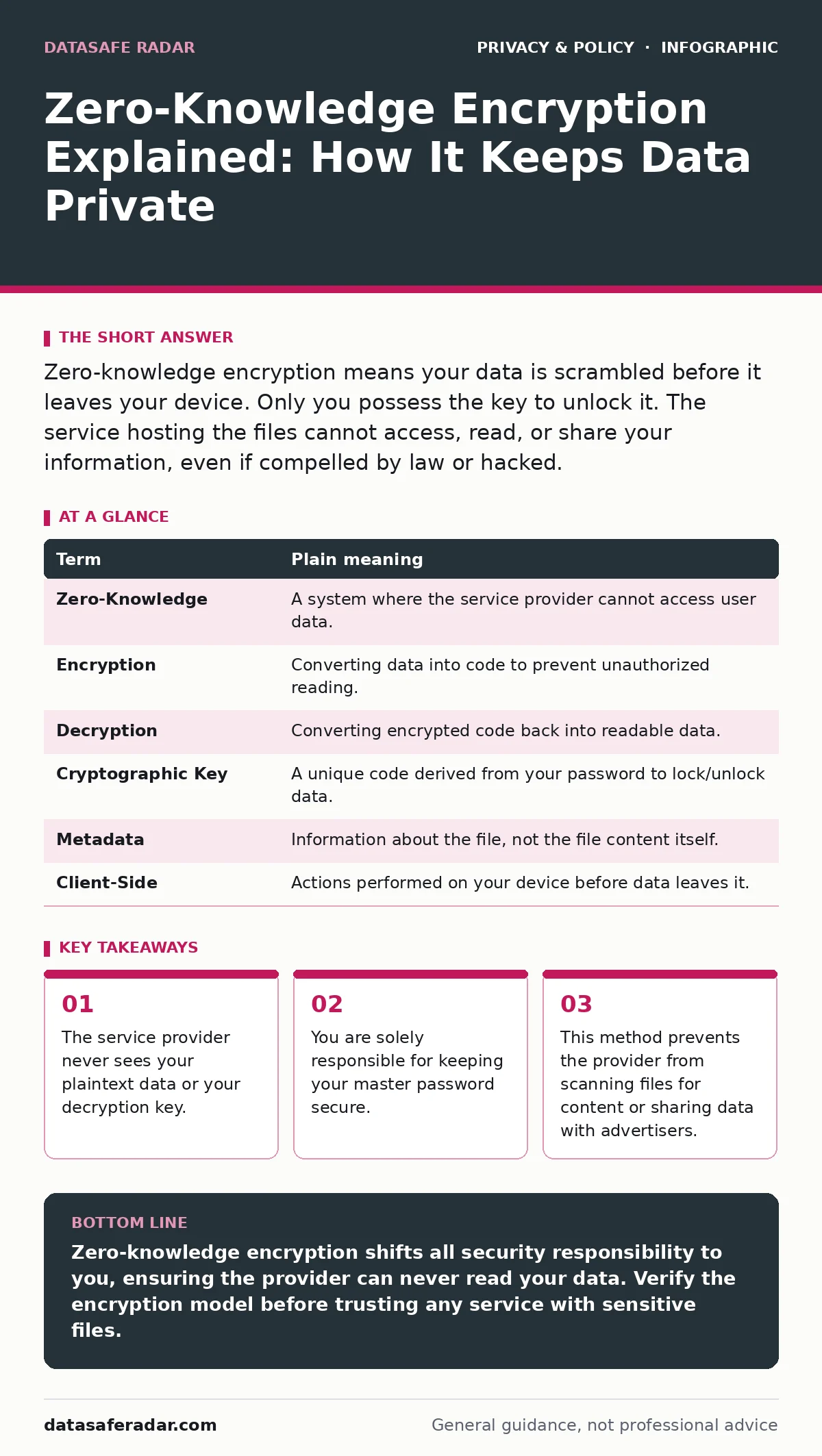
Zero-knowledge encryption means your data is scrambled before it leaves your device. Only you possess the key to unlock it. The service hosting the files cannot access, read, or share your information, even if compelled by law or hacked.
The Locked Box Analogy
Imagine you want to store a valuable item in a self-storage facility. In a standard arrangement, you hand the item to the manager. They place it in a unit and keep the master key. They can open the unit anytime to inspect, copy, or share the contents. This is how most cloud services operate. They hold the keys to your digital life.
In a zero-knowledge system, you lock the item in a heavy steel box at home. You keep the only key. You then drive the locked box to the facility and hand it to the manager. The manager stores the box but cannot open it. They do not know what is inside. They cannot look at it, copy it, or give it to anyone else because they lack the key. If the facility is robbed, the thieves get a locked box they cannot open.
This analogy carries through every aspect of zero-knowledge encryption. The "box" is your encrypted data. The "key" is your cryptographic key derived from your password. The "manager" is the cloud provider. The security relies entirely on the fact that the manager never touches the contents.
How the Encryption Works
Encryption is the process of converting readable data into unreadable code. Standard encryption happens on the server. The provider encrypts your files to protect them from external hackers. However, the provider holds the decryption keys. They can decrypt the files to scan for viruses, index for search, or comply with legal requests.
Zero-knowledge encryption happens on your device before the data is uploaded. Your device transforms your password into a cryptographic key. This key scrambles your files into gibberish. The gibberish is then sent to the cloud. The cloud provider stores the gibberish. To read the files, you must download the gibberish and use your key to unscramble it on your device. The provider never possesses the key. They only see random noise.
This architecture changes the threat model. The provider is no longer a target for your specific content. They are only a target for your storage space. This reduces the incentive for attackers to breach their systems, though it does not eliminate the risk of service disruption.
Common Points of Confusion
Many users confuse zero-knowledge encryption with end-to-end encryption. End-to-end encryption protects data while it travels between two points, such as in a messaging app. The service may still have access to the data at rest or may be able to decrypt it under certain conditions. Zero-knowledge is a stricter standard. It applies to data at rest and ensures the provider never has the ability to decrypt it.
Another confusion involves password recovery. If you lose your password in a zero-knowledge system, the provider cannot reset it. They do not know your password, and they cannot derive the key from it. Your data is permanently lost if you lose the key. This is a trade-off for security. Convenience is sacrificed for absolute privacy.
Some users believe zero-knowledge encryption hides their activity entirely. It does not hide metadata. Metadata is data about data, such as file names, sizes, and timestamps. The provider can see that you uploaded a file named "Taxes.pdf" on a specific day. They cannot see the content of the PDF. To protect metadata, you must use additional tools. See our guide on metadata exposure for methods to minimize this footprint.
The Hidden Cost of Security
The primary cost of zero-knowledge encryption is user responsibility. In traditional systems, the provider manages security. They offer password resets, account recovery, and security alerts. In a zero-knowledge system, you manage the security. If you forget your password, there is no backdoor. The provider cannot help you.
This creates a high barrier for casual users. You must use a strong, unique password and store it securely. You might use a password manager to generate and store the master key. If the password manager is compromised, your zero-knowledge data is also at risk. This interdependence requires careful planning.
There is also a performance cost. Encrypting and decrypting large files requires processing power. This can slow down uploads and downloads on older devices. The trade-off is acceptable for sensitive documents but may be annoying for streaming media or large backups.
Try This Now
- Check your current cloud provider's privacy policy. Look for the phrase "zero-knowledge" or "client-side encryption." If they state they can access your files for scanning or legal compliance, they are not zero-knowledge.
- Create a strong master password for any new zero-knowledge service. Use a long, random phrase that is easy for you to remember but hard for others to guess. Do not use this password anywhere else.
- Write down your master password or recovery phrase on paper. Store it in a physical safe or lockbox. Digital copies of the key defeat the purpose of zero-knowledge if the device storing the copy is hacked.
See also: Implement Secure DNS: A Practical Rollout Plan for Your Network · Online Anonymity for Small Businesses and Practical Privacy Controls
Mini Glossary
| Term | Plain meaning |
|---|---|
| Zero-Knowledge | A system where the service provider cannot access user data. |
| Encryption | Converting data into code to prevent unauthorized reading. |
| Decryption | Converting encrypted code back into readable data. |
| Cryptographic Key | A unique code derived from your password to lock/unlock data. |
| Metadata | Information about the file, not the file content itself. |
| Client-Side | Actions performed on your device before data leaves it. |
Beyond File Storage
Zero-knowledge principles are expanding beyond file storage. Some email providers now offer zero-knowledge email encryption. This prevents the provider from reading your emails. This is relevant if you are concerned about email tracking pixels or server-side scanning.
Similarly, password managers often use zero-knowledge architecture. Your vault of passwords is encrypted on your device. The password manager company cannot see your login credentials. This is a critical feature for managing digital privacy rights in a connected world.
However, not all privacy tools use zero-knowledge. VPNs encrypt your internet traffic, but the VPN provider can still see your traffic if they choose to log it. Zero-knowledge is a specific claim about data access, not just transport security. Always verify the specific encryption model of any tool you use.
Key takeaways
- The service provider never sees your plaintext data or your decryption key.
- You are solely responsible for keeping your master password secure.
- This method prevents the provider from scanning files for content or sharing data with advertisers.
Zero-knowledge encryption shifts all security responsibility to you, ensuring the provider can never read your data. Verify the encryption model before trusting any service with sensitive files.
Frequently asked questions
Can the government force a zero-knowledge provider to decrypt my files?
No, because the provider does not have the decryption key. They can only hand over the encrypted data, which is useless without your password.
Is zero-knowledge encryption slower than regular encryption?
Yes, because your device must perform the encryption and decryption work. This can impact performance on older or low-power devices.
What happens if I change my password?
The system re-encrypts your data with the new key. This process can take time for large amounts of data, as every file must be unlocked and re-locked.
Does zero-knowledge encryption protect my file names?
No, it typically protects the file content. File names and metadata are often visible to the provider unless you use additional obfuscation techniques.
How this guide was produced: written by the DataSafe Radar editorial team with AI assistance, checked against the public references listed below, and reviewed when the facts change. See our editorial policy or report an error.