Runtime Application Self-Protection (RASP) Explained for Beginners
RASP protects applications by monitoring live execution inside the process, blocking attacks that static tools miss because they cannot see runtime context.

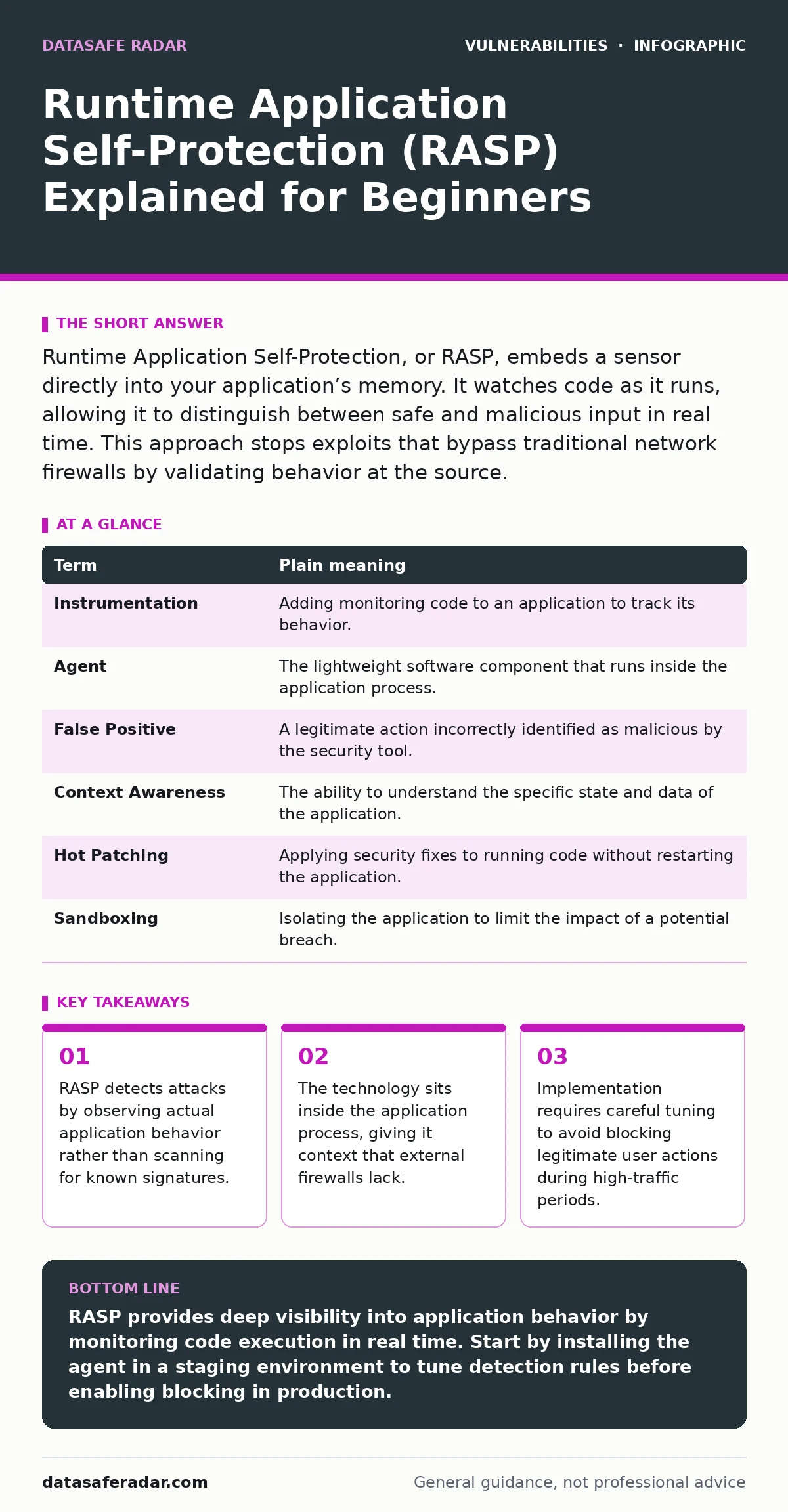
Runtime Application Self-Protection, or RASP, embeds a sensor directly into your application’s memory. It watches code as it runs, allowing it to distinguish between safe and malicious input in real time. This approach stops exploits that bypass traditional network firewalls by validating behavior at the source.
How RASP Differs from Traditional Security
Traditional security tools like web application firewalls operate outside the application. They inspect traffic before it reaches the server. This external view creates a blind spot. Attackers can craft requests that look valid to the firewall but contain malicious intent that only becomes clear when the application processes them. RASP changes this dynamic by moving the detection point inside the application itself.
Imagine a secure building with a lobby guard. The guard checks IDs and bags before letting visitors in. This is like a web application firewall. It stops obvious threats at the door. But if a visitor has a valid badge and enters the building, the guard cannot see what they do inside the offices. RASP acts like a camera system inside every room. It watches the visitor’s actions in real time. If the visitor starts breaking furniture or copying confidential files, the camera system alerts security immediately.
The Core Mechanism of Runtime Protection
RASP works by instrumenting the application code. This means adding small sensors to the application’s execution path. These sensors monitor function calls, data flows, and system interactions. When a suspicious pattern emerges, the sensor can interrupt the process. This interruption happens before the malicious code completes its action. The benefit is precise detection based on context. The system knows exactly which data triggered the alert.
This internal perspective allows RASP to handle complex attacks. For example, an attacker might use encoded payloads that look harmless to an external scanner. Once the application decodes this data, the true intent becomes visible to RASP. The sensor recognizes the decoded data as a command injection attempt. It then blocks the execution. This capability makes RASP effective against zero-day exploits that have no known signature.
Key Terms in Runtime Application Self-Protection
Understanding RASP requires familiarity with specific technical concepts. These terms define how the technology operates and interacts with your infrastructure.
| Term | Plain meaning |
|---|---|
| Instrumentation | Adding monitoring code to an application to track its behavior. |
| Agent | The lightweight software component that runs inside the application process. |
| False Positive | A legitimate action incorrectly identified as malicious by the security tool. |
| Context Awareness | The ability to understand the specific state and data of the application. |
| Hot Patching | Applying security fixes to running code without restarting the application. |
| Sandboxing | Isolating the application to limit the impact of a potential breach. |
Why Context Matters More Than Signatures
External tools rely on signatures. These are patterns associated with known attacks. If an attacker changes the pattern slightly, the tool may miss it. RASP relies on context. It understands what the application expects to receive. If a field meant for a name receives a database command, RASP flags it as anomalous. This approach reduces false negatives. It catches new attack variants that do not match existing signatures.
Consider path traversal vulnerabilities. An attacker tries to access files outside the intended directory. A firewall might not see this if the request is encoded. RASP sees the application attempting to read a file path that violates security rules. It blocks the access immediately. This protection is critical for preventing data leaks. It works regardless of how the attacker encodes the request.
Practical Implementation Steps
Deploying RASP requires careful planning. You must ensure the agent does not degrade application performance. Start with a non-blocking mode. This allows you to observe alerts without interrupting users. Review the logs to identify false positives. Tune the rules until the tool accurately distinguishes between safe and malicious actions. Only then should you enable blocking mode.
- Install the RASP agent on a staging server first.
- Generate normal traffic to establish a baseline of safe behavior.
- Simulate attacks to verify detection capabilities.
- Adjust sensitivity settings to reduce false positives.
- Deploy to production with monitoring enabled.
See also: Web Application Firewall Tuning: Mechanisms, Limits, and False Positives · AI Model Serving Framework Vulnerabilities: 8 Questions Answered
Common Pitfalls and Hidden Costs
RASP is not a silver bullet. It requires maintenance. As your application changes, the security rules must update. Outdated rules can block legitimate features. This creates friction for development teams. You must integrate RASP into your deployment pipeline. Automated testing should include security validation. This ensures new code does not introduce vulnerabilities that RASP cannot handle.
Another hidden cost is the learning curve. Security teams must understand the application’s architecture. Without this knowledge, tuning the tool becomes difficult. Misconfiguration can lead to security gaps. Regular reviews of alert logs are necessary. This ensures the tool remains effective against evolving threats.
Integration with Other Security Layers
RASP works best as part of a layered security strategy. It complements other tools rather than replacing them. For instance, it can detect attacks that bypass web application firewalls. It also helps mitigate risks from vulnerabilities in AI model serving frameworks. These frameworks often process complex inputs that are hard to validate externally. RASP provides an additional check at the execution level.
It is also useful against cross-site request forgery (CSRF) attempts. While tokens prevent many CSRF attacks, RASP can detect anomalous request patterns. This adds depth to your defense. However, RASP does not replace the need for secure coding practices. Developers must still write secure code. RASP acts as a safety net for missed vulnerabilities.
The Future of Runtime Protection
As applications become more complex, runtime protection becomes more valuable. Microservices and containerized environments increase the attack surface. RASP adapts to these changes by instrumenting individual services. This allows for granular control. Each service can have its own security policy. This flexibility is crucial for modern architectures.
The technology continues to evolve. Machine learning helps reduce false positives. Automated tuning simplifies maintenance. However, the core principle remains the same. Protecting the application at runtime provides visibility that external tools cannot match. This visibility is key to defending against sophisticated attacks.
Key takeaways
- RASP detects attacks by observing actual application behavior rather than scanning for known signatures.
- The technology sits inside the application process, giving it context that external firewalls lack.
- Implementation requires careful tuning to avoid blocking legitimate user actions during high-traffic periods.
RASP provides deep visibility into application behavior by monitoring code execution in real time. Start by installing the agent in a staging environment to tune detection rules before enabling blocking in production.
Frequently asked questions
Does RASP replace a web application firewall?
No, RASP complements web application firewalls by detecting attacks that bypass external defenses. It provides internal context that external tools lack.
Can RASP protect against zero-day exploits?
Yes, because it monitors behavior rather than relying on known signatures. It can detect anomalous actions even from unknown attack methods.
Is RASP suitable for all applications?
RASP works best with applications that have complex logic and high security requirements. Simpler applications may not need the added complexity.
How this guide was produced: written by the DataSafe Radar editorial team with AI assistance, checked against the public references listed below, and reviewed when the facts change. See our editorial policy or report an error.