Browser Fingerprinting Techniques: How Sites Track You Without Cookies
Websites build a unique ID from your device settings, rendering cookies and private browsing modes largely ineffective against long-term tracking.

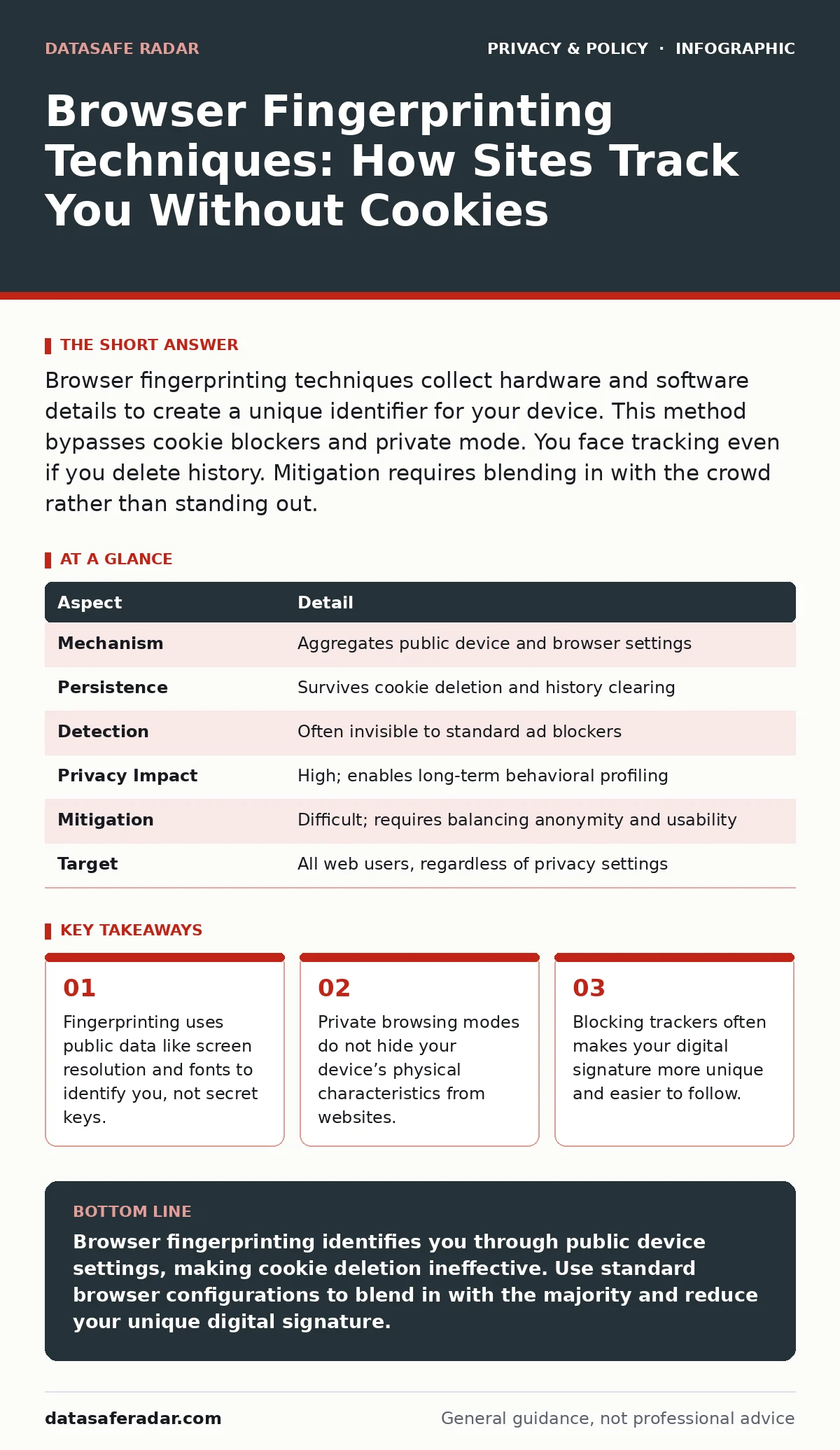
Browser fingerprinting techniques collect hardware and software details to create a unique identifier for your device. This method bypasses cookie blockers and private mode. You face tracking even if you delete history. Mitigation requires blending in with the crowd rather than standing out.
Imagine walking into a crowded room where everyone wears identical gray suits. You would be invisible. Now imagine you are the only person wearing red shoes, a blue hat, and carrying a yellow umbrella. You stand out immediately. Browser fingerprinting works on this same principle of visual distinctiveness. Websites look at the combination of features on your computer. They combine these traits into a single string of data. This string acts like a digital face. It identifies you across different sites and sessions.
| Aspect | Detail |
|---|---|
| Mechanism | Aggregates public device and browser settings |
| Persistence | Survives cookie deletion and history clearing |
| Detection | Often invisible to standard ad blockers |
| Privacy Impact | High; enables long-term behavioral profiling |
| Mitigation | Difficult; requires balancing anonymity and usability |
| Target | All web users, regardless of privacy settings |
What Are Browser Fingerprinting Techniques
Browser fingerprinting techniques gather publicly available information from your web browser. This information includes your operating system, installed fonts, screen resolution, and hardware capabilities. The website combines these data points into a unique hash. This hash serves as a persistent identifier. Unlike cookies, which are small text files stored on your disk, this identifier is generated dynamically each time you load a page. It does not require your permission. It does not ask you to accept terms. The site simply reads the settings your browser reports to render the page correctly.
The accuracy of this method relies on the uniqueness of your combination. Most people have common operating systems and standard screen sizes. However, the specific combination of 12 installed fonts, a specific GPU driver version, and a precise screen pixel density is rare. When a site collects enough of these variables, the probability of another user having the exact same combination drops significantly. This allows the site to link your activity on their domain with your activity on other domains that use the same tracking service.
How the Collection Process Works
The process begins the moment you visit a website. The site runs a small script in your browser. This script queries various APIs to ask about your device. It asks what canvas graphics capabilities you have. It checks which audio contexts are available. It lists the languages you have enabled. It measures how your browser renders specific text. Each answer adds a layer to your profile. The site sends this profile to its server. The server compares it against a database of known profiles. If it finds a match, it loads your existing tracking profile. If it does not find a match, it creates a new one.
This process happens in milliseconds. You do not see a prompt. You do not hear a sound. The data transfer is invisible in the background. The site uses this identifier to build a history of your interests. It tracks which products you view. It notes how long you stay on certain pages. It records which advertisements you click. Over time, this profile becomes highly detailed. It can predict your purchasing habits. It can infer your political leanings. It can estimate your income level based on the hardware you use.
Who Is Most at Risk
Every internet user is a potential target for this tracking method. However, some users are more identifiable than others. People who use rare operating systems or niche browser extensions stand out. If you use a specific version of Linux with a custom kernel module, your fingerprint is highly unique. If you use a standard Windows machine with common software, you blend in better. The risk increases when you customize your browser heavily. Adding many privacy extensions changes your default settings. This makes your configuration less common. Paradoxically, trying to hide can make you more visible.
Security researchers and privacy advocates are particularly vulnerable. They often install specialized tools to test defenses. These tools leave distinct signatures. Advertisers and data brokers value these users highly. They want to know what security professionals are interested in. They also target users who have disabled JavaScript. Disabling JavaScript breaks many modern websites. This broken state is itself a unique marker. Sites can identify users who disable JavaScript because the page fails to load in a specific, predictable way.
Common Misconceptions About Privacy
Many users believe that clearing their browser history stops tracking. This is incorrect for fingerprinting. History clearing removes stored files and cookies. It does not change your screen resolution. It does not remove your installed fonts. It does not alter your GPU driver. Your device remains the same. The next time you visit a site, it generates the same unique ID. You are immediately recognized. Private browsing modes offer similar limitations. They isolate sessions from each other. They do not hide your hardware capabilities from the current session.
Another common mistake is assuming that ad blockers stop fingerprinting. Ad blockers hide advertisements. They do not necessarily stop the scripts that gather device data. Some fingerprinting scripts are embedded in the main page code. They are not third-party ads. They are part of the site’s core functionality. Blocking them would break the site’s layout. Therefore, many users do not block them. Even if you block known trackers, new fingerprinting methods emerge. They use new APIs that blockers do not yet recognize.
The Hidden Cost of Blocking Trackers
Privacy tools often create a trade-off between security and anonymity. When you block trackers, you reduce the amount of data leaving your device. However, you also change your browser’s behavior. A standard browser sends a predictable set of data. A browser with multiple blockers sends a different set. This difference makes you stand out. Sites can flag you as a privacy-conscious user. They may then sell this flag to data brokers.
This phenomenon is known as the privacy paradox. The more you try to hide, the more distinct you become. To counter this, you must blend in with the majority. This means using common browser settings. It means avoiding rare extensions. It means accepting some tracking to maintain anonymity. This is difficult for individual users. It requires coordinating with millions of other users to create a common baseline. Without this coordination, individual efforts often fail.
Practical Steps for Mitigation
You can reduce your fingerprint uniqueness by aligning your settings with the majority. Use a widely adopted browser. Keep it updated to match the standard version. Avoid installing unnecessary extensions. Each extension modifies your browser’s behavior. It adds to your unique signature. If you must use extensions, choose ones that are popular. Popular extensions are used by many people. This dilutes your uniqueness.
Consider using a browser that actively manages fingerprinting. Some browsers randomize certain data points. They report a common screen resolution instead of your actual one. They hide your exact GPU model. They spoof your installed fonts. This makes your profile look like many other users. It reduces the accuracy of fingerprinting. However, this can break some websites. They rely on accurate hardware data for performance. You may need to toggle this protection on and off.
Refer to our guide on privacy audits for a broader view of your digital exposure. Also, read about reducing your digital footprint to understand how other data sources contribute to your profile. For more on external tracking, see our section on email tracking pixels. To manage app-level data, check our guide on app permission management.
The Future of Browser Identification
The web is moving away from third-party cookies. This shift increases the reliance on fingerprinting. Sites need new ways to track users across domains. Fingerprinting provides a persistent identifier that survives cookie deletion. As browsers block more cookies, fingerprinting becomes more common. This creates a cat-and-mouse game. Browsers try to limit the data exposed. Sites try to find new data points.
New technologies like WebAssembly and WebGL offer rich data about your device. They allow sites to test your hardware capabilities in detail. This increases the resolution of fingerprints. It makes identification more accurate. Defenses must evolve to meet this challenge. Standardization of privacy features is key. Browsers must agree on how to report data. This prevents sites from using inconsistencies to identify users.
Balancing Usability and Privacy
You cannot eliminate fingerprinting entirely without breaking the web. Modern websites require specific hardware data to function. They need to know your screen size to layout pages. They need to know your GPU to render video. Blocking this data causes errors. It slows down performance. You must decide how much privacy you are willing to sacrifice for functionality. For most users, a moderate approach works best. Use standard settings. Avoid rare configurations. Accept that some tracking will occur.
This approach reduces the value of your data to advertisers. It makes it harder to build a detailed profile. It does not stop all tracking. It stops high-precision tracking. You remain anonymous in the crowd. You do not stand out. This is the most sustainable strategy for the long term. It requires no special tools. It requires no technical expertise. It simply requires accepting the trade-offs of the modern web.
Key takeaways
- Fingerprinting uses public data like screen resolution and fonts to identify you, not secret keys.
- Private browsing modes do not hide your device’s physical characteristics from websites.
- Blocking trackers often makes your digital signature more unique and easier to follow.
Browser fingerprinting identifies you through public device settings, making cookie deletion ineffective. Use standard browser configurations to blend in with the majority and reduce your unique digital signature.
Frequently asked questions
Can a VPN stop browser fingerprinting?
No, a VPN hides your IP address but does not change your device's hardware or software settings. Fingerprinting relies on local data, not network location.
Does incognito mode hide my fingerprint?
No, incognito mode only prevents local storage of history and cookies. Your device's characteristics remain visible to websites during the session.
Are mobile devices safe from fingerprinting?
No, mobile devices are also fingerprinted using screen size, battery status, and installed apps. Mobile browsers are often less customizable, making users more uniform but still trackable.
How can I check my current fingerprint?
Visit a dedicated fingerprinting analysis site. These tools show which data points are unique and how easily you can be identified.
How this guide was produced: written by the DataSafe Radar editorial team with AI assistance, checked against the public references listed below, and reviewed when the facts change. See our editorial policy or report an error.