Public Wi-Fi Finder Apps: Warning Signs You Need to Know
Public Wi-Fi finder apps often trade your location history and contact lists for network passwords without your explicit consent.

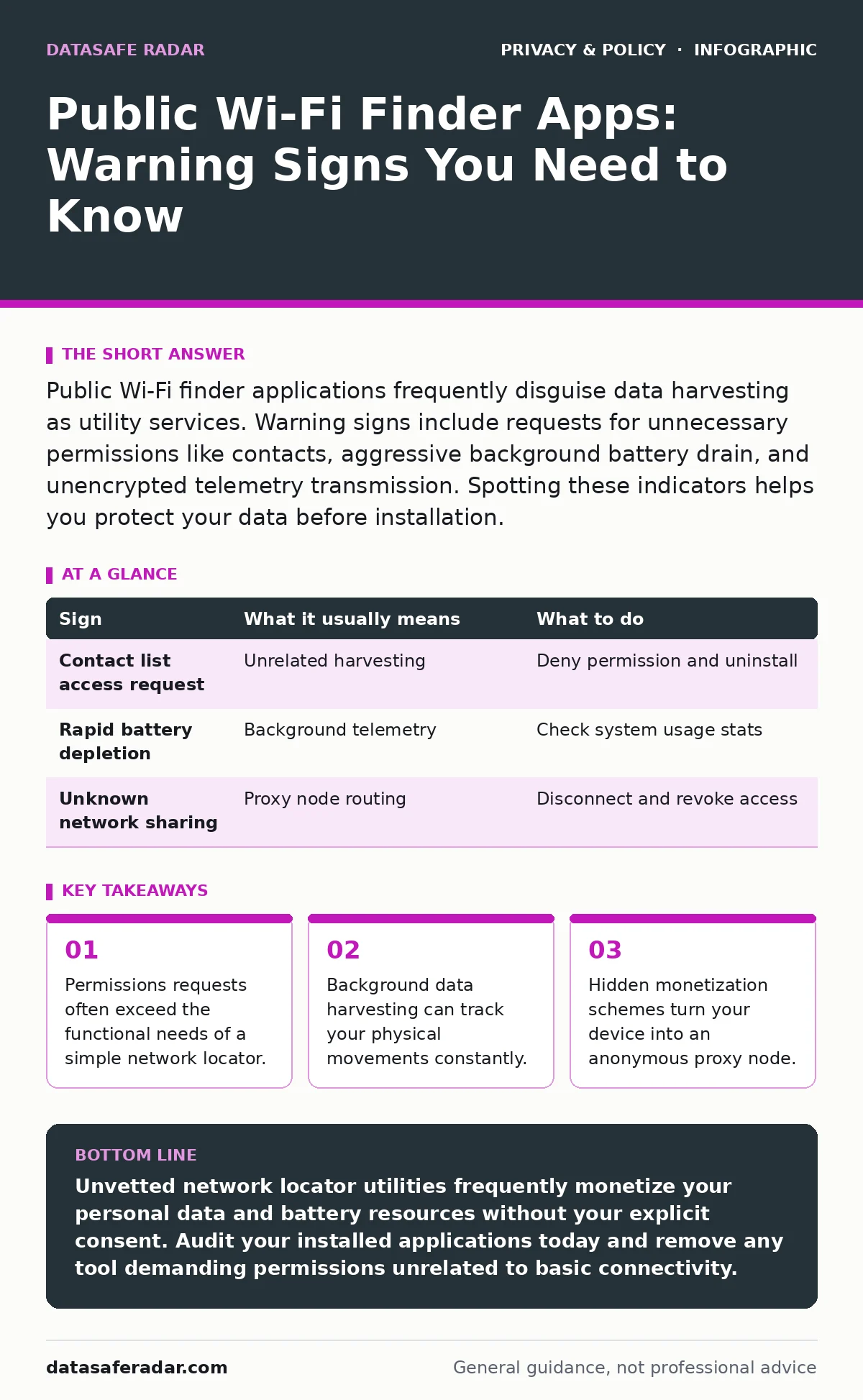
Public Wi-Fi finder applications frequently disguise data harvesting as utility services. Warning signs include requests for unnecessary permissions like contacts, aggressive background battery drain, and unencrypted telemetry transmission. Spotting these indicators helps you protect your data before installation.
The Obvious Visual and Functional Red Flags
App stores host 3 distinct categories of utilities promising free internet access anywhere in the city. Visual indicators of risk often appear right on the download page before you commit storage space. Poorly translated descriptions, developers with generic names, and rapid version updates without patch notes suggest low accountability. These applications might violate your digital privacy rights by burying data collection clauses in unread text blocks before installation ever finishes.
Overt Permission Demands That Signal Danger
Permission requests represent the clearest warning signs during the initial setup phase. A legitimate network locator requires 2 fundamental inputs like internet access and location data to function properly under normal conditions. Applications demanding access to your contacts, call logs, or device storage cross a distinct privacy boundary. Granting these permissions allows creators to harvest personal information completely unrelated to finding a nearby router, turning a simple utility into an aggressive tracking beacon.
Subtle Network and Battery Drain Anomalies
Background resource consumption reveals behaviors that static permission screens hide from view. Malicious utilities often maintain persistent network connections to upload harvested telemetry while your phone rests quietly in your pocket. Rapid battery depletion and unexplained mobile data usage point toward continuous data exfiltration operating without your knowledge. Monitoring your operating system battery settings exposes these hidden operational costs long before device performance degrades noticeably during daily tasks.
The Hidden Cost of Crowdsourced Databases
Crowdsourced connection finders rely on users uploading local router credentials to shared external servers. This mechanism often compromises home and office networks by publishing private service set identifiers and password pairs to an unvetted public repository. Participating in these ecosystems exposes your own infrastructure without your explicit realization or consent. Understanding browser fingerprinting helps illustrate how hidden identifiers track users across these connected platforms without requiring traditional cookies.
Silent Proxy Routing and Network Abuse
Hidden monetization models sometimes convert your personal mobile device into an exit node for third-party traffic. Applications routing external requests through your active connection create severe legal and security liabilities for your household Internet Protocol address. Traffic flowing from your phone can engage in automated scraping or malicious testing while masking the true origin point. Recognizing unusual data spikes helps prevent unwitting participation in external network attacks across public infrastructure.
The Reality of Vague Data Sharing Policies
Developer privacy policies frequently hide commercial data brokers behind broad affiliate and partner clauses. Reading these legal documents reveals that your physical location history gets packaged and sold to third-party advertisers. This continuous tracking erodes personal autonomy far beyond the scope of a simple connection utility. Reviewing policy documents before downloading any utility provides necessary insight into downstream data monetization practices that affect your daily life and personal security.
Practical Evaluation and Response Guide
Immediate removal remains the primary defense against invasive software utilities on mobile devices. Revoking location privileges and clearing local cache data stops ongoing telemetry transmission before complete deletion. Safeguarding your sensitive files using encrypted cloud storage ensures personal documents remain protected if an application already compromised local storage boundaries. Adopting disciplined app vetting habits prevents future privacy breaches entirely, keeping your device free from hidden surveillance tools and malicious actors.
| Sign | What it usually means | What to do |
|---|---|---|
| Contact list access request | Unrelated harvesting | Deny permission and uninstall |
| Rapid battery depletion | Background telemetry | Check system usage stats |
| Unknown network sharing | Proxy node routing | Disconnect and revoke access |
Alternative Strategies for Safe Connectivity
Finding reliable internet access without installing risky software requires alternative technical approaches. Using built-in operating system network scanners lets you view available signals without granting third-party apps deep system privileges. Maintaining awareness of cellular data allowances reduces the temptation to connect to unsecured public access points hastily during travel. Relying on trusted venue networks rather than automated finders keeps your personal information safely contained on your personal device.
Key takeaways
- Permissions requests often exceed the functional needs of a simple network locator.
- Background data harvesting can track your physical movements constantly.
- Hidden monetization schemes turn your device into an anonymous proxy node.
Unvetted network locator utilities frequently monetize your personal data and battery resources without your explicit consent. Audit your installed applications today and remove any tool demanding permissions unrelated to basic connectivity.
Frequently asked questions
Do all public Wi-Fi finder apps steal data?
Not all applications harbor malicious intent, but many rely on aggressive data harvesting business models that trade privacy for free service functionality.
How can I check if an app is running in the background?
Operating system battery and data usage menus list every software tool consuming resources while your device rests in your pocket.
Are offline Wi-Fi map applications safer?
Offline databases reduce active telemetry transmission during use, but they still frequently collect and upload local network credentials gathered from your device.
What should I use instead of a finder app?
Built-in operating system Wi-Fi settings safely display available local networks without requiring third-party software installations or granting excessive permissions.
How this guide was produced: written by the DataSafe Radar editorial team with AI assistance, checked against the public references listed below, and reviewed when the facts change. See our editorial policy or report an error.