How to Use Email Aliases to Protect Your Primary Inbox
Email aliases route messages to your main account while hiding your real address, creating a permanent filter for tracking and spam without new inboxes.
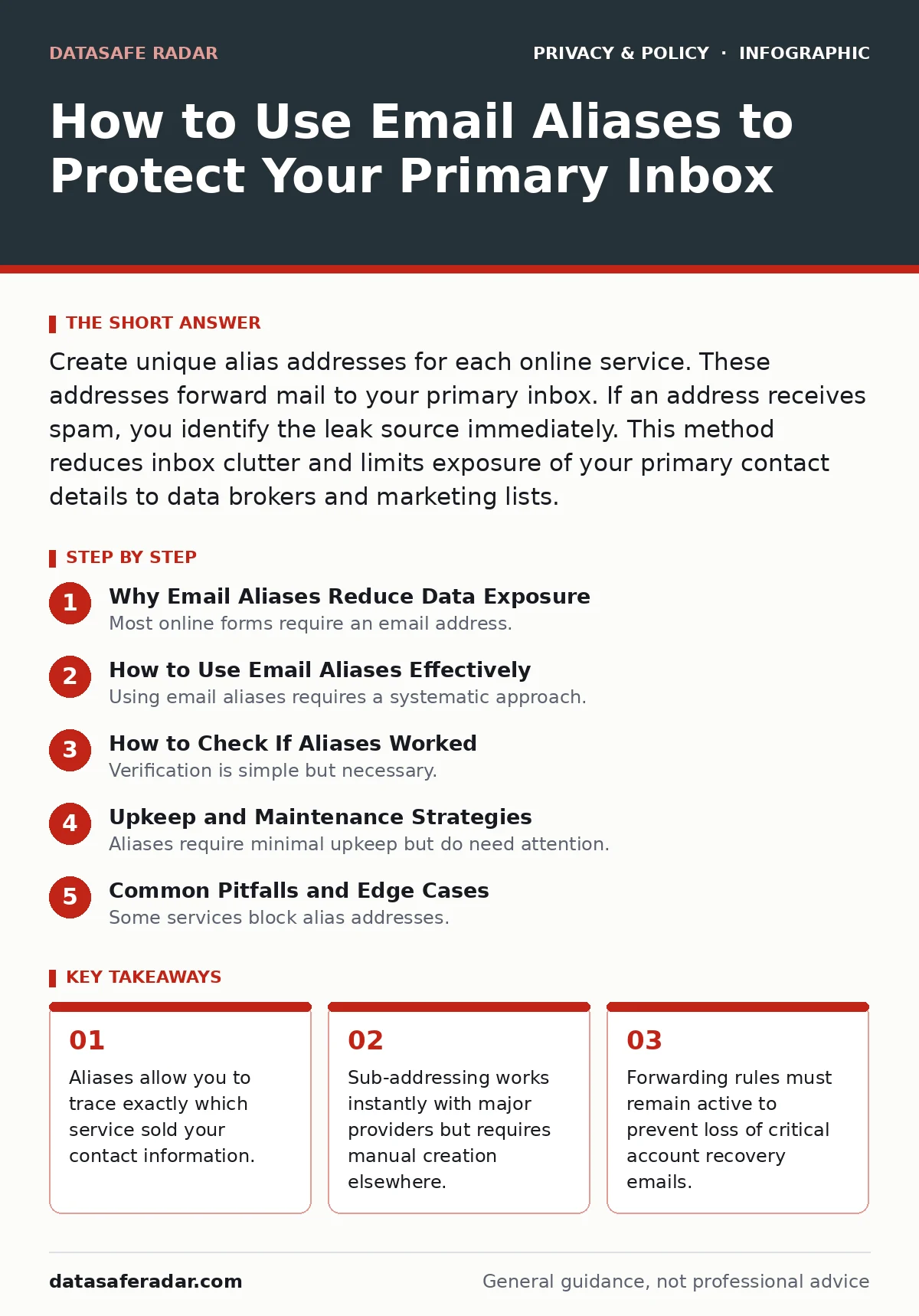
Create unique alias addresses for each online service. These addresses forward mail to your primary inbox. If an address receives spam, you identify the leak source immediately. This method reduces inbox clutter and limits exposure of your primary contact details to data brokers and marketing lists.
Why Email Aliases Reduce Data Exposure
Most online forms require an email address. That address becomes a unique identifier that services sell to data brokers. When you use your primary email everywhere, you create a single point of failure. If that address leaks, attackers have a key to every account. Email aliases solve this by providing disposable addresses that forward to your main inbox. You keep one inbox while masking your identity.
This approach supports the principles of data privacy by design. You do not need to change your behavior significantly. You simply generate a new address for each new service. The alias acts as a filter. Legitimate messages pass through. Spam reveals itself by the alias it targets. This visibility is the primary benefit over standard spam filters.
How to Use Email Aliases Effectively
Using email aliases requires a systematic approach. You must decide on a naming convention before you start. Consistency helps you remember which alias belongs to which service. Most providers support two types of aliases. Sub-addressing uses a plus sign followed by a tag. Masking services generate completely random addresses. Both methods route mail to your primary account.
Choose sub-addressing if your email provider supports it. It is free and instant. Choose masking services if you need to hide your domain entirely. Each method has trade-offs. Sub-addressing reveals your domain. Masking services may charge fees or expire after inactivity. Select the method that matches your threat model.
Step 1: Select Your Alias Method
Check your email provider settings for plus-addressing support. Gmail, Yahoo, and Outlook support this. If your provider lacks this feature, use a third-party masking service. Ensure the service forwards mail reliably. Do not rely on free services for critical accounts. Critical accounts include banking and primary social media.
Verify that forwarded emails arrive in your primary inbox. Check the spam folder. Adjust filters if legitimate mail is blocked. This step ensures continuity. You do not want to lose a password reset email because of a forwarding error.
Step 2: Create Your First Alias
Generate an alias for a new service signup. Use a recognizable tag. For example, use "news+reddit" for a forum. Use "shop+amazon" for retail. The tag helps you identify the source later. Save this mapping in a password manager or notes app. Do not reuse aliases. Each service gets a unique address. This isolation prevents cross-contamination of spam.
Step 3: Test the Forwarding Mechanism
Send a test email from your primary account to the new alias. Check your inbox for the arrival. Confirm the sender field shows the alias address. This confirms the routing works. If the email does not arrive, check your forwarding rules. Some providers block external forwards by default. You may need to whitelist the alias domain.
Check the headers of the received email. The original sender should be preserved. Some services strip headers. This can cause issues with authentication. Ensure your email client recognizes the forwarded message as legitimate. This prevents false positives in spam filters.
Step 4: Monitor for Leakage
Set a calendar reminder to check for spam on each alias. If an alias receives unsolicited mail, you have identified a leak. The service associated with that alias likely sold your data. You can then request removal or unsubscribe. This feedback loop is valuable. It turns passive spam into active intelligence.
Keep a log of which aliases receive spam. Over time, patterns emerge. Some services are worse offenders than others. You can adjust your trust accordingly. This data helps you make informed choices about which platforms to use. It also helps you prioritize security efforts.
Step 5: Handle Account Recovery
Many services use email for account recovery. If you use an alias, ensure it remains active. If the alias expires or forwarding stops, you may lose access. For critical accounts, use your primary email or a highly reliable alias. Do not use disposable addresses for banking or primary social media. These accounts require long-term stability.
Consider using app permission management for additional security. Two-factor authentication reduces reliance on email recovery. However, email remains a backup. Ensure your alias forwarding rules are robust. Test them periodically. A broken forward can lock you out of important accounts.
How to Check If Aliases Worked
Verification is simple but necessary. You must confirm that the alias routes correctly. Send a message from a different account to the alias. Check your primary inbox. If the message arrives, the setup is correct. If it does not, check your spam folder. Many providers flag forwarded mail as suspicious.
Check the "Reply To" field. When you reply from the primary inbox, the recipient should see the alias address. This maintains the mask. If they see your primary address, the alias failed to mask properly. Adjust your email client settings. Some clients replace the sender address automatically. Disable this feature for aliased accounts.
Upkeep and Maintenance Strategies
Aliases require minimal upkeep but do need attention. You must ensure forwarding rules remain active. Providers sometimes change policies. A rule that worked last year may break today. Check your settings quarterly. Verify that aliases are still receiving mail.
Clean up old aliases. If a service is no longer used, delete the alias. This reduces clutter and potential attack surface. Keep a record of deleted aliases. You may need them for historical reference. This log helps you trace old subscriptions or leaks.
Consider the impact of metadata exposure. Forwarded emails may carry extra data. Some services analyze headers. This can reveal your primary domain. Use masking services if you need to hide your domain. This adds a layer of privacy but may reduce reliability.
See also: Email Encryption: Real Benefits and Hidden Limits · Consent management questions answered clearly and directly
Common Pitfalls and Edge Cases
Some services block alias addresses. They detect the plus sign or random strings. If signup fails, use a different method. Some providers require a specific domain. In these cases, use a custom domain with your own forwarding rules. This gives you full control.
Be aware of ad tracking implications. Some aliases are used by ad networks to build profiles. If you see targeted ads after signing up with an alias, the service is likely tracking you. Use browser privacy tools to mitigate this. Aliases protect your address but not your browsing behavior.
Third-party cookies often work in tandem with email signups. Disabling them reduces tracking. This complements your alias strategy. You reduce the data points available to advertisers. This makes your digital footprint smaller and harder to track.
Key takeaways
- Aliases allow you to trace exactly which service sold your contact information.
- Sub-addressing works instantly with major providers but requires manual creation elsewhere.
- Forwarding rules must remain active to prevent loss of critical account recovery emails.
Frequently asked questions
Do email aliases expire?
Sub-addressing aliases never expire as long as your main account is active. Third-party masking services may expire after months of inactivity or require a subscription.
Can I use aliases for banking?
You can, but only if the alias is permanent and reliable. Use your primary email for critical accounts to avoid lockout risks. Ensure forwarding is tested regularly.
Will aliases hide my identity from the service?
Sub-addressing reveals your email domain. Masking services hide the domain entirely. Neither method hides your IP address or other metadata.
How do I stop spam from an alias?
Identify the service associated with the alias. Unsubscribe from their lists. Request data deletion. Then, delete the alias to stop future mail.
How this guide was produced: written by the DataSafe Radar editorial team with AI assistance, checked against the public references listed below, and reviewed when the facts change. See our editorial policy or report an error.